Alienware’s AW3926QW Ultrawide Gaming Monitor Review: Size Really Does Matter
Unfortunately for us all, Alienware has convinced me that I’ve become a size king. I don’t want to admit how much of a difference an ultrawide-sized screen makes in a viewing experience—let alone for luxurious desk-side gaming. Let’s just say that curved screens don’t have to feel like you’re trading verticality for wingspan. No other monitor I’ve tried has made that more clear than with Alienware’s 39-inch 5K2K OLED display.
You can’t say that about every single curved ultrawide, not even all those made by Alienware itself. Just a few months ago, I spent hours in front of the $800 Alienware AW3426DW, a 34-inch 1440p ultrawide monitor with much of the same screen technology inside the more premium $1,100 5K 39-inch monitor (the full product name is the AW3926QW). The larger monitor makes use of the same 21:9 aspect ratio but achieves the coveted 5,120 x 2,160 resolution. Even beyond pixel density, it’s the 2,160 vertical pixels that you’re here for. The larger monitor doesn’t feel as squat. It takes up your field of view in a comfortable way, without much need to physically turn your head to see the eastern or western edges of the display.
Alienware 39-inch Ultrawide Monitor (AW3926QW)
Alienware's 5K curved gaming monitor may have a few unnecessary modes, but it knocks it out of the park in terms of visual quality.
- Beautiful, bright tandem OLED
- 5K is the right size for ultrawide
- Gentle 1500R curvature
- Easy to put together
- Plenty of extra ports
- Uneven bezels
- Flimsy screen sides
- Plasticky base
- Not all display modes are that useful
Suffice it to say, it’s a bright, clear, and damn pretty tandem OLED monitor that prizes immersion without swallowing your desk—body and soul. It’s reminiscent of Aliewnare’s former flagship 32-inch QD-OLED curved screen from two years ago (a screen I originally called a “massage for the eyeballs”), but it packs all the latest screen technology you’ve probably only seen in passing. It’s not all useful, however. This monitor also promises dual-mode refresh rates for the supposed e-sports pros who imagine they need an ultrawide. It also shoots your resolution down to a wide 1080p just so you can hit a 330Hz refresh rate.
If you’re truly so dedicated to becoming the next e-sports lifestyle, you’re even better off with a fast TN flat screen. Hell, Alienware is planning to craft a high-refresh-rate, high-brightness OLED display that should be around by 2027. Let’s all admit that the AW3926QW is built for those with a powerful PC who want to see their games without compromise, and in that way, it hits a high water mark.
A bright screen between large bezels
There’s a lot going on inside the AW3926QW. First off, the monitor is using the RGB Stripe Tandem OLED panel. That means, on top of the four layers of organic light-emitting diodes to enhance brightness, it has another sub-pixel layer as well. The RGB stripe technology is supposed to enhance the sharpness of text. You may have noticed occasional friziness on some older OLED displays, but text looks incredibly sharp on this 5K screen.
There are a few more subtle elements to this monitor that you may not be able to see at first glance. Alienware is also using an anti-reflective filter on top of the display. It does the job of containing glare, but I could still see my ugly mug staring back at me on dark images even in wan light. It also didn’t defend against light fringing from studio lights we used to take photos of the screen itself.
And you may be wondering about the whole 5K element to all of this. I’ve sat down in front of Samsung’s 6K gaming monitor sporting a similar max refresh rate at its highest resolution. At a certain point, you really can’t tell the difference at resolutions above 4K, especially not when you’re sitting a few feet away from a screen with a higher pixel density. Apple’s Studio Display XDR also hits a 5K resolution, but that screen was built for professionals or creative workers, not gamers.
The 5K aspect is more to enhance the look of the ultrawide screen. For example, the incoming 49-inch Samsung Odyssey G9 (G95SJ) from Samsung maxes out at 5,120 x 1,440 pixels. The Alienware 39-inch Alienware hits 5,120 x 2,160 pixels, which I can now say from experience makes your display seem sharper than many other ultrawides. The 39-inch Alienware sits at a 143 ppi (pixels per inch) density, whereas the Odyssey G9 sits at 110 ppi. However, the Samsung Odyssey Neo G9 57-inch sits at 140 ppi at its 7,680 × 2,160 resolution. The Alienware screen is sitting in the Goldilocks zone of just right for this screen size.
There’s a lot of screen to look at, and that mass of screen can absolutely take over your desk if you let it. However, the 39-inch curved screen also includes giant, irregular bezels that are smaller on top (9.29mm) and larger on both the flanks (11.35mm) and bottom (15.32mm) of the screen. The non-uniformity is only semi-distracting, and the monitor is large enough for your eyes to avoid the black borders during use.
What is more important is how bright the screen can get. Alienware claims it hits a standard 300 nits during regular use and peaks at 1,300 nits in HDR. At its brightest settings, the screen remained perfectly legible for regular work use. My test desk in my office sits next to four floor-to-ceiling windows, which didn’t hamper the AW3926QW one bit.
So damn pretty
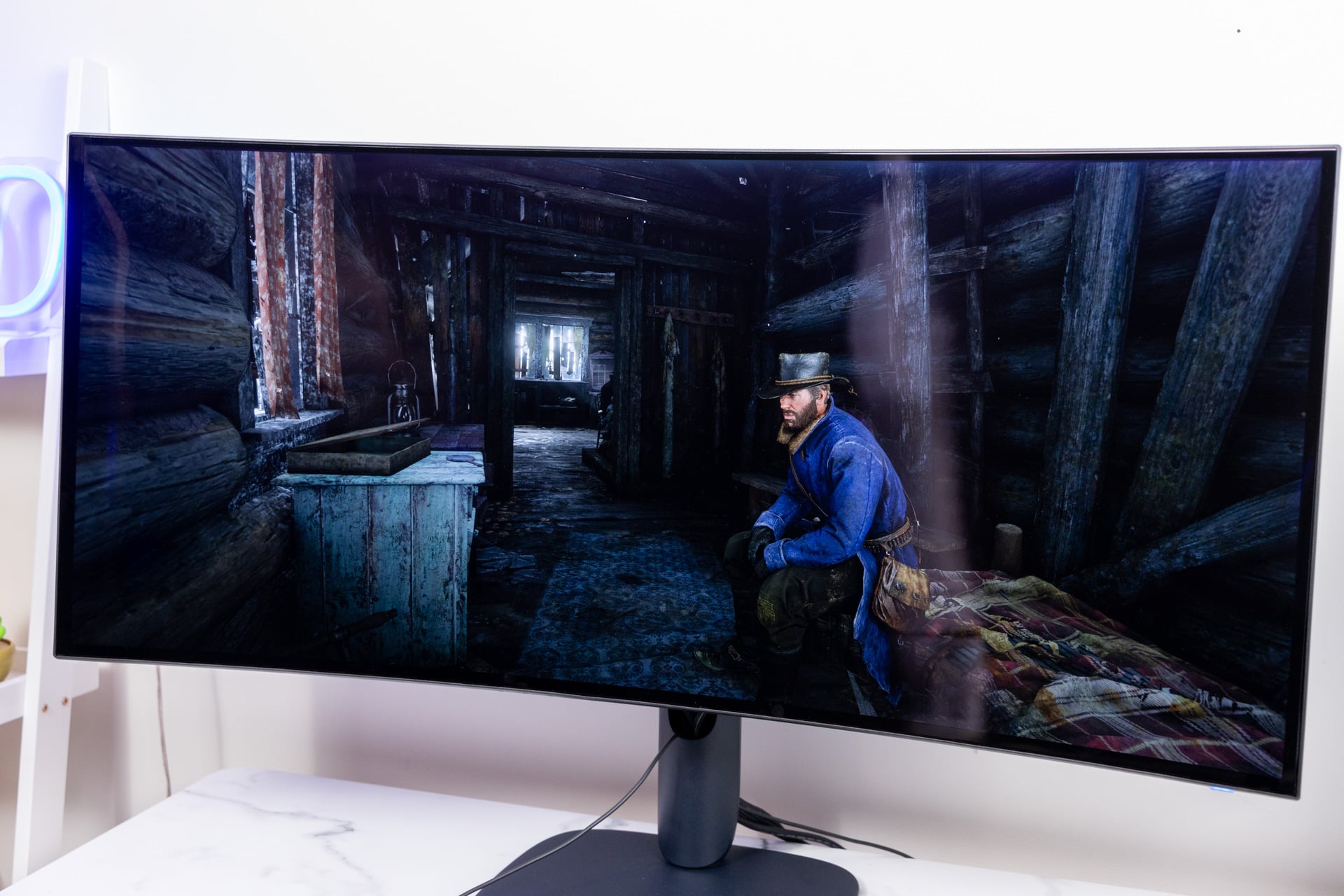
As if you needed to ask, the tandem OLED display is gorgeous to behold. I used the monitor to play games like the Resident Evil 4 remake and Halo: Campaign Evolved as well as more recent titles like Onimusha: Way of the Sword, and in every title the monitor makes for a more immersive experience than other, smaller displays.
Alienware claims it hits 99% of the DCI-P3 color gamut, and based on my experience with this and other OLED monitors, the AW3926QW presents an accurate, contrast-fueled viewing suite. The Dell-owned gaming brand further suggests its monitor’s unique polarizer helps keep black levels steady even in ambient light. Monitor makers often rely on these vague technologies to make big, unverifiable claims. Still, in my bright office, I never once had to ask myself if I was getting the peak visual experience.
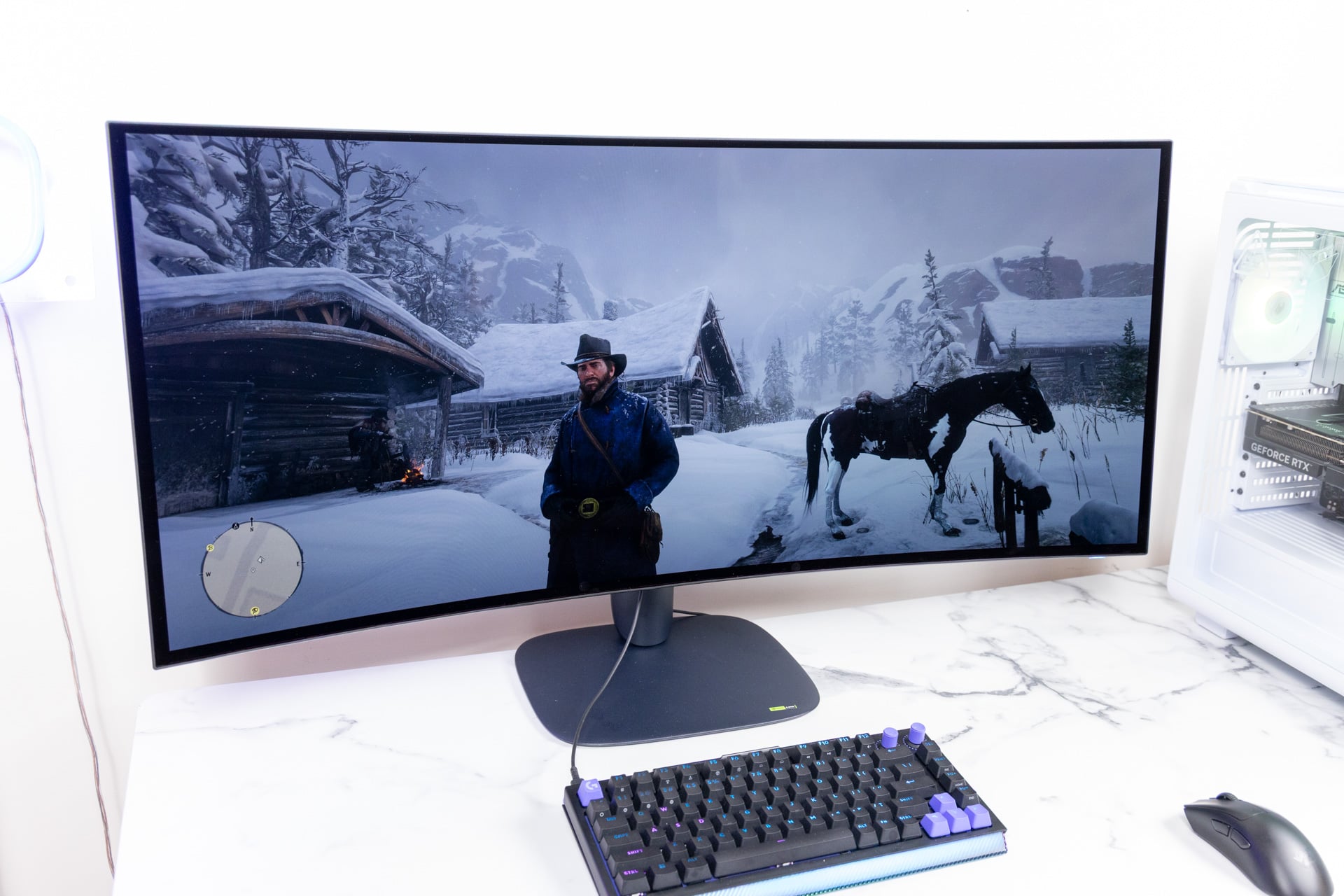
The next question is about how well it is for gaming and how long you can expect the monitor to last. Alienware says it employed a specialized algorithm to predict pixel usage. This means the monitor tries to enhance brightness and colors for the most-used pixels. It’s the kind of thing that’s basically impossible to test, especially with only a few weeks of active use. Alongside the 165Hz refresh rate, the screen also supports VRR (variable refresh rate) through VESA AdaptiveSync, Nvidia G-Sync, and AMD FreeSync. This matches your monitor’s refresh rate to the in-game frame rate, reducing the risk of screen tearing.
One thing that always comes up with OLED screens is the risk of burn-in. This is a situation where the screen may start to show the ghost of old images you get from static images, like your PC’s desktop or from your HUD in a game you play way too often. Burn-in isn’t as big a deal as some detractors may claim, but it’s still a concern. Alienware claims it’s using a pixel shift and pixel refresh technology to reduce the chance of burn-in. Either way, you get a three-year warranty with the monitor. Just make sure to take care of your monitor and not leave it standing on the same desktop image while you go to sleep.
The same old plasticky base
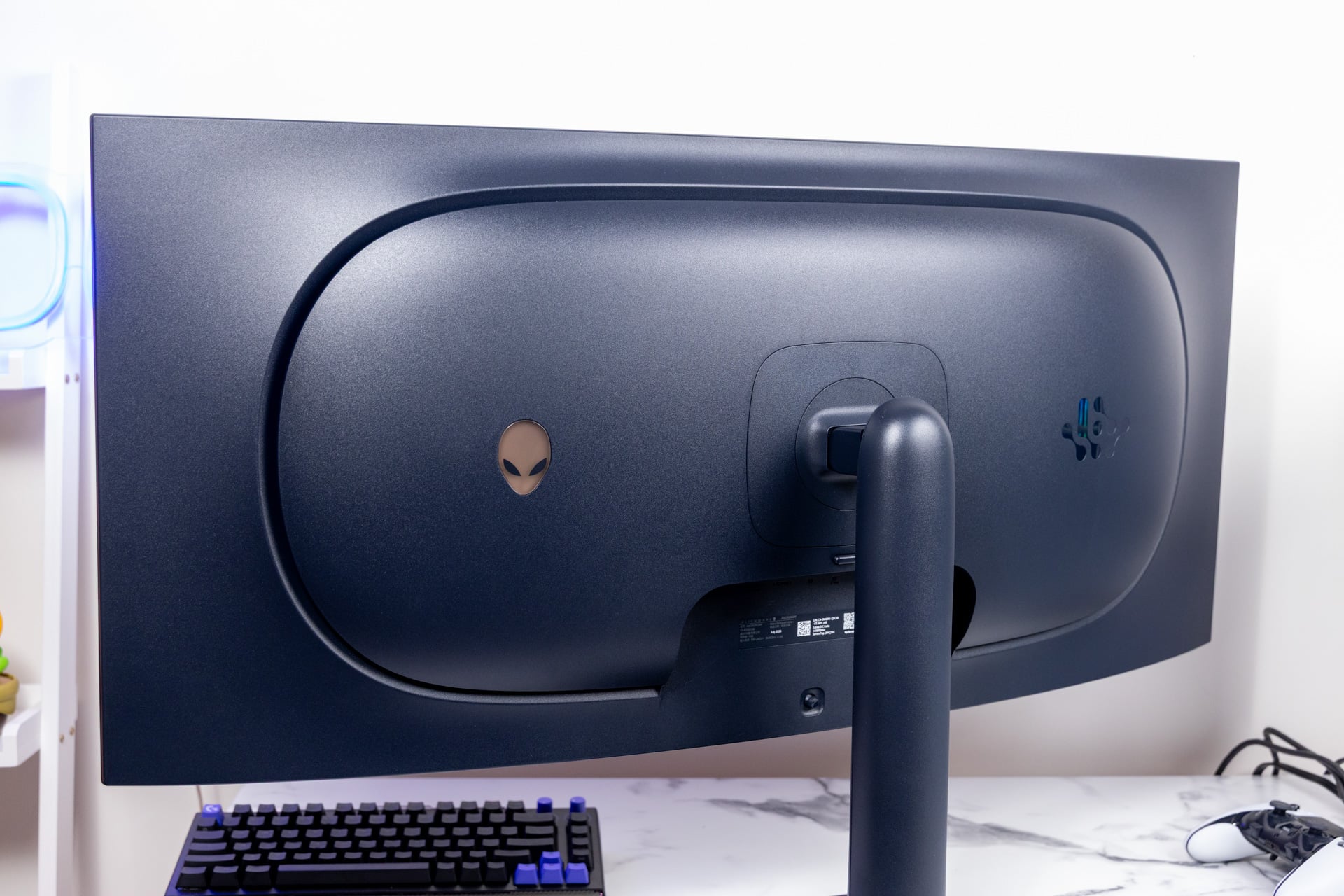
Alienware’s monitors are extremely easy to set up. There are no separate screws involved; you simply attach the arm to the stand, slot in the mount to the screen, and take it out of the box and over to your desk. However, at this point, I may be finding the plasticky texture adorning every surface a bit cheap. It doesn’t help that the monitor doesn’t include any backup speakers, a standard that seems to be slipping among the high-end gaming monitors over the last few years.
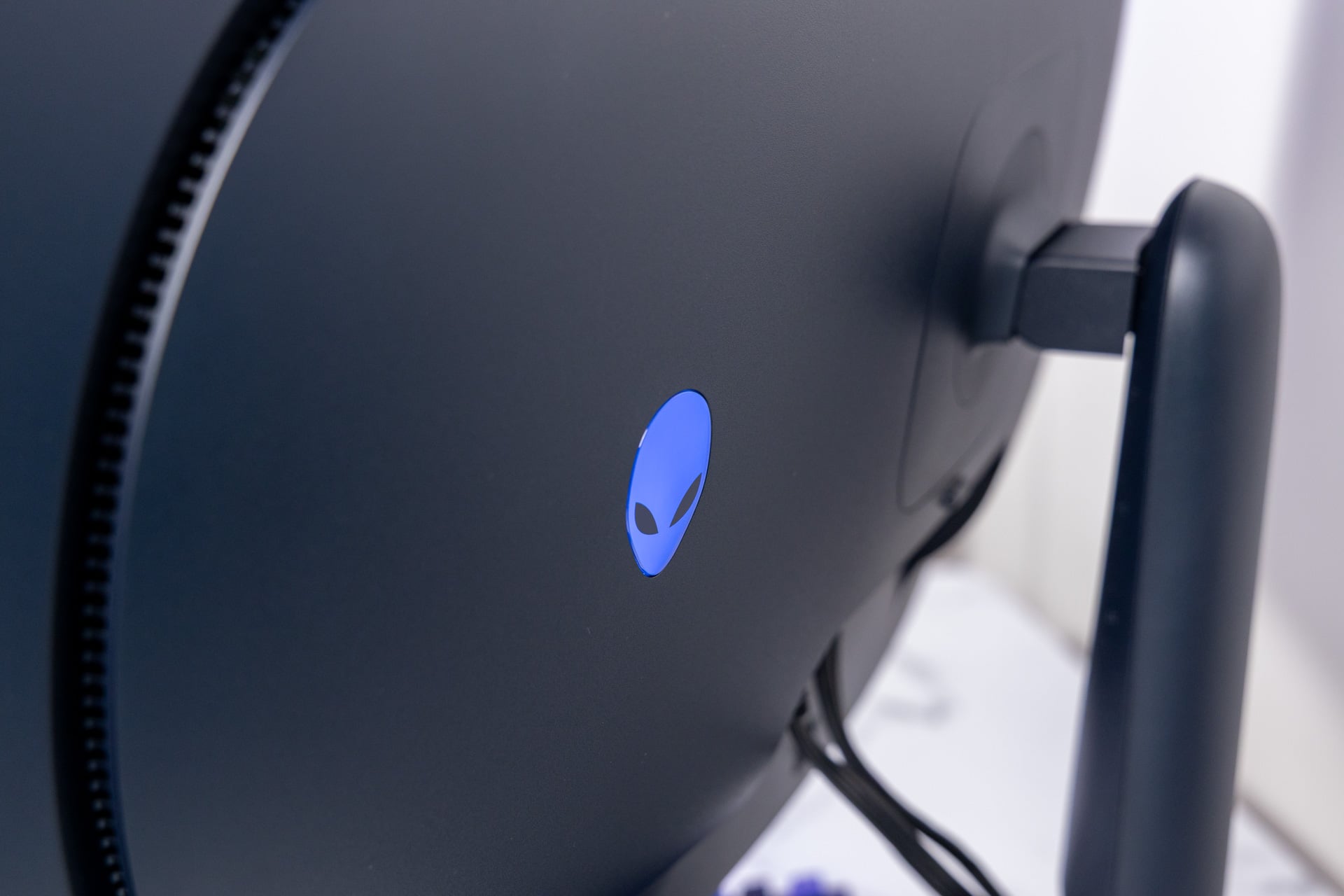
Every one of Alienware’s monitors that I’ve reviewed over the past two years has used the same basic “AW30” design language—including that dark purple hue that looks more gray in dim light. The circular arm seems like it’s just barely floating above the flat base. However, the sheen of light on the stand reminds you immediately of that plastic build. The back of the monitor is made of the same material, and it’s only broken up by the heat exhaust and the small additions of a glowing Alienware logo on the back.
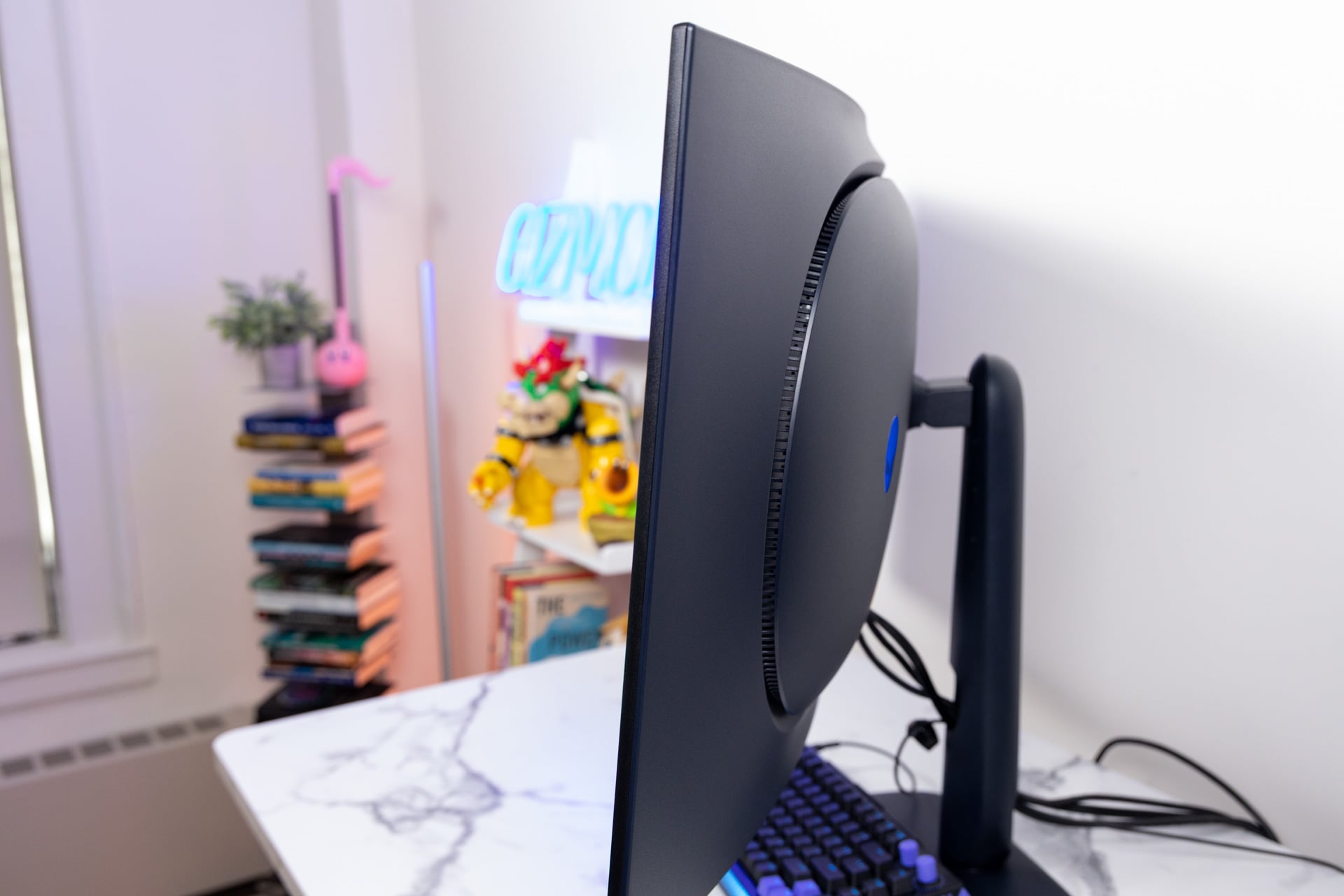
I also found that the plastic surrounding the screen bezels can be moved away from the screen with only a small amount of force. I wouldn’t say this would put the display in danger, though it’s a small concern if you ever need to move your monitor and you’re afraid about clipping against any walls or furniture.
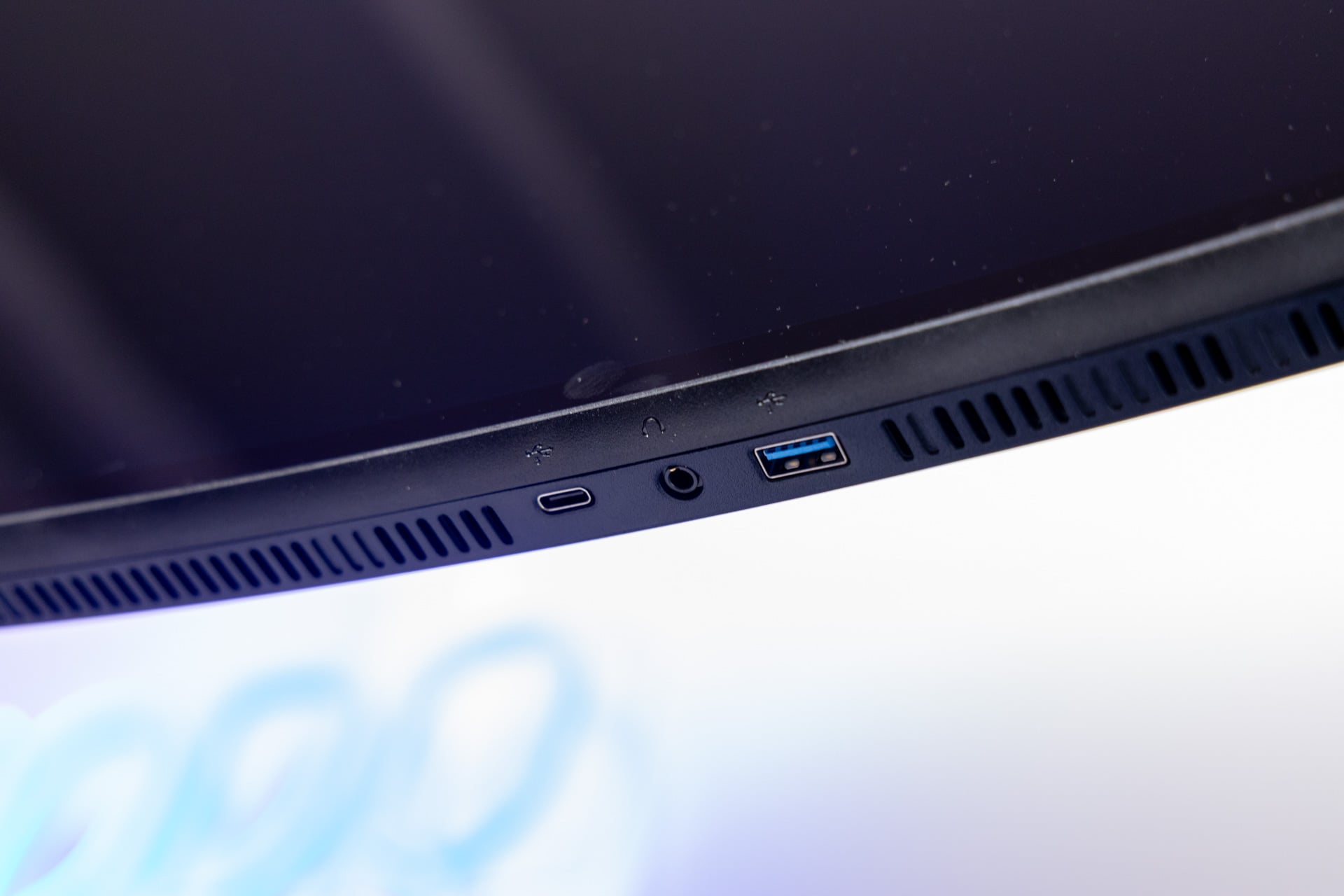
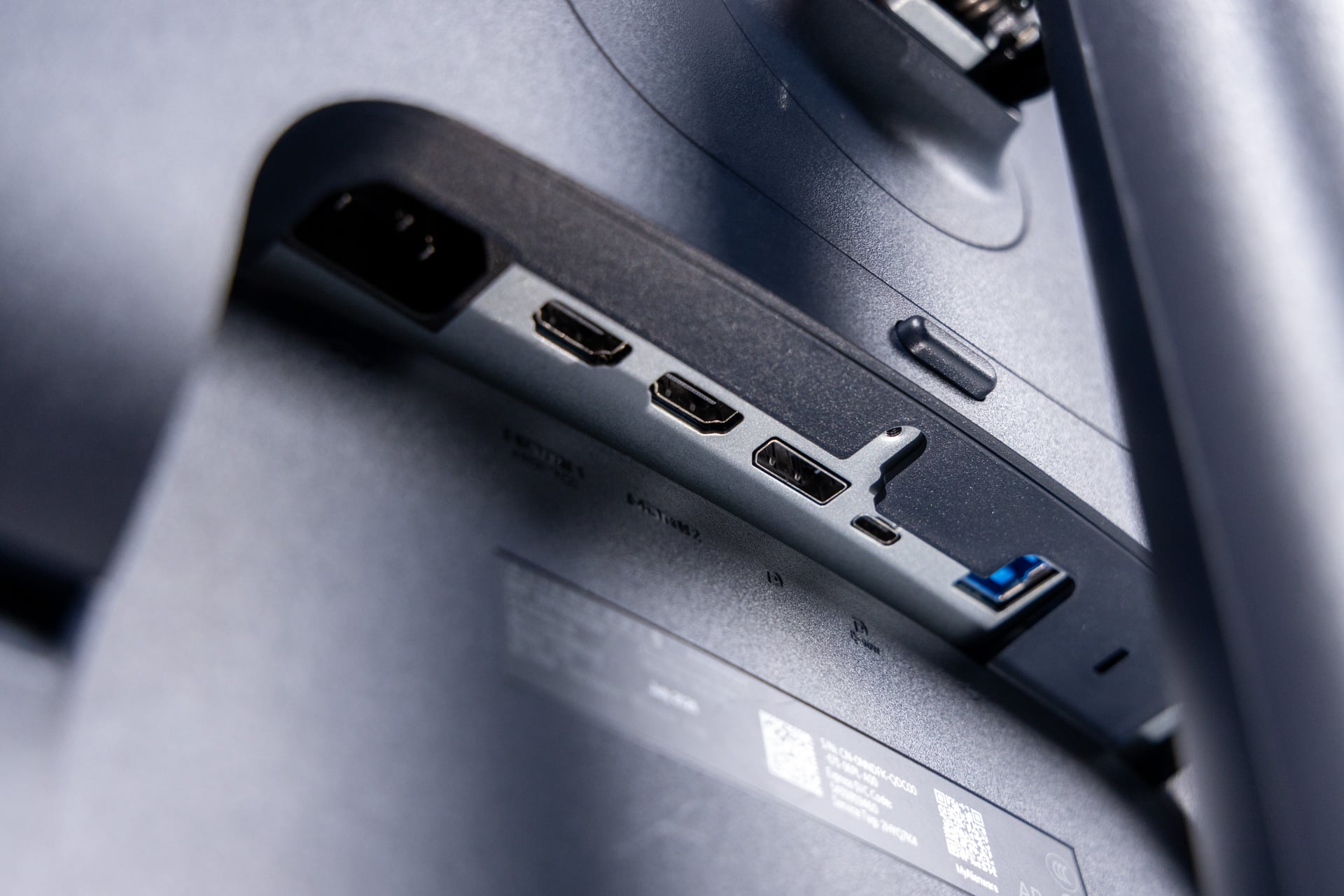
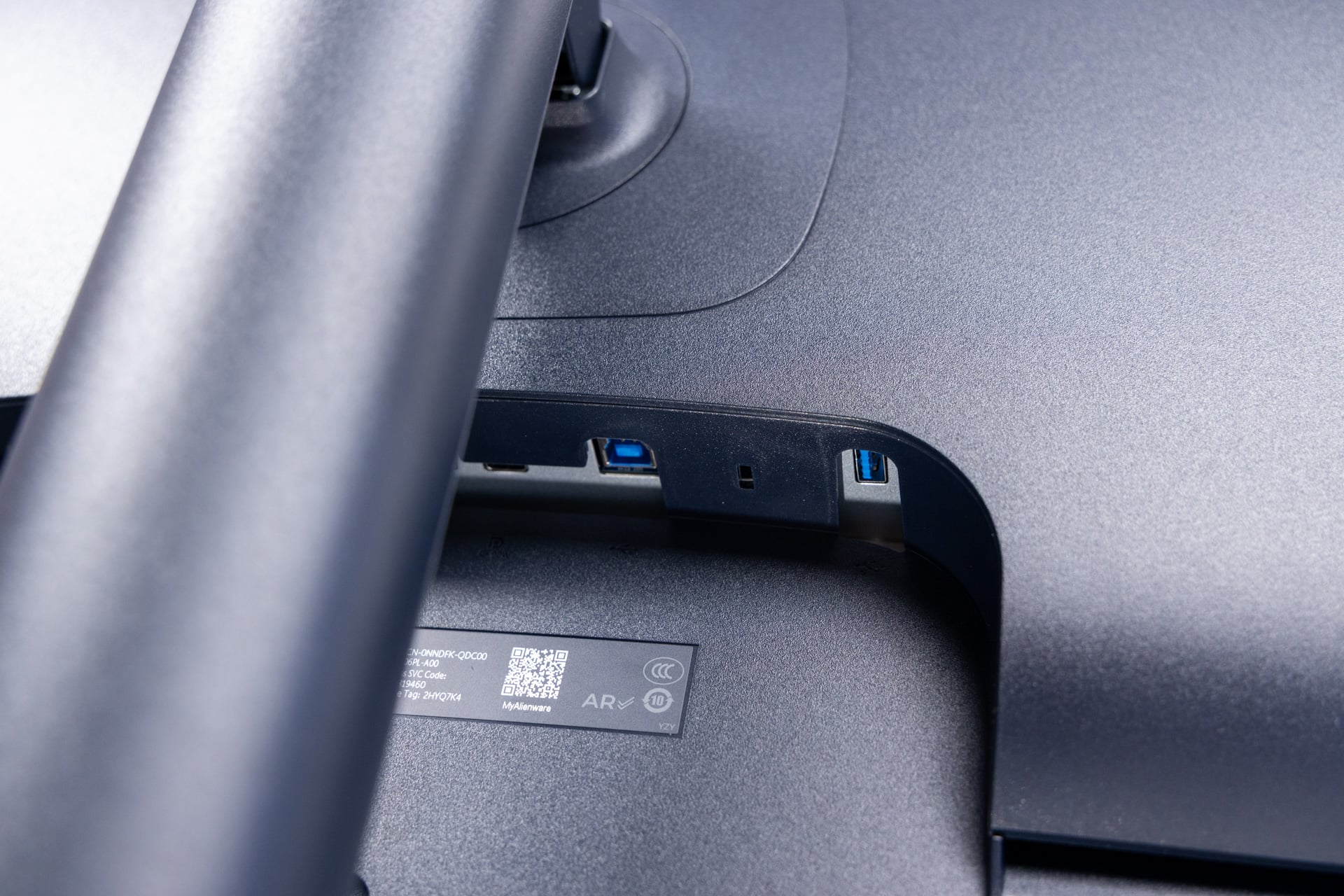
With all that being said, there’s nothing explicitly wrong with the way the monitor is designed. It grants you a single thumbstick to change settings. Thankfully, there’s a wide selection of ports for you to peruse. It contains a single DisplayPort 2.1 slot and two HDMI 2.1 ports for your various displays. The monitor also supports a DisplayPort 2.1 connection through the single 10GBps USB-C port (which also allows for up to 90W of power delivery, perfect for a gaming handheld like a Steam Deck or Asus ROG Xbox Ally X). In addition, you can charge a few of your devices through the two USB-A and other USB-C ports. Hell, there’s even a 3.5mm headphone jack for all those people who still love their old wired earbuds, headphones, or headsets.
Even though it’s not much of a looker compared to some other monitors, the stand is also relatively versatile. It allows for up to 4.3 inches of level adjustment and a tilt angle between -5 degrees and 21 degrees. While you probably won’t have much room to swivel the 39-inch Alienware monitor, you’re technically able to spin the screen up to 20 degrees in either direction. You can slant the screen a bare 5 degrees, but in the end you’re going to want to position it where you can maximize the pretty picture in your field of view.
Not all picture modes are all that useful
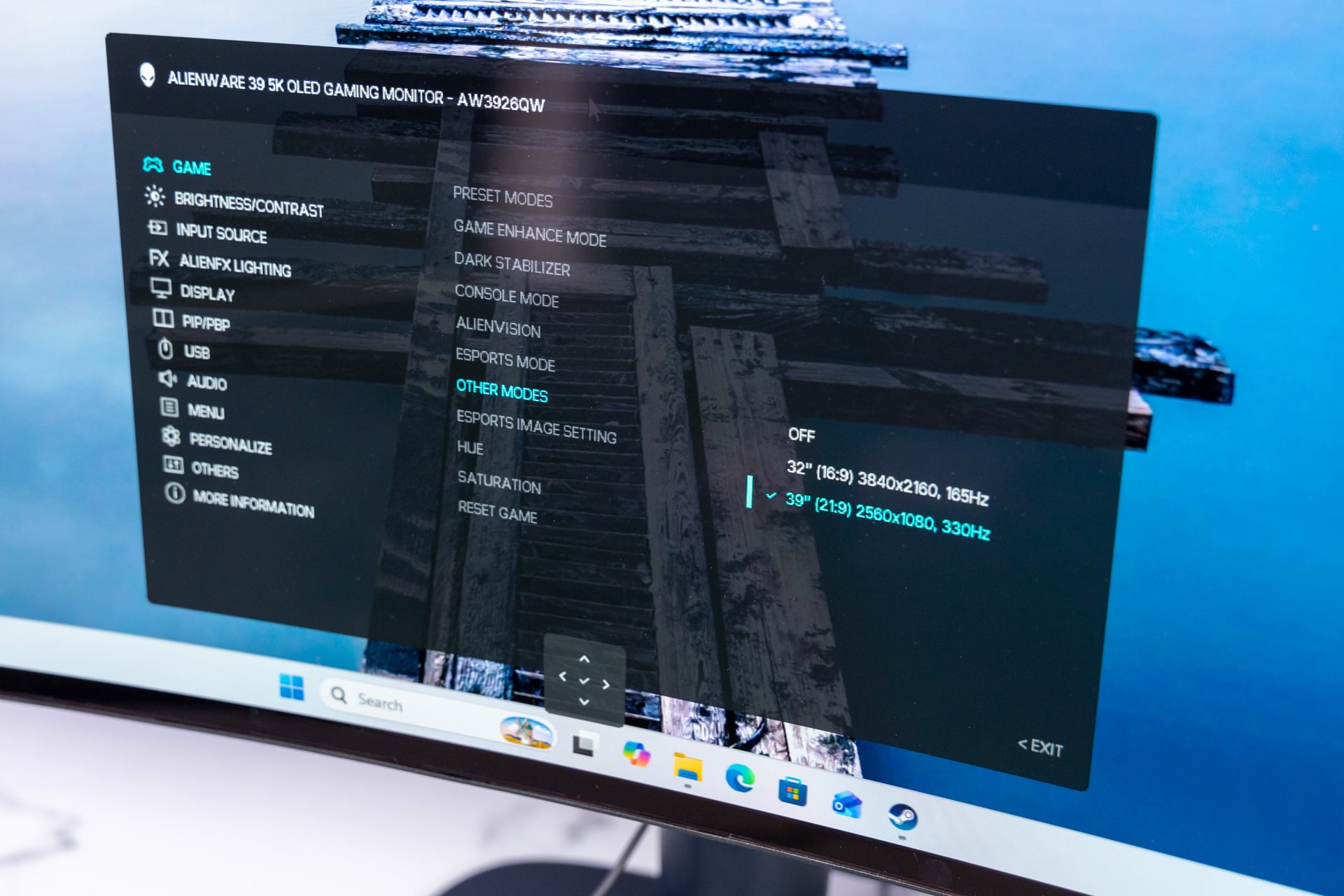
One of the standout features for the AW3926QW is the dual-mode capabilities. You can dig into the monitor’s settings and change the resolution to 2,560 x 1,080 running at a blistering 330Hz refresh rate. At the lower resolution, much of the anti-fringing capabilities dissipate, and text seems extra fuzzy when you’re normally working, not like you’d do anything but game at this resolution anyway.
As I mentioned at the start, this mode is explicitly designed for e-sports types who imagine they need to push their framerates as high as they will go. The mode works for that, but I still don’t think anybody with pro-level ambitions should buy something like this. You’re better off with a flat screen that’s standardized across all competitive games. At least, there are other modes you may also consider.
Alienware displays also allow for an “e-sports mode” that cuts the screen to either 25 or 27 inches at the more traditional 16:9 aspect ratio. You then get to play your games at a righteous 1,680 x 945 resolution at 330HZ. That doesn’t exactly seem worth it in my book, even for wannabe “pro” gamers.
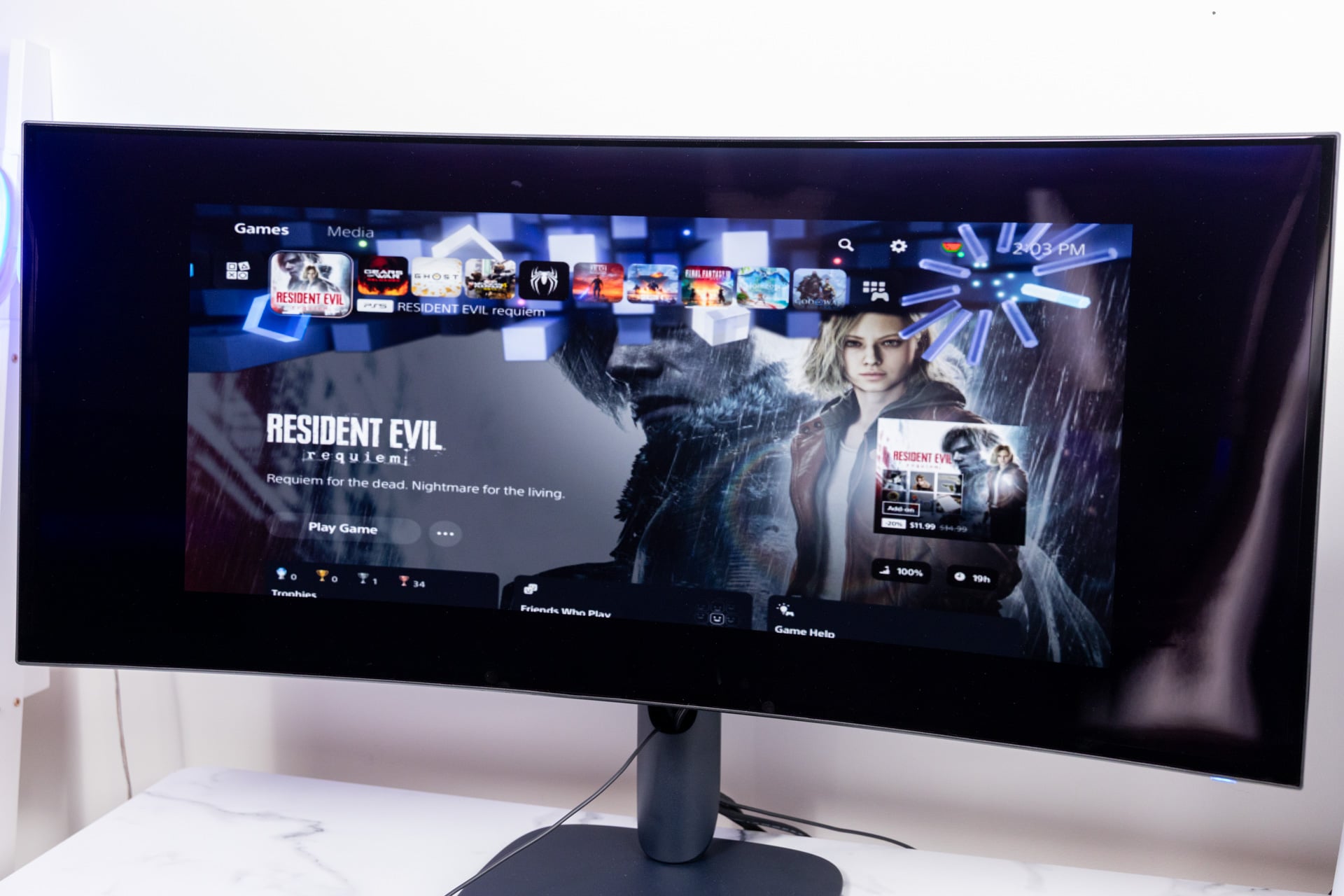
Alienware includes a 32-inch mode that shrinks your screen size to a traditional 16:9 format at 4K resolution. Obstensibly, this would be perfect for gamers who want to have their Xbox Series X or PlayStation 5 plugged in at the same desk next to their high-end gaming PC. The problem is when I actually tried to have my PS5 run at that resolution, it defaulted to 720p, as if it were running in the e-sports mode. I reached out to Alienware for clarification on this mode, and we’ll update the review if we hear back.
The full 1080p+ setting is better for those who really imagine they could use the faster screen, even if that means sacrificing resolution. It may be hard to sacrifice the prized 240Hz speeds you may come to expect from the majority of 4K+ QD-OLED monitors available today. However, unless you’re running your ultra-expensive PC with AMD’s or Nvidia’s frame generation or diluting your graphic settings, you won’t easily hit the necessary fps to make it count when gaming at the ultrawide 5K.
All that screen for how much money?
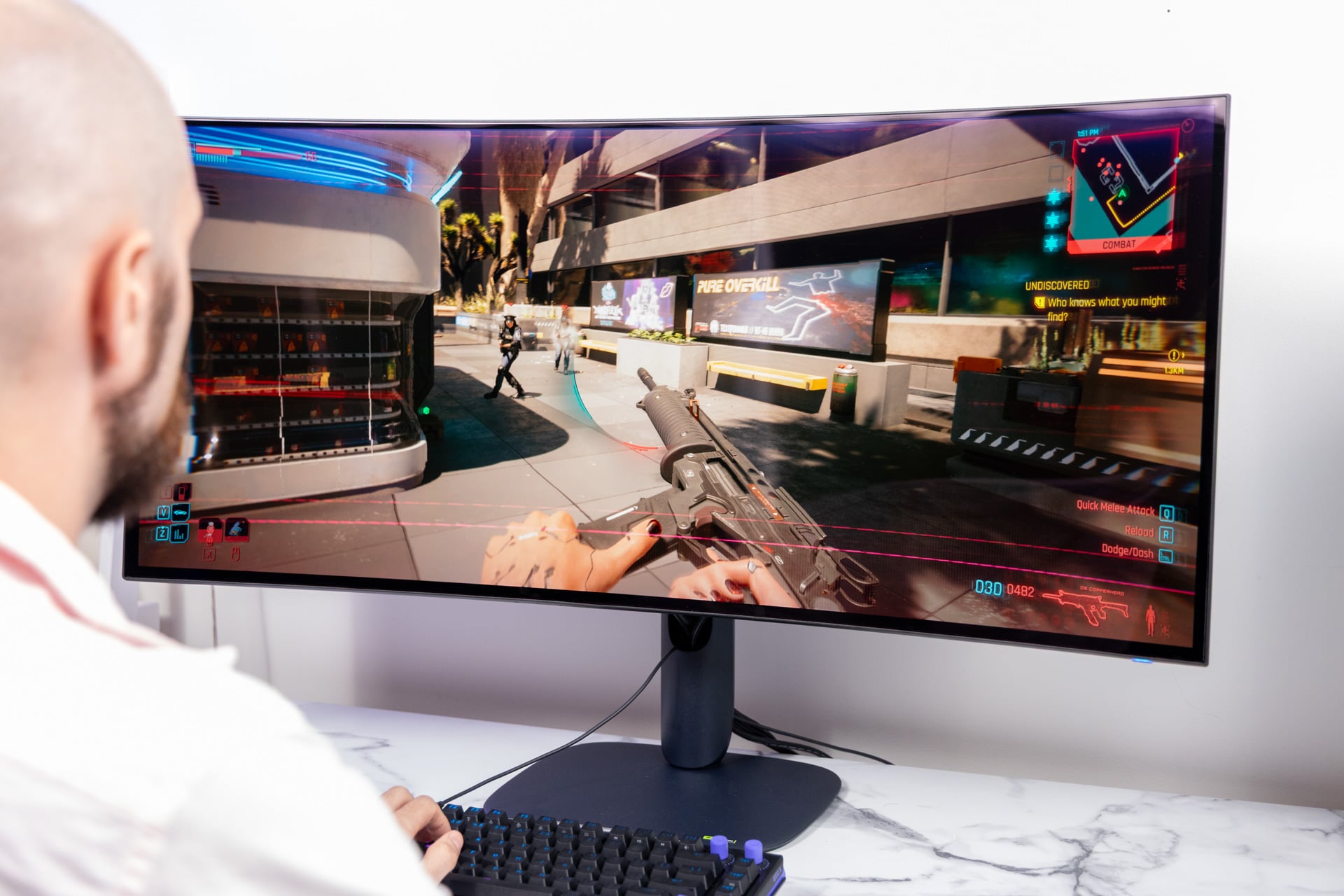
There are few examples of an affordable ultrawide. The previously mentioned $800 Alienware 1440p curved display may be more up your alley if you don’t intend to spend $1,100 on a monitor. However, I wouldn’t say this price is out of bounds for what it offers. At the same time, you may be able to find a Samsung Odyssey G9, like the G95C model, for way less than its standard $1,300 when on sale.
I’ve reviewed a heap of expensive OLED gaming monitors in 2026. The majority of them are pretty damn good, and they live in a variety of price ranges. The $800 Lenovo Legion Pro 27UD-10 is a versatile and damn pretty screen. The large and in-charge Asus ROG Swift OLED (PG32UCDM) monitor launched for $1,300, though you can find it for below $1,000 nowadays.
This leaves the $1,100 39-inch Alienware screen in a very specific price bracket. I can’t tell anybody to go out and spend so much on a screen. However, if I had all the money in the world, the AW3926QW would be my first choice, if only my desk at home had the space for it.