iPhone Duo Review: Waiting to Refine Foldables Was the Right Move
“An iPhone, an iPad, and a camera… are you getting it? These are not three separate devices. This is one device, and we’re calling it iPhone Duo.”
Okay, that is not how Apple CEO John Ternus announced the company’s first foldable phone, but it aptly describes the iPhone Duo. Invoking Steve Jobs’ famous “one more thing…” was probably the wiser decision than trying to mimic the Apple founder’s unforgettable iPhone introduction.
The iPhone Duo is Apple’s biggest change to the iPhone since… well, the original iPhone. Throughout the last 19 years, Apple has taken the iPhone in many directions from the humble 3.5-inch original introduced in 2007—larger, smaller, and thinner. An iPhone has remained the same touchscreen slab of colorful home screen icons, despite offering faster performance, longer battery life, and better cameras. The iPhone Duo is Apple’s first attempt to evolve its iconic device into something much more.
iPhone Duo
Apple's first foldable phone is worth the wait, but it's very expensive.
- Gorgeous nano-texture inner display
- Barely visible crease
- Super-smooth vari-angle hinge
- Best-in-class performance from A20 Pro chip
- Thoughtfully designed multitasking
- Extremely durable design
- Terrific-sounding speakers
- All-day battery life
- Supports Apple Pencil USB-C
- Very expensive
- Low-resolution under-display camera
- Heaviest iPhone to date
- No telephoto lens
- Smart Take is overrated
- Touch ID instead of Face ID
Its $1,999 starting price (rising up to $3,199 for the largest storage capacity) is the most that Apple has ever charged for an iPhone and makes the iPhone X, the first $1,000 iPhone, now seem affordable by comparison. While the iPhone Duo is not the first foldable phone, and companies like Samsung, Google, and Xiaomi have been iterating on the form factor for the better part of a decade, Apple’s restraint to wait until it could offer a nearly crease-less inner screen, a multi-angle hinge for different folding modes, and delightfully designed software tailored specifically to the dual screens catapults the iPhone Duo to the front of the pack.
The iPhone Duo is a classic Apple product, masterfully melding hardware with software into a luxurious and desirable device. Like any first-gen release, the iPhone Duo has its fair share of tradeoffs, but I can’t put the foldable phone down after a week of rigorous testing. Even at two grand, it has the potential to upend mobile as we know it.
Delightfully desirable
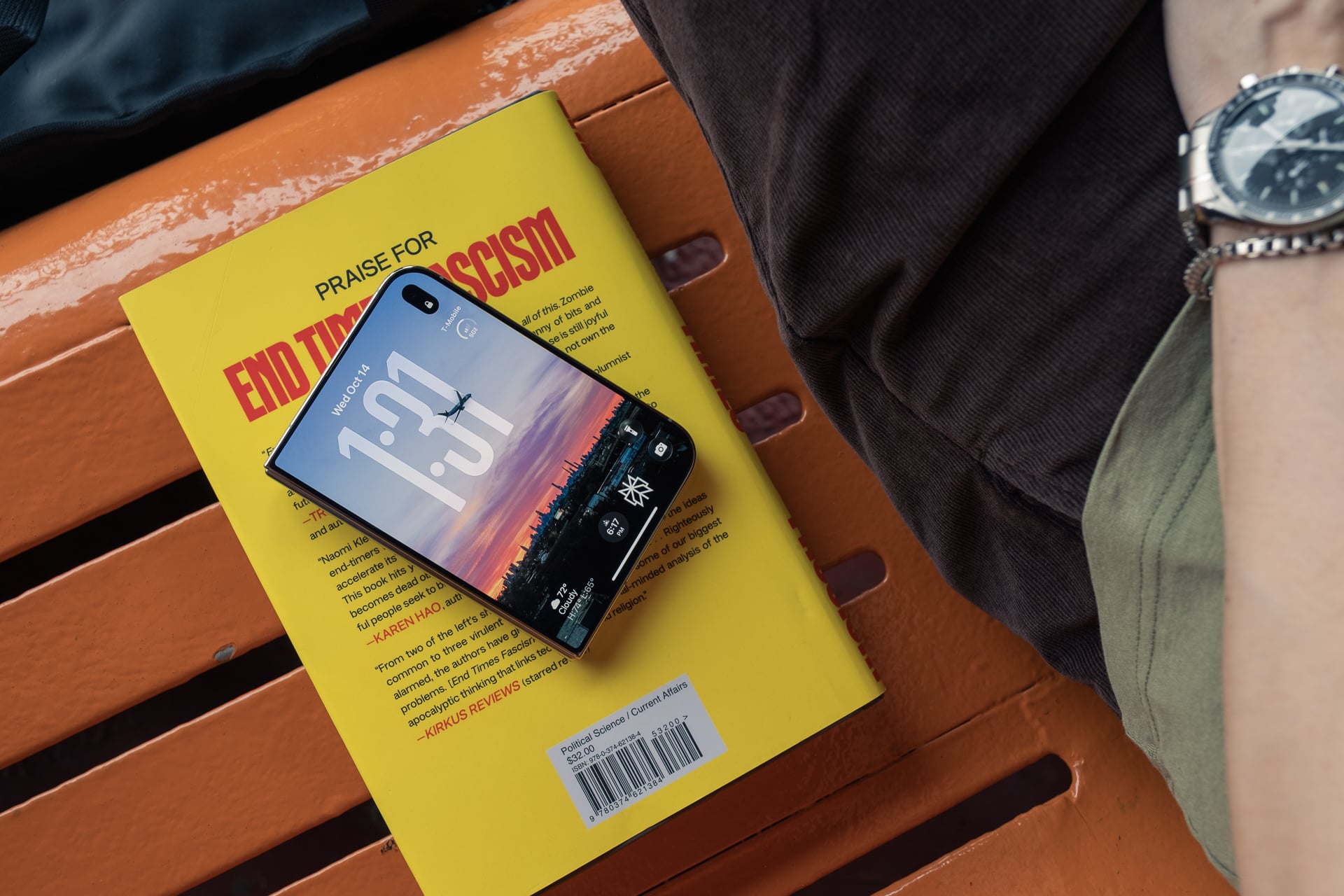
The iPhone Duo’s footprint when it’s closed is just slightly under that of a passport, a little less than half an inch shorter and about a quarter of an inch narrower. So if you want to visualize one-hand usability for the 5.4-inch outer display, grab your passport to get a rough idea of how it feels in your palm. Then, unfold the passport to get a sense of the 7.6-inch inner screen’s size. Now, try to imagine a passport that weighs about six times more, and that’s the iPhone Duo.
At 254g, the iPhone Duo is a heavy device. It’s heavier than an iPhone 18 Pro Max (249g) and considerably heavier than Samsung’s own short and squat Galaxy Z Fold 8 (201g). Even other flagship foldables like Google’s Pixel 11 Pro Fold (239g) and the Galaxy Z Fold 8 Ultra (215g) are lighter.
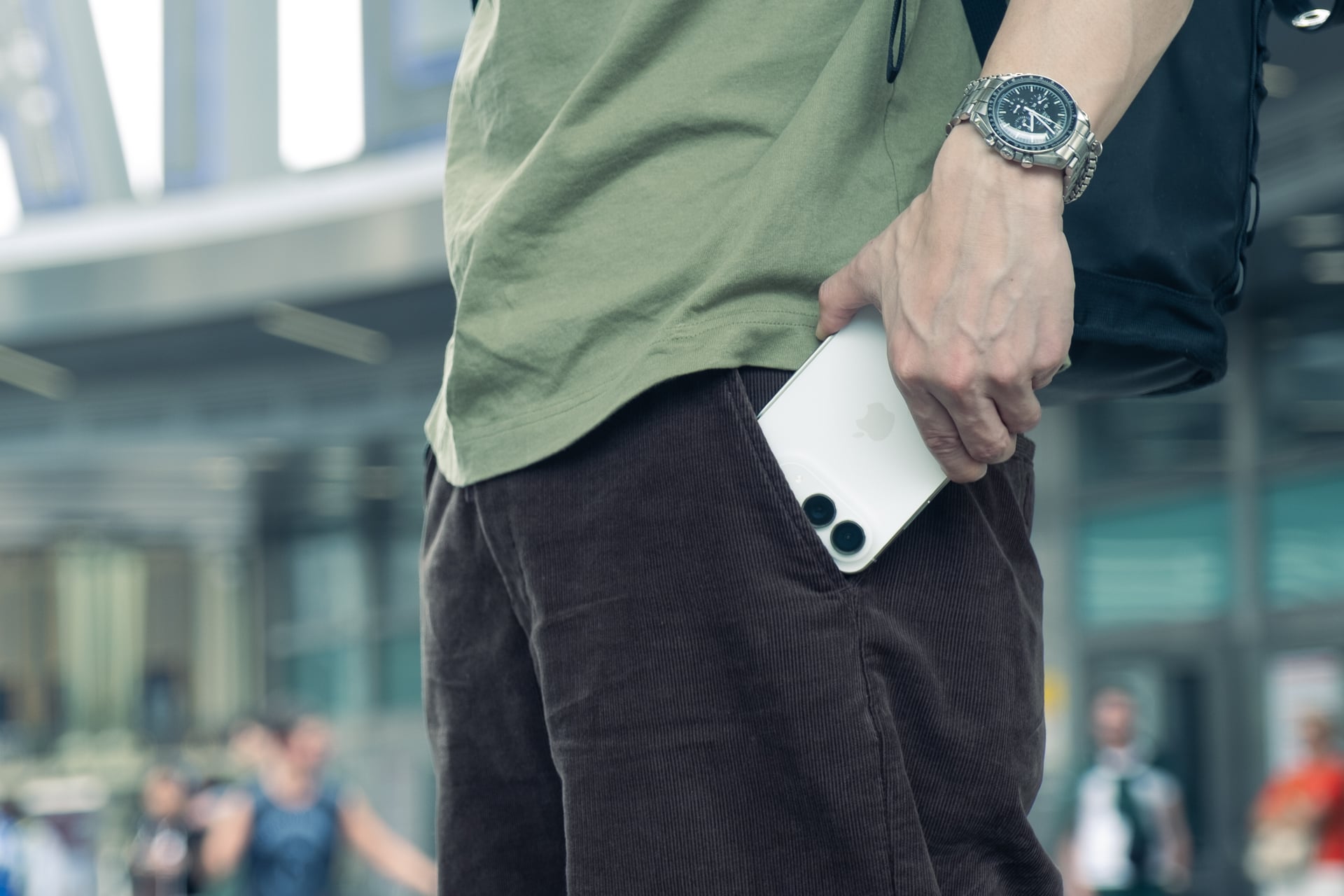
If you’re used to carrying an iPhone 18 Pro Max, the iPhone Duo is not going to feel much heavier. And if, like me, you’re not, then you’d better get yourself a grip strengthener and start working out your hands, because you’re going to need a firm grip to hold onto the slippery device. Since I wasn’t used to the weight, I was a little irked that the iPhone Duo caused my front pants pocket to sag. I’ve been so spoiled by the iPhone Air’s lightness that the only solution was to wear a belt again to cinch my pants tighter around my waist.
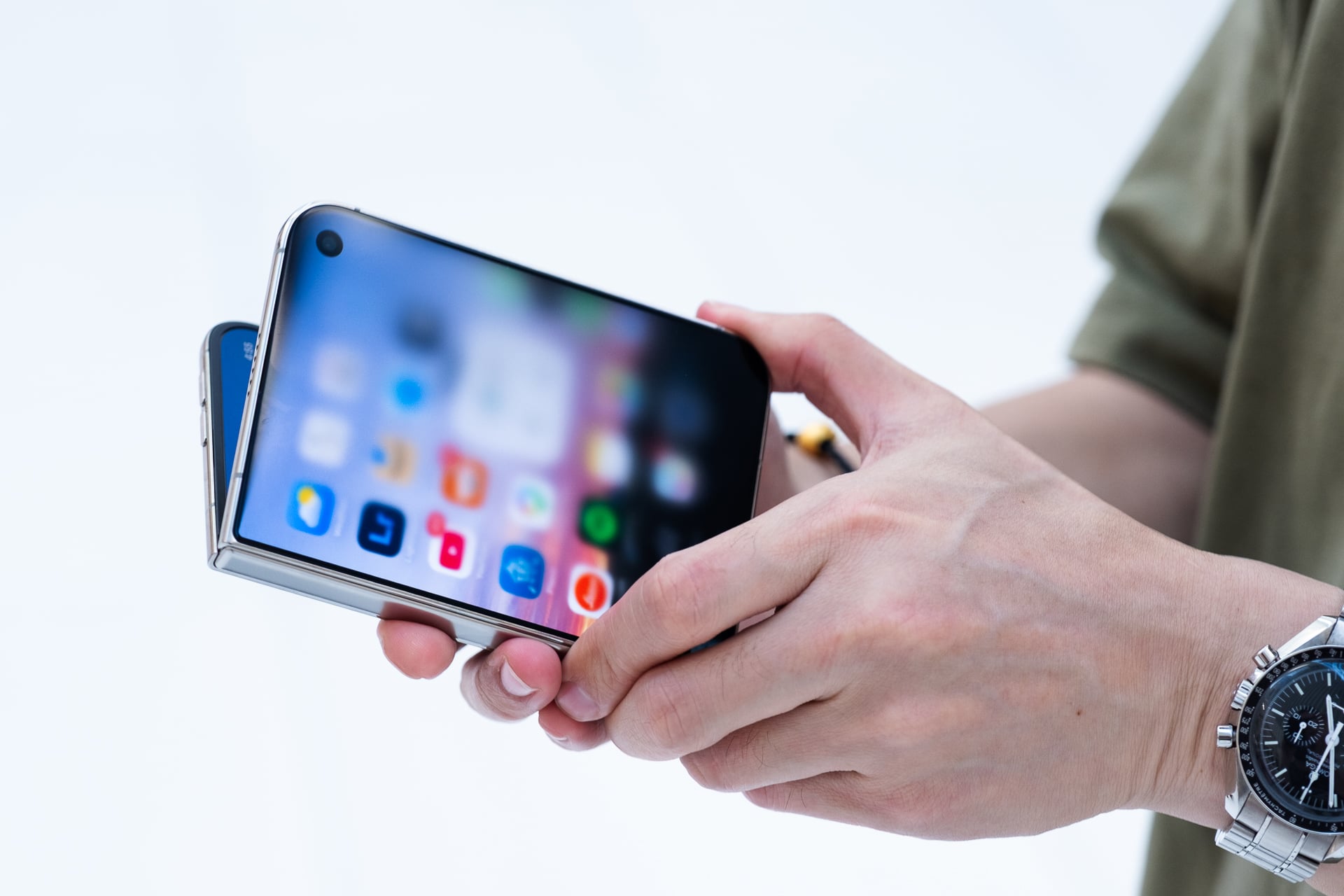
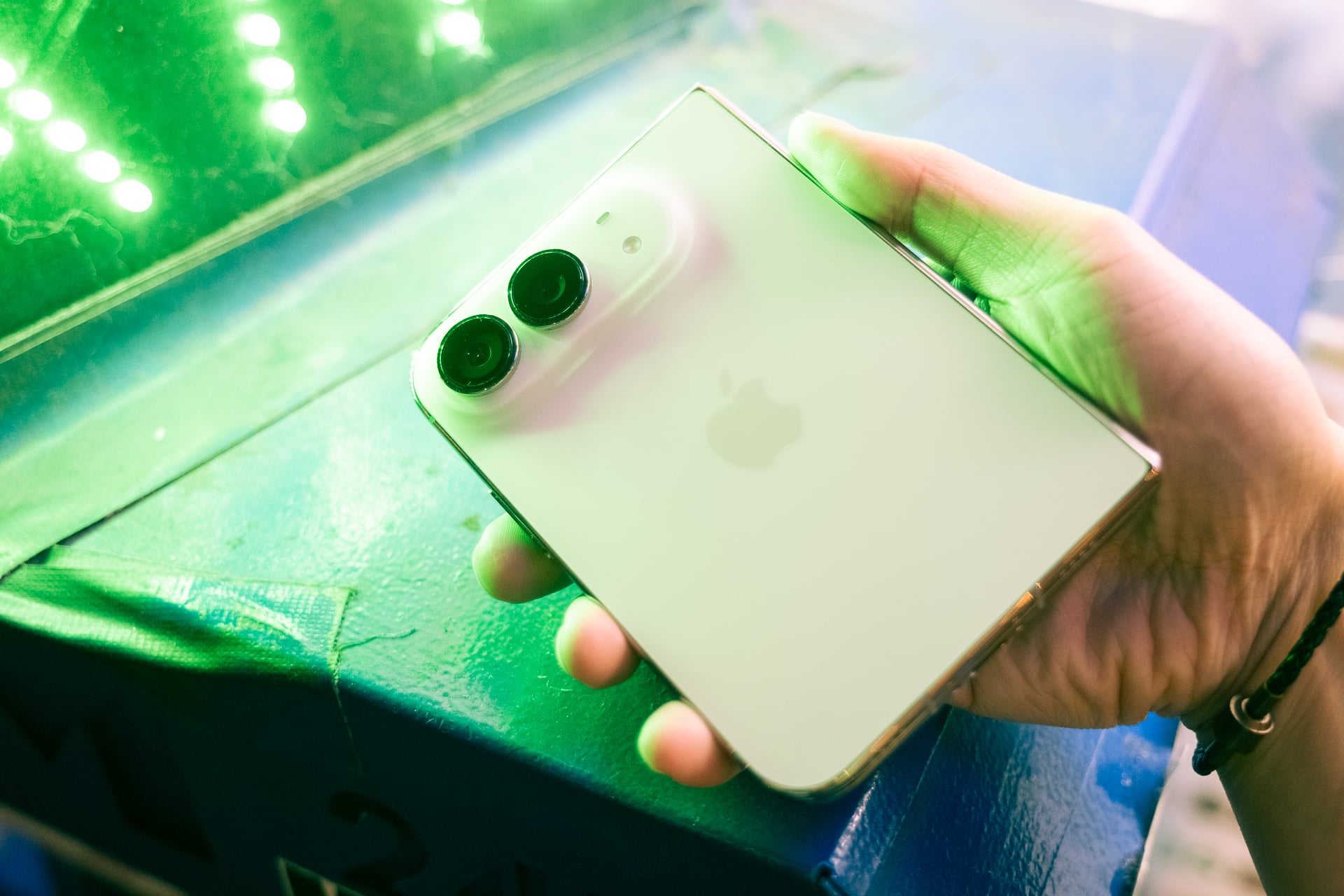
The “Grade 5” titanium frame is one main reason why the iPhone Duo is so hefty. Other foldables use aluminum, which is lighter, but the metal isn’t as durable or as premium-looking. The iPhone Duo also uses Ceramic Shield 2 glass for extra scratch resistance on the outer display, Ceramic Shield on the rear glass, and ceramic fiber inserts to reinforce the antenna lines. While the Z Fold 8 also uses a glass back panel, its camera island is plastic, which keeps the weight down. The multi-angle hinge, Camera Control button, multi-layer inner screen technologies (including the nano-texture finish that reduces the visibility of the crease and reflections), and vapor chamber also add extra weight, all of which the Z Fold 8 doesn’t have.
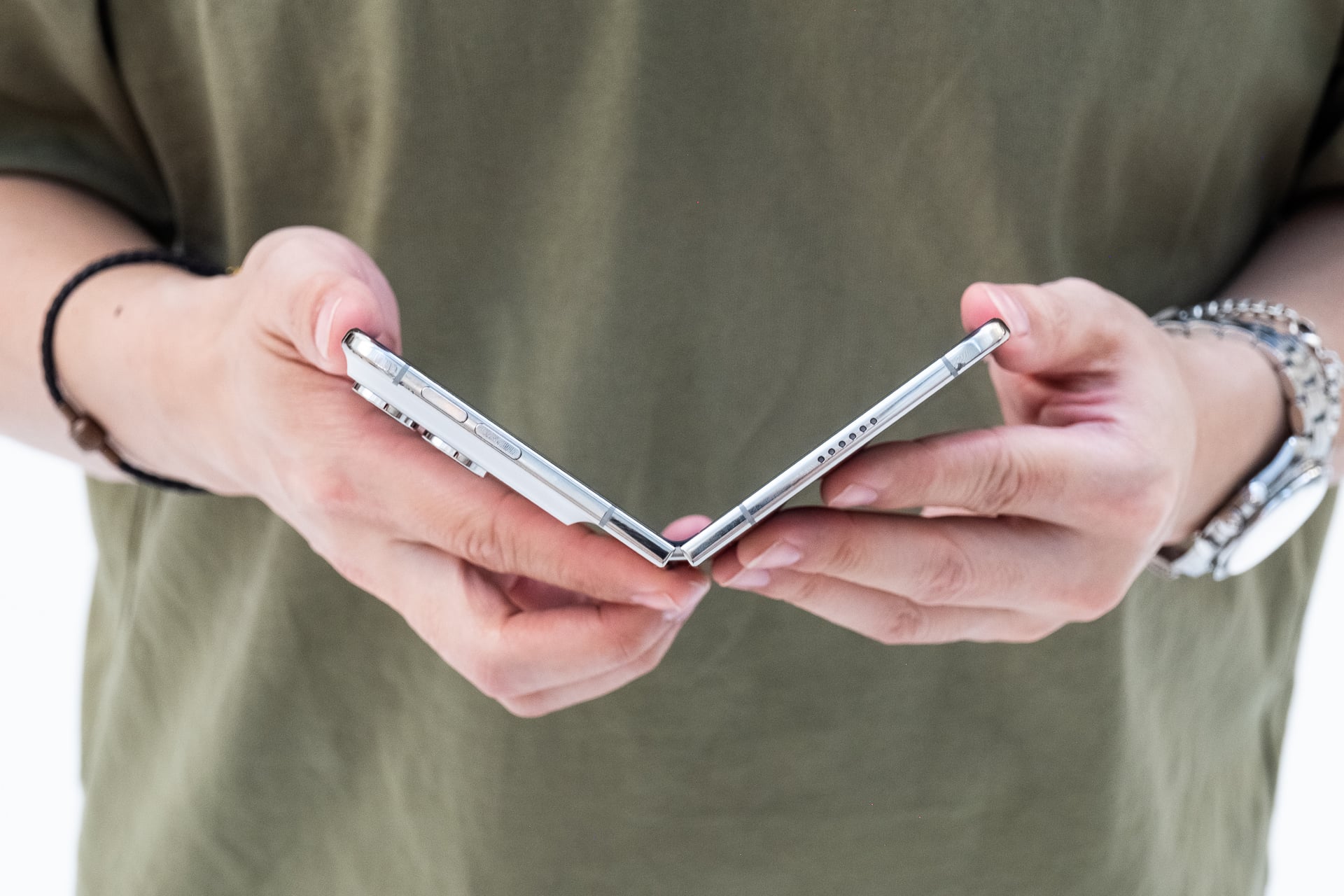
Weighty doesn’t necessarily mean bad. The iPhone Duo is dense because it’s packed with so much inside, but the polished titanium frame also glistens like luxury jewelry or a fancy Swiss-made mechanical watch. At least it does on the “Star White” model Apple loaned me for this review; the “Night Sky” model, which is a dark navy, shows more visible fingerprints. The materials on other foldables just aren’t as premium. The high-end look and feel really make a convincing case that you’re getting a product that’s worth $2,000. Suddenly, Samsung’s foldables don’t feel like they’re in the same price class anymore.

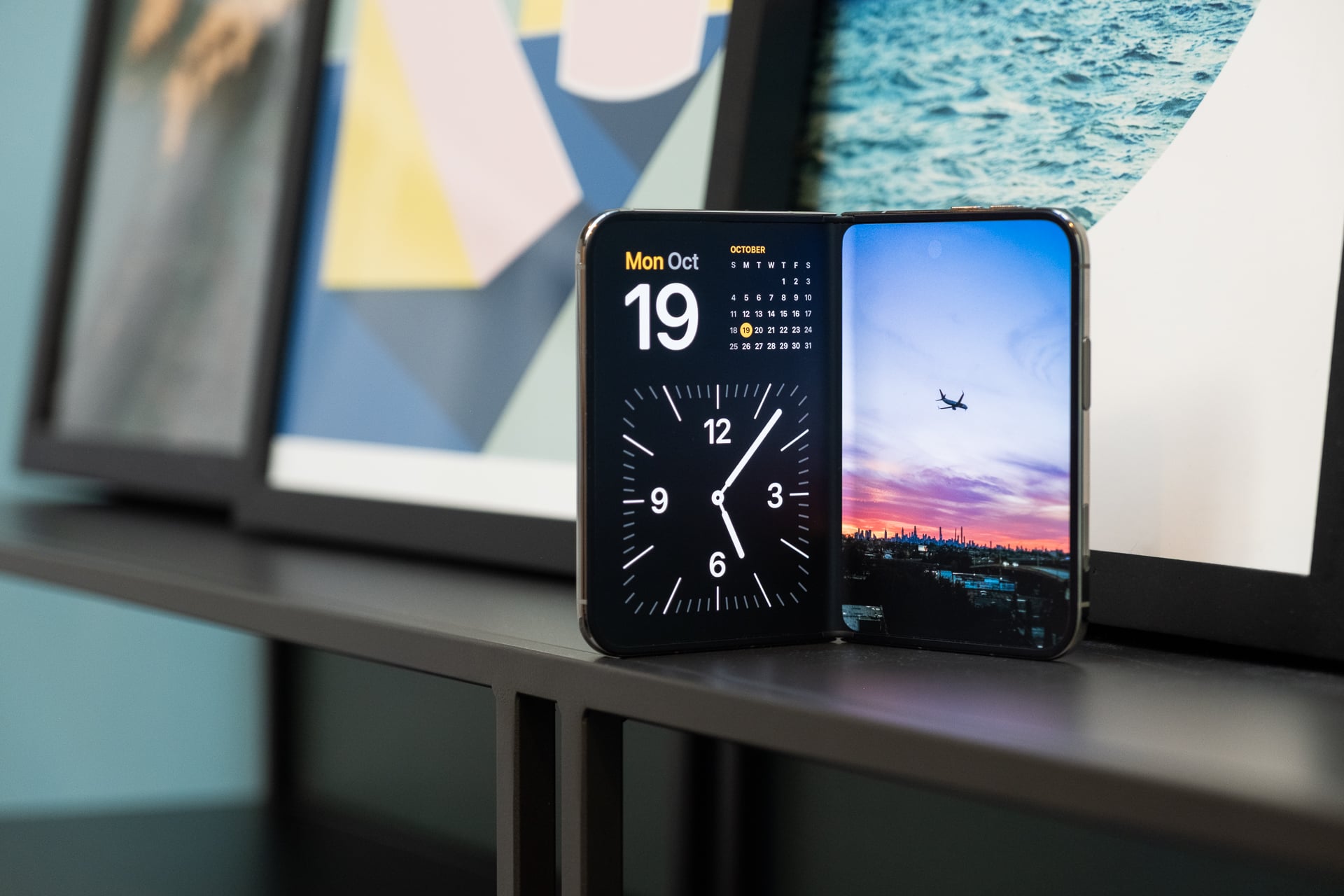
All that is to say the iPhone Duo is a beautifully engineered device. It might seem jarring to go back and forth between the glossy outer display and the matte, nano-texture inner screen, but I assure you that your eyes won’t need to adjust at all. Both displays look fantastic, with high brightness (up to 3,000 nits peak), wide viewing angles, and excellent 120Hz “ProMotion” responsiveness.
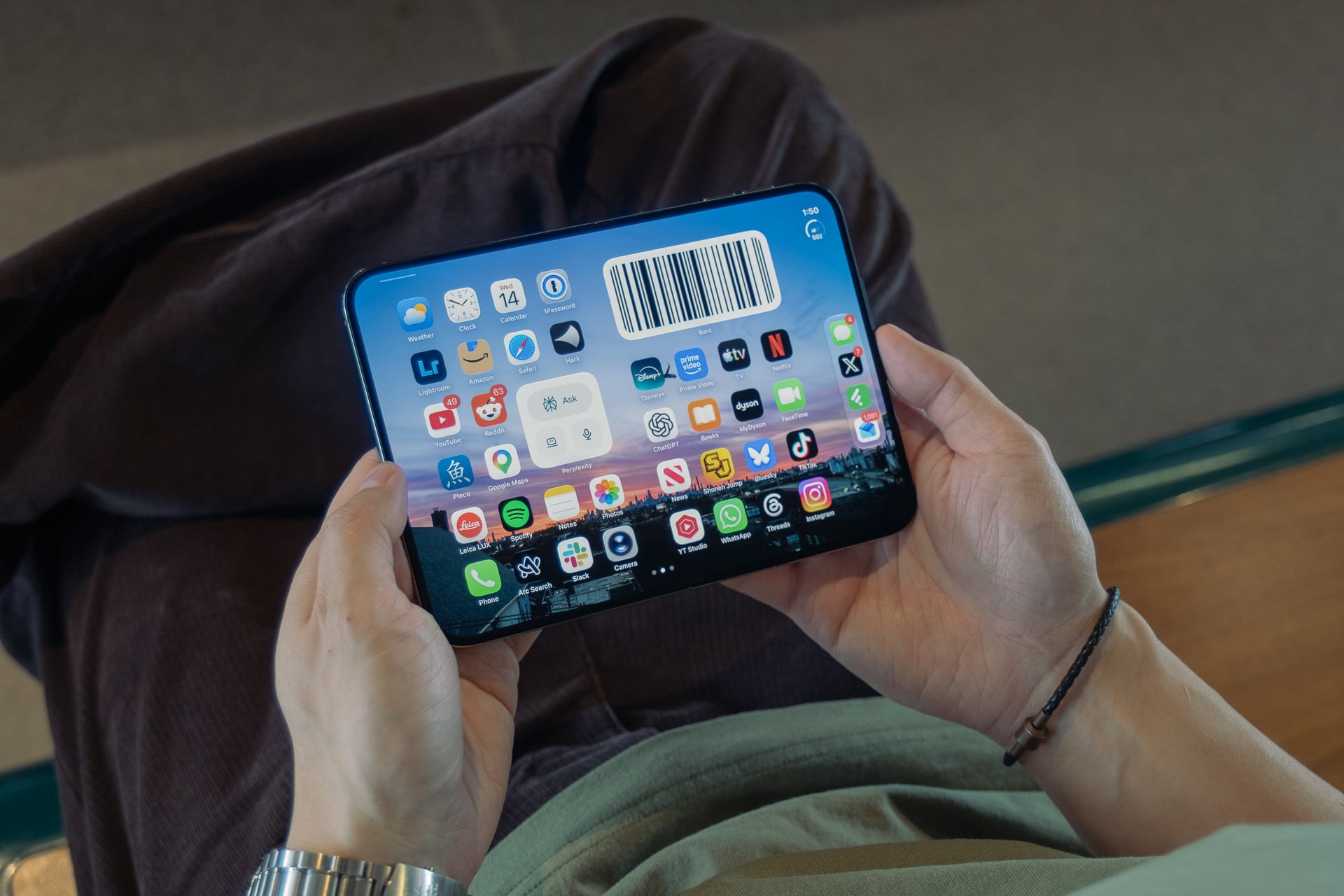
As I said in my initial hands-on, the inner display really looks like printed paper, and it really does reduce the visibility of the crease that runs down the middle. You can still see the crease at certain angles, but I really didn’t notice it unless the display was off. Even outdoors in direct sunlight, I could see the inner display clearly thanks to the nano-texture’s anti-reflective properties. As expected from a matte display, the colors aren’t as vibrant and blacks are not as deep as on the glossy outer display, but I think Apple made the right choice here compared to the more reflective and crease-y inner screen on other foldables.
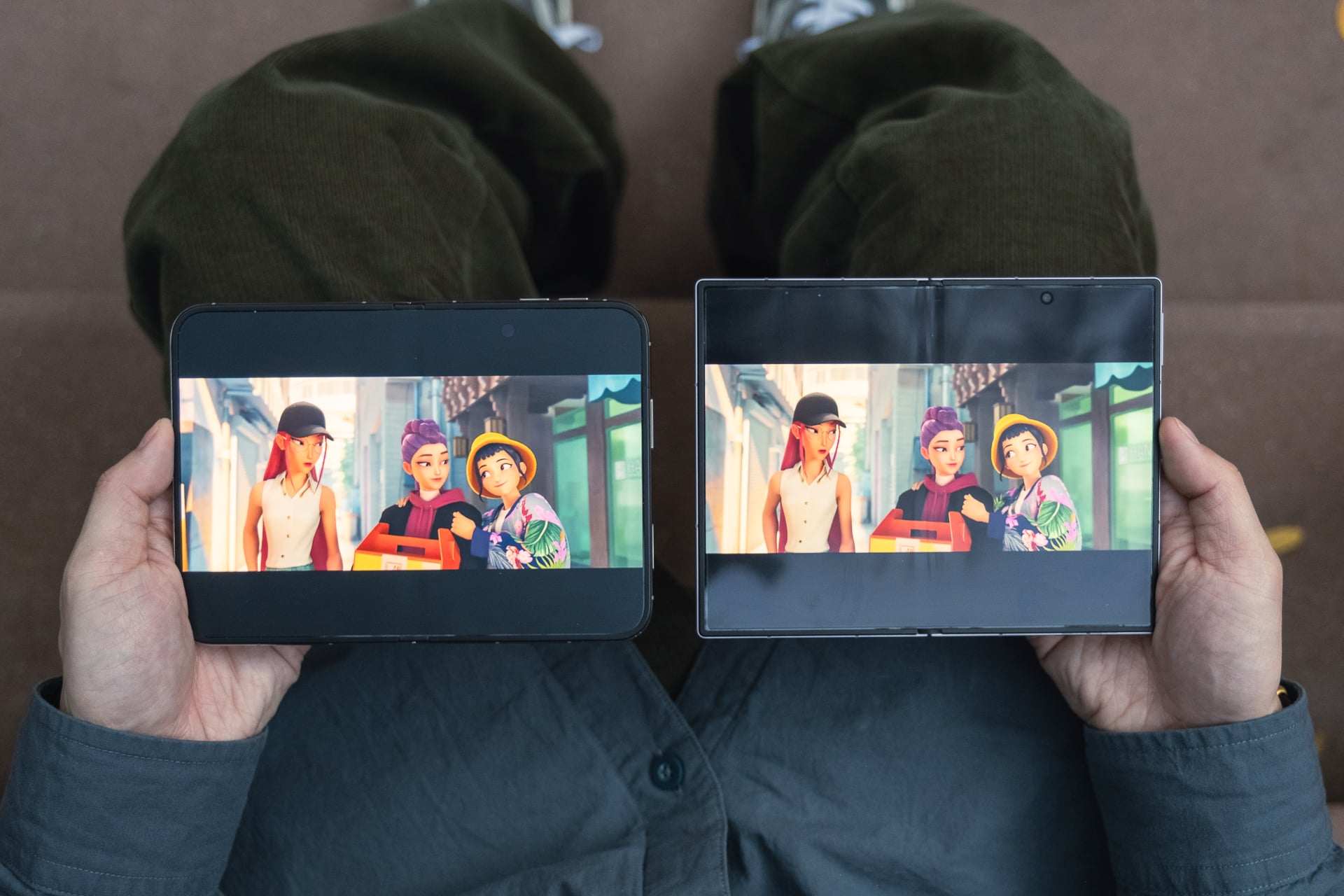
The crease may be the least visible compared to other foldables, but the hinge’s gears still sit underneath it, and you’ll feel them when you run your finger over them. The crease feels less pronounced than it does on the Z Fold 8 and significantly less bumpy than the one on the Pixel 11 Pro Fold. Fortunately, you won’t have to swipe or tap over the crease often unless there’s a button directly over it.
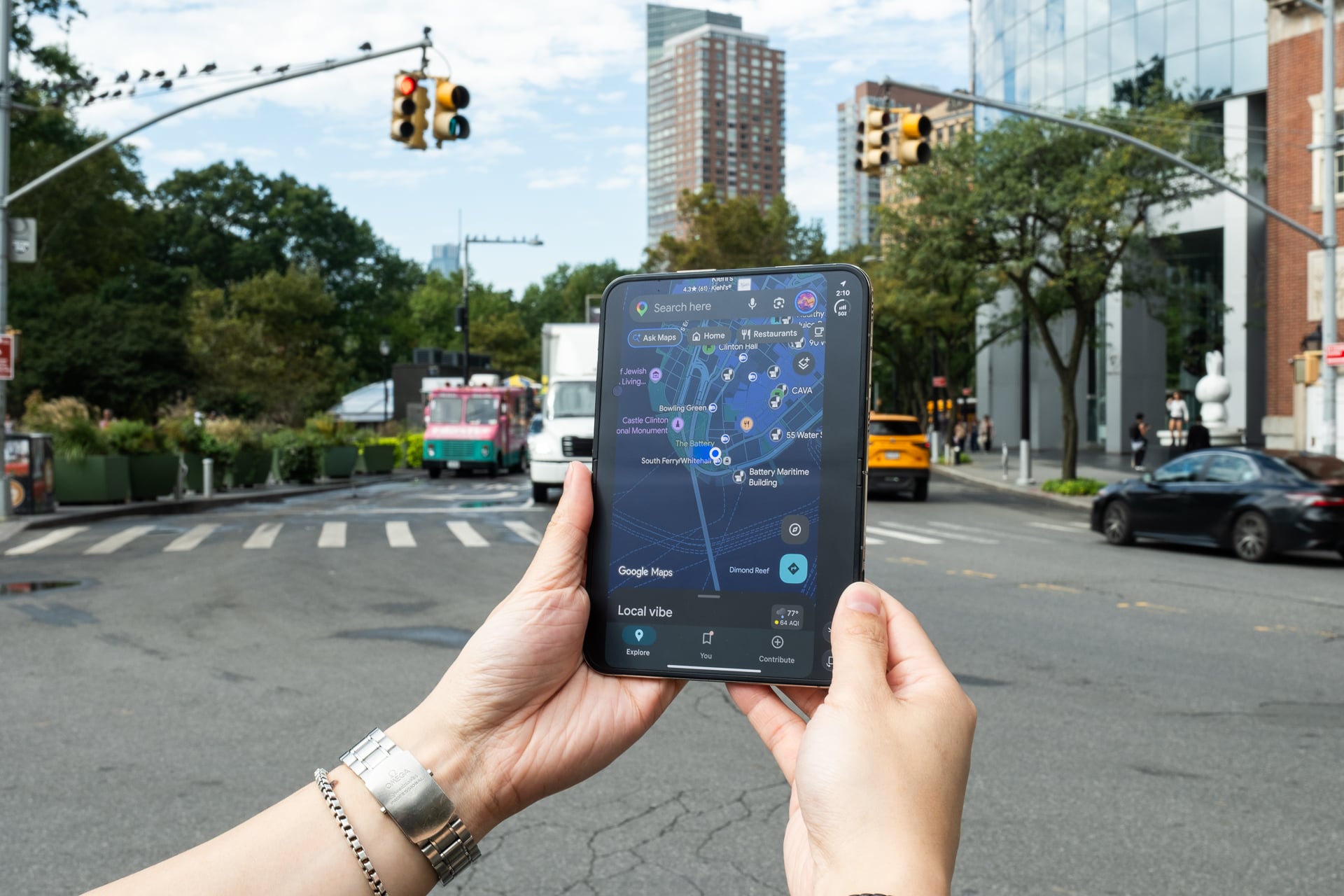
Even the bezel around the inner screen has a fit and finish not found on other foldables. Specifically, the part that covers the hinge. On Android foldables, there’s usually an arch-shaped cap that protects debris from getting into the hinge and underneath the screen. On the iPhone Duo, there is no cap; it’s flush with the bezels, creating a smooth uniformity.
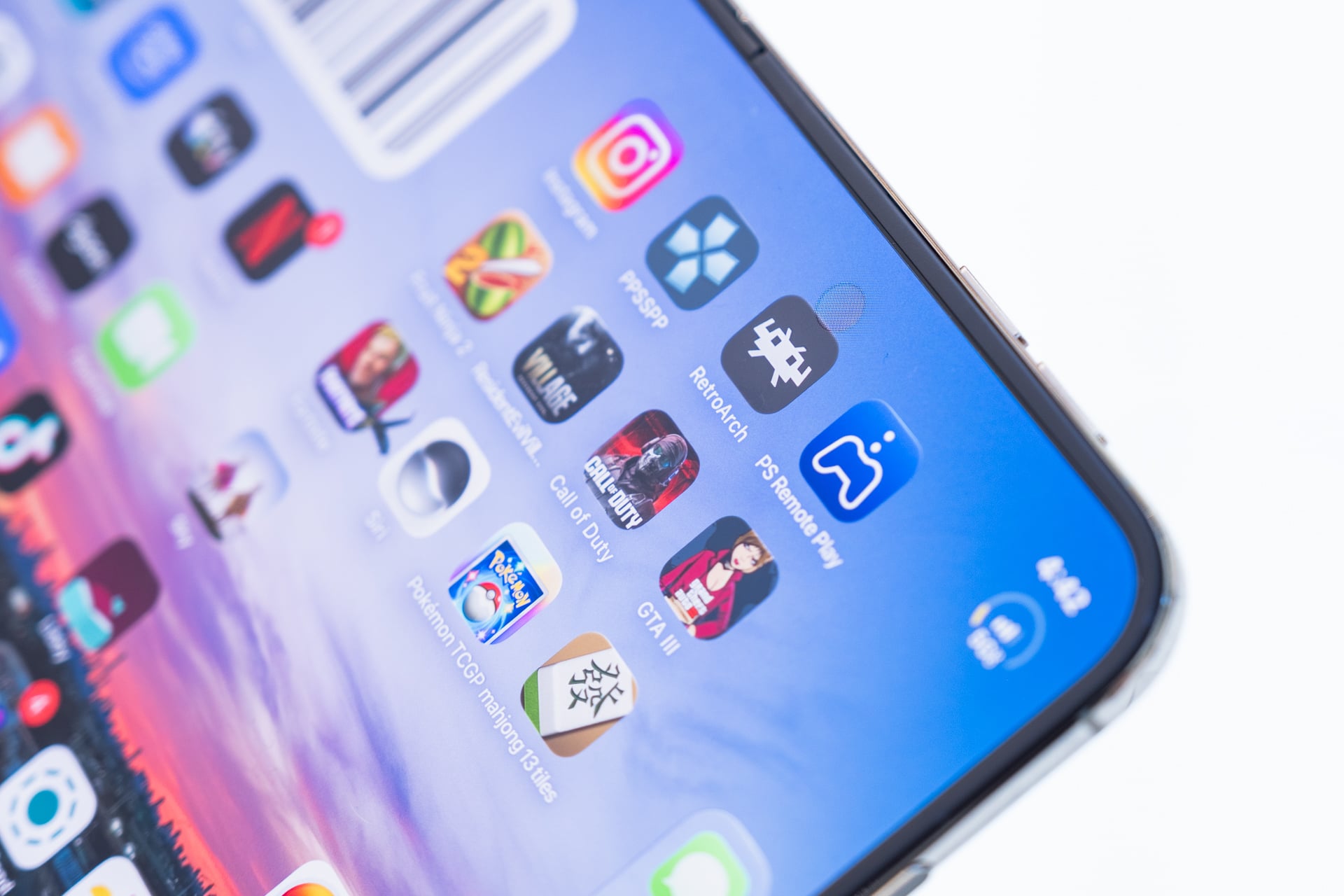
Like the Z Fold 8, there is one blemish on the inner display. On Samsung’s foldable, it’s a hole-punch camera that persists all the time, which mars what’s otherwise a very good viewing experience. On the iPhone Duo, there’s an under-display camera that expands into a black hole punch when you open a camera app like FaceTime and disappears beneath the pixels the rest of the time. Samsung previously used an under-display camera across four generations of the Z Fold’s inner display (Z Fold 3 through Z Fold 6) but ditched it starting with the Z Fold 7 because the image quality was, bluntly speaking, garbage.
Below: iPhone Duo’s 4-megapixel under-display camera (left) vs. iPhone Duo’s 24-megapixel main camera (right)


The iPhone Duo’s under-display camera is equally poor quality. It’s four megapixels, and the photos it takes are low-res, washed out, and just not sharp at all. You won’t be taking selfies with this camera; it’s meant primarily for video calls, which still look muddy, but it’s serviceable in a pinch. I only have two good things to say about this camera. One, unlike the hole-punch on the Z Fold 8, it isn’t distracting when you’re watching a video or reading a website or e-book, where it’s very noticeable. You can see the cutout is more pixelated even when it’s “invisible,” but it’s better than a permanent black circle. And two, it’s a square sensor; you can take both horizontal and vertical photos and videos while holding the phone in any orientation. Not that you will because the quality is so bad, but square image sensors are the best.
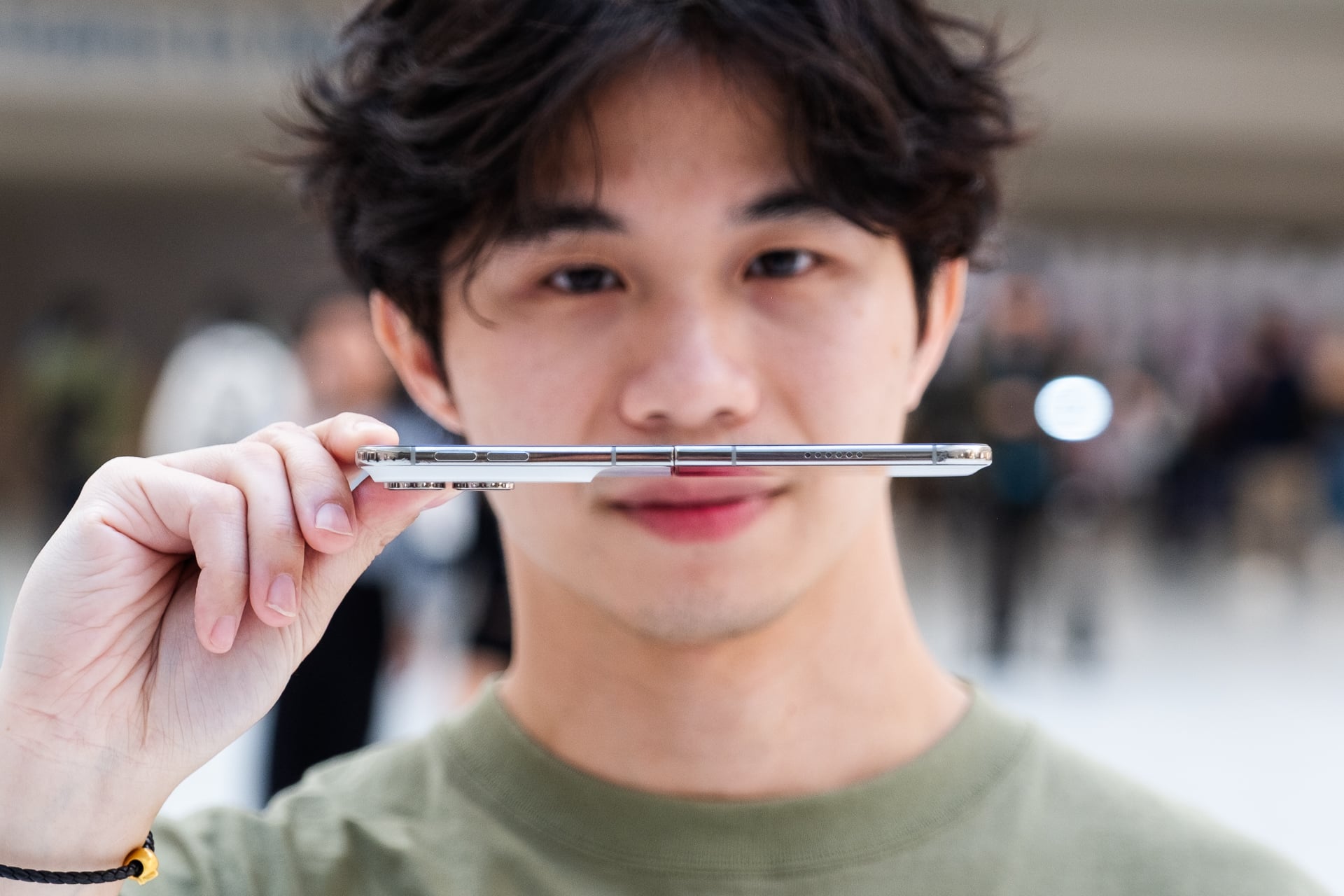
Unfolded, the iPhone Duo’s weight is more balanced. It’s only 5.2mm thin—thinner than the iPhone Air’s 5.6mm thickness—and opens completely flat at 180 degrees. This is something you really don’t see on most other book-style foldables. Pretty much all Android foldables, except the latest Samsung ones, unfold to a few degrees short of 180, leaving you to flex the device to straighten it out. It’s a small thing, but this kind of detail is what makes the iPhone Duo feel more refined. The hinge’s “variable torque profile” that allows the device to open and close smoothly is another delightful touch. Having fingernails still makes it easier to pry open the iPhone Duo, but the hinge design also springs it apart. Closing the iPhone Duo is super satisfying, with magnets that create a gentle but pleasing-sounding clap. Oh, and that blur animation when you open and close the device that everyone was losing their minds over? It’s cool-looking, but it’s novel and gets old fast. It’s more of a visual treat for other people to look at since you’re mostly looking at the side, not the outer screen, when opening the device.
Everyone is losing it over the iPhone Duo’s animation when you unfold it#appleevent pic.twitter.com/cMzAbenU80
— Ray Wong (@raywongy) September 10, 2026
You could hold the iPhone Duo with one hand when it’s open, but for most people, including myself, it’s a two-handed device. I had an unfortunate mishap where the unfolded iPhone Duo slipped out of my hands and fell down a few steps that also happened to be wet from rain. While not an intentional test for durability or the device’s IP68 water and dust resistance rating, the fact that the iPhone Duo survived with no major damage (only a few minor scuffs to the metal frame) and both screens had no scratches or cracks really shows how tough it is.

Sure, the iPhone Duo is thicker than an iPhone 18 Pro when it’s closed, but its shorter design made it easier for me to hold and operate with one hand while also fitting better in my pocket. Of course, a “better” fit in your pocket depends on the type of pants you wear and whether you use a case or not. Without a case, the iPhone Duo slipped into my relaxed or baggy pants without any discomfort. It’ll definitely bulge out in a tight pair of jeans or leggings.
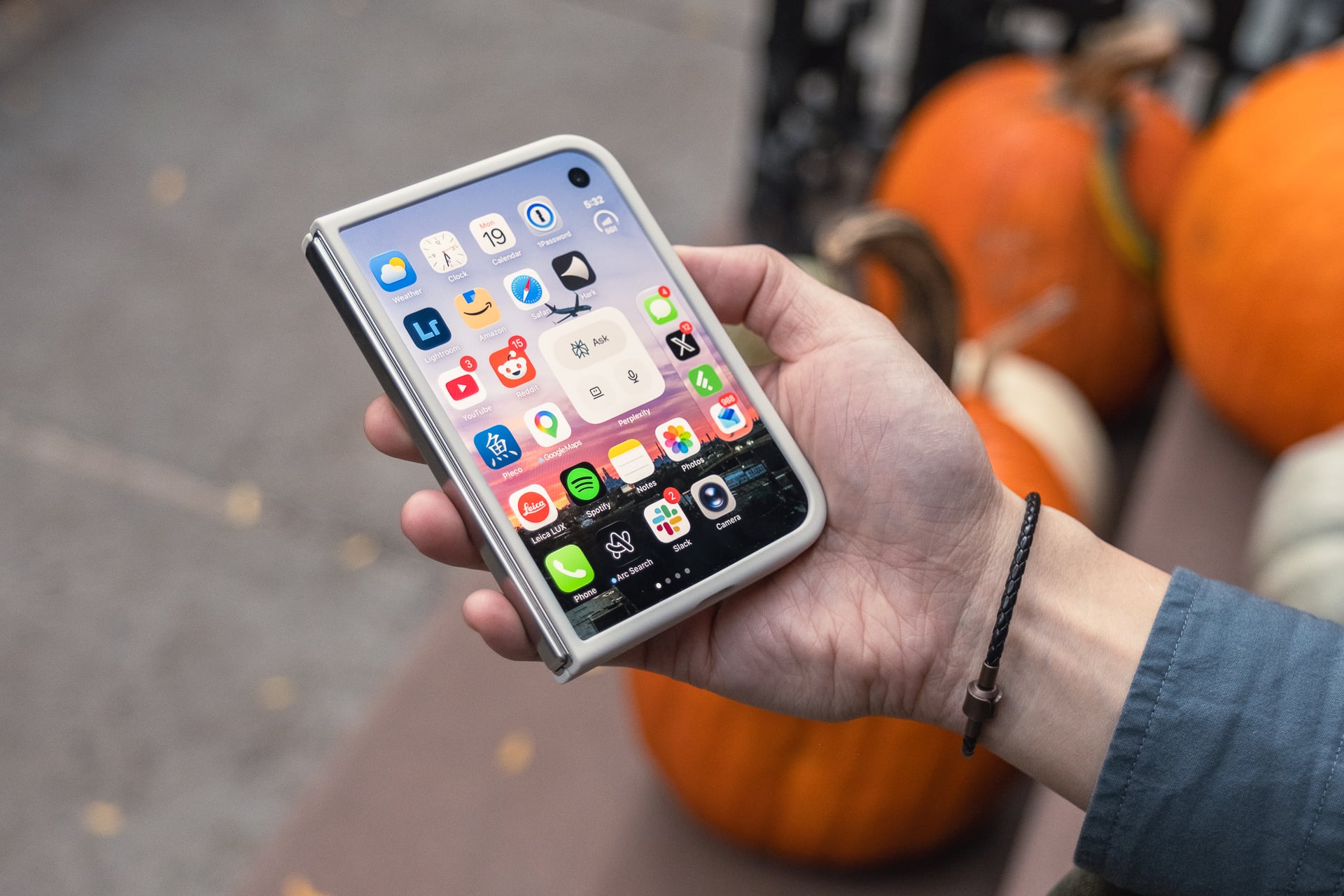
Speaking of cases, Apple provided its two official ones for me to test. The $79 iPhone Duo Case is a two-piece plastic design that protects the whole backside and provides a bumper around the outer display. It’s held in place with some light adhesive. It does the job protecting the pricey foldable, but I wouldn’t call it pretty. The left side of the bumper for the outer display also makes it harder to tap certain on-screen buttons that are positioned too close to it. Funnily enough, there’s a “Shift Left Edge” display setting that adds a digital black bezel to the left side and moves content slightly to the right for better compatibility with cases.
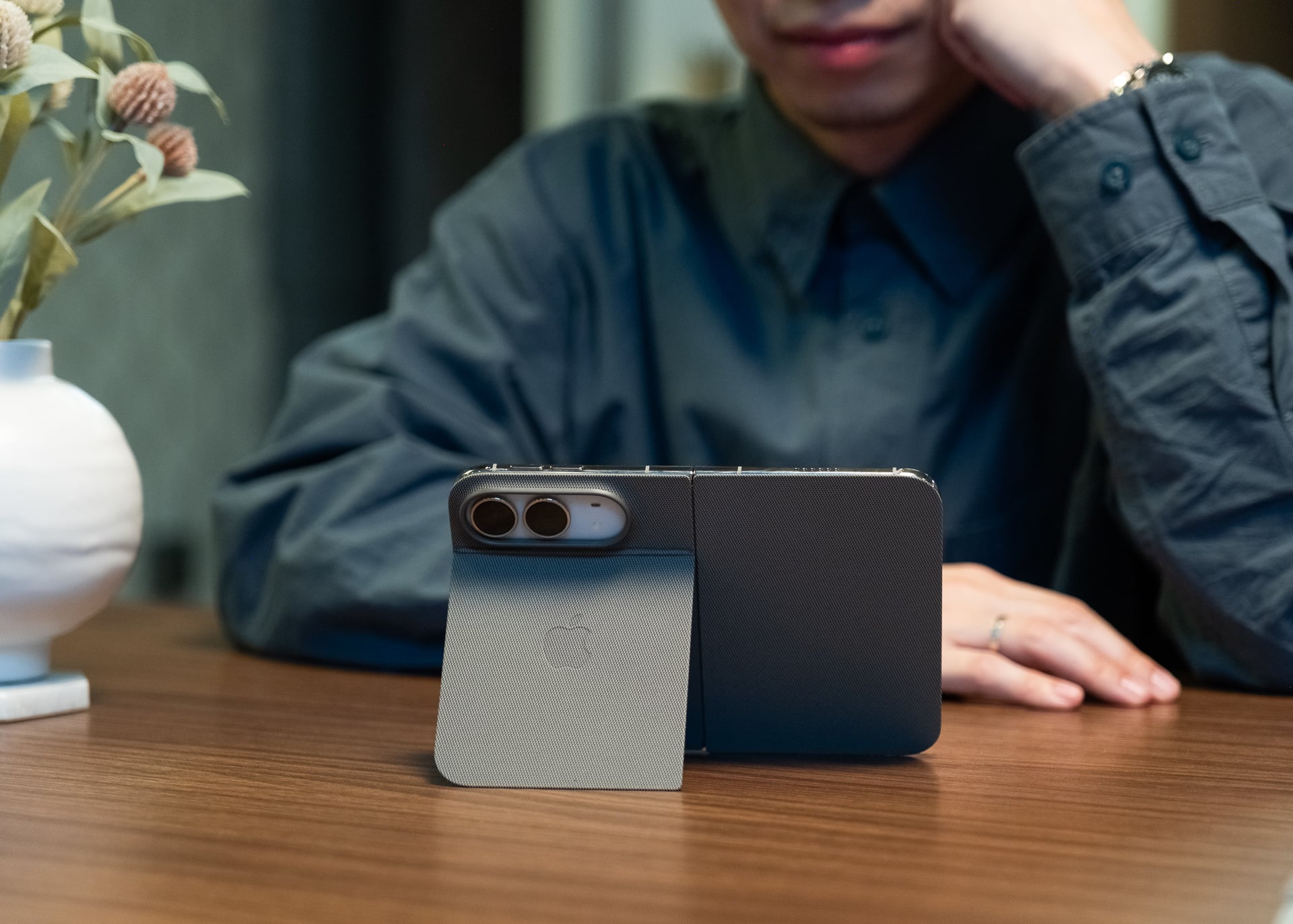
The $129 iPhone Duo Folio with Kickstand is exactly as advertised on the box: a cover made of Apple’s TechWoven material that protects the front and back of the device and has a built-in kickstand that can prop it up at various angles. The kickstand really came in handy for FaceTime calls and watching Netflix in bed. However, this accessory provides no protection for the titanium sides. It’s also expensive. For the money, I think Apple could have included some slots for a few cards so it works more like a wallet.
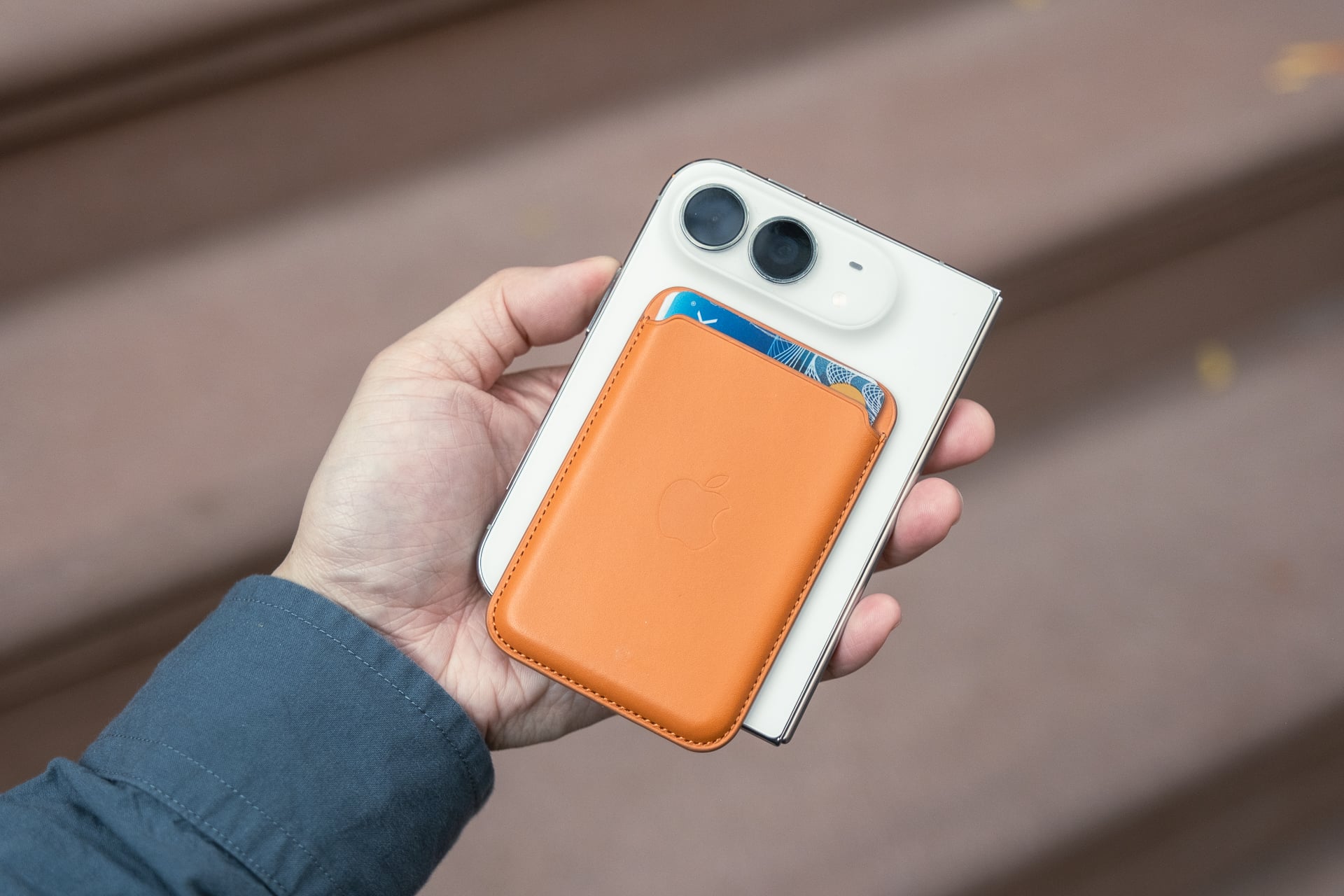
On the plus side, both of Apple’s official cases have built-in magnets so you can still use any MagSafe puck charger or attach a magnetic accessory, provided it fits. I bolted on several MagSafe accessories, including Apple’s official MagSafe Wallet, a Moft Snap Phone Tripod Stand AERA, and a Ulanzi MA60 Magnetic Phone Tripod Stand that I often attach to my non-folding iPhone, and all of them extended at the bottom. The two mini foldable tripods can hold up the iPhone Duo in portrait or landscape orientation when it’s folded shut, but not when it’s open—the whole thing will topple over to the left or fall backwards or forwards. The same goes for using the iPhone Duo on a MagSafe charging stand. Existing MagSafe battery packs will likely fit, but they’ll also stick out on the bottom.
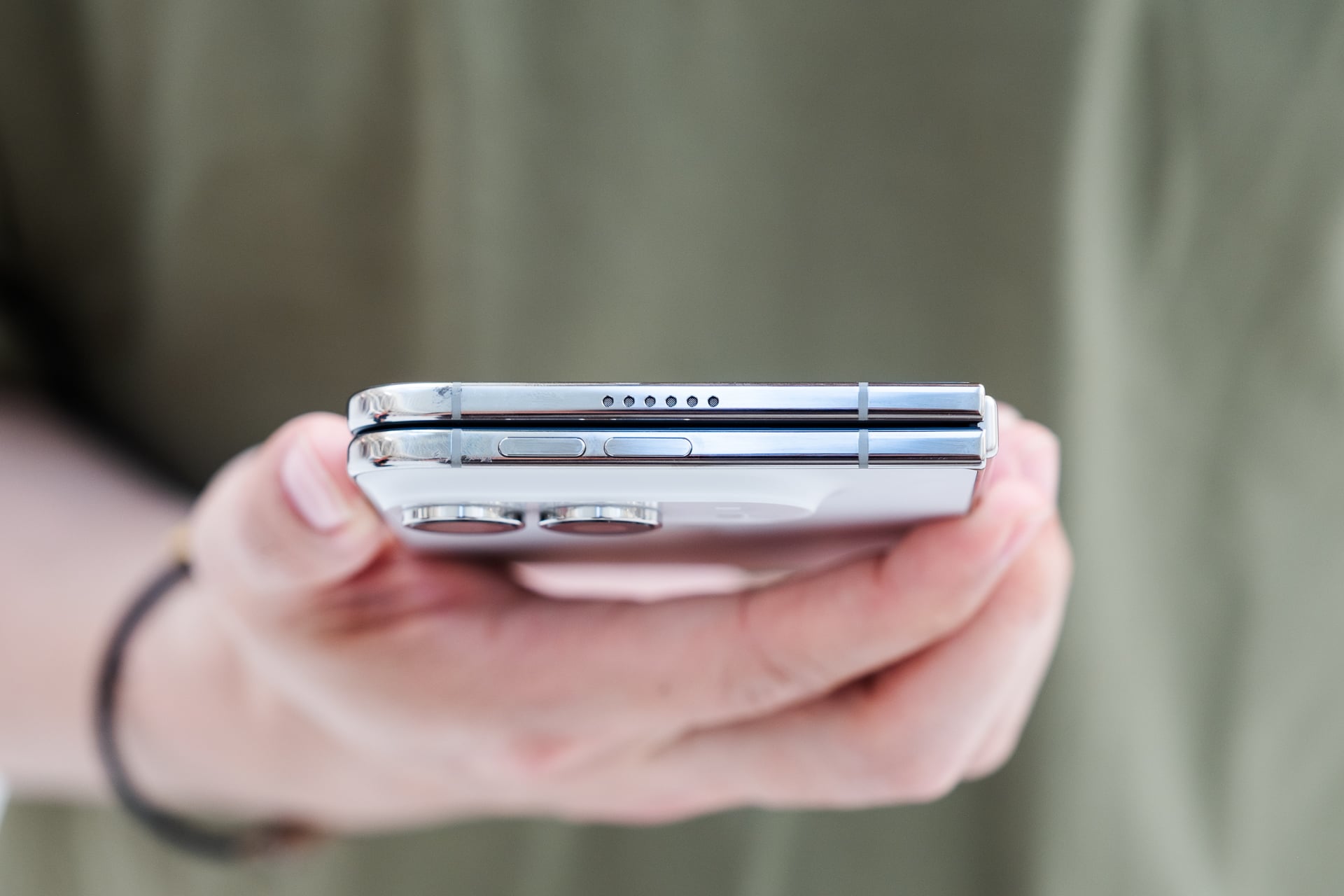
Other hardware features are either great, middling, or questionable. I love that the speakers are stereo, positioned at the top of the left side and bottom of the right side when the iPhone Duo is open. They can output spatial audio, sound terrific, and get really loud. They’re way better than the speakers on the Z Fold 8, which are positioned on the top and bottom of the left side and sound like they’re only coming from that side.
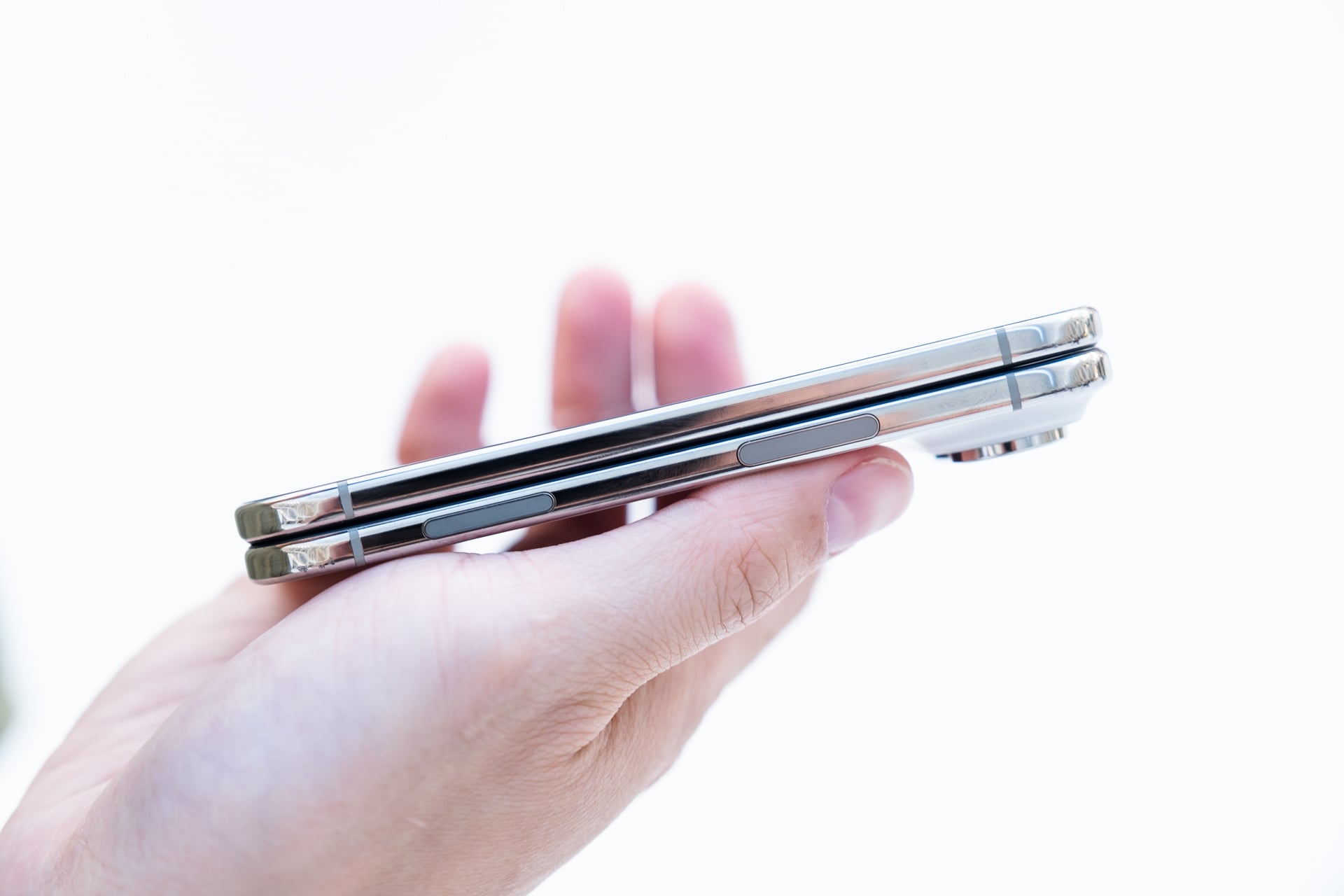
The new StandBy mode is also really neat. Unfold it like a tent and it’ll bring up a clock and other widgets you can add. I always use the StandBy mode on my regular iPhone when I’m at home, but it requires being attached to a MagSafe dock or stand. The iPhone Duo’s StandBy mode works even when it’s not plugged in. At the office, the fullscreen calendar was good to have in my peripheral vision. The inner screen also glows amber when you set a wake-up alarm. I set an alarm on several days to check out the amber glow, but it only worked once, and it only glowed for a few seconds. I’m told it’s supposed to glow until you snooze or stop the alarm.
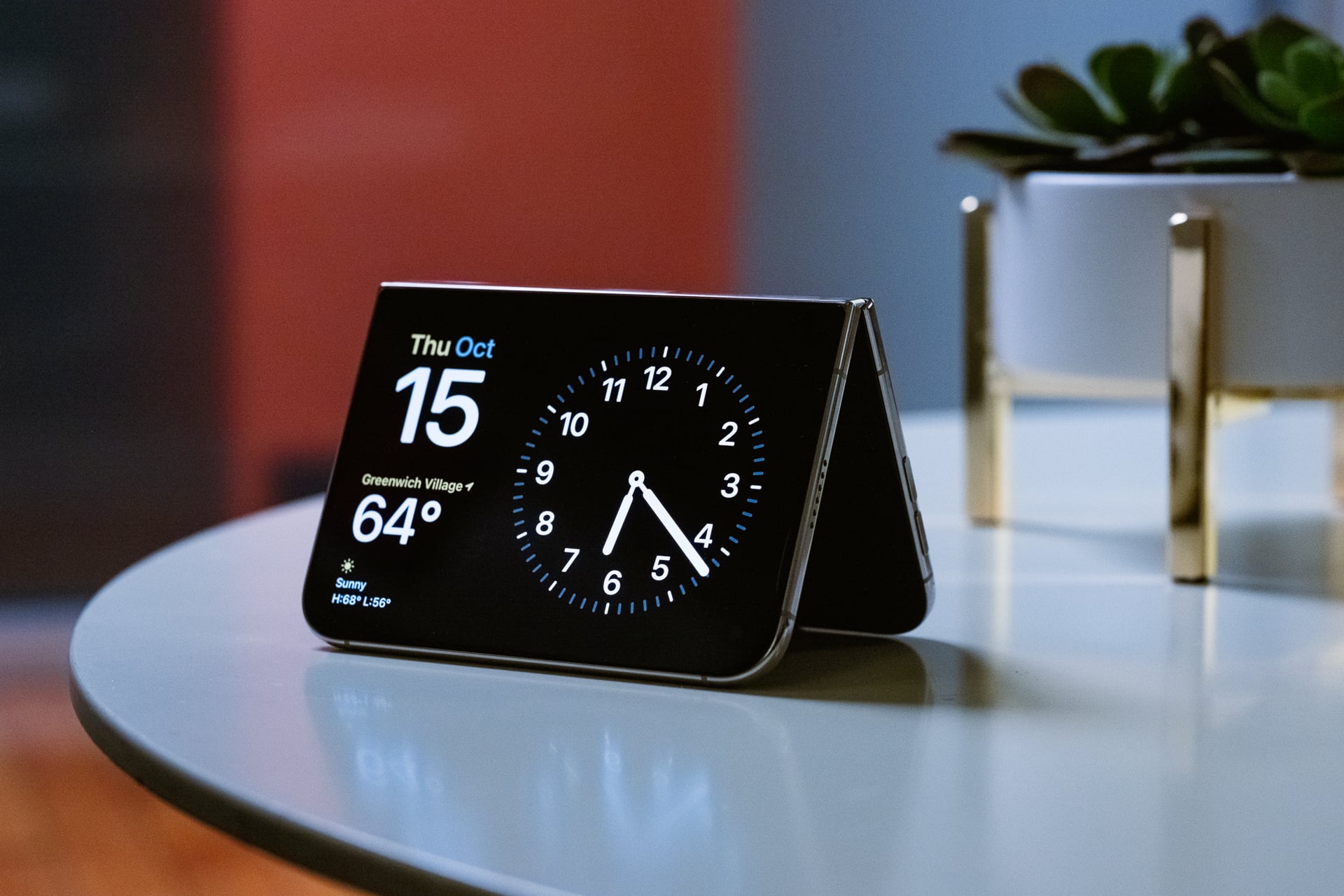
The side button doubles as a Touch ID fingerprint sensor. It’s as quick and responsive as the oblong-shaped Touch ID buttons on the iPad Airs, but I missed Face ID every time I grabbed the iPhone Duo off my desk or pulled it out of my pocket and remembered I needed to put a registered finger on the button to unlock. In the first couple of days, I kept forgetting that I couldn’t just look at the display for Apple Pay after double-pressing the side button.
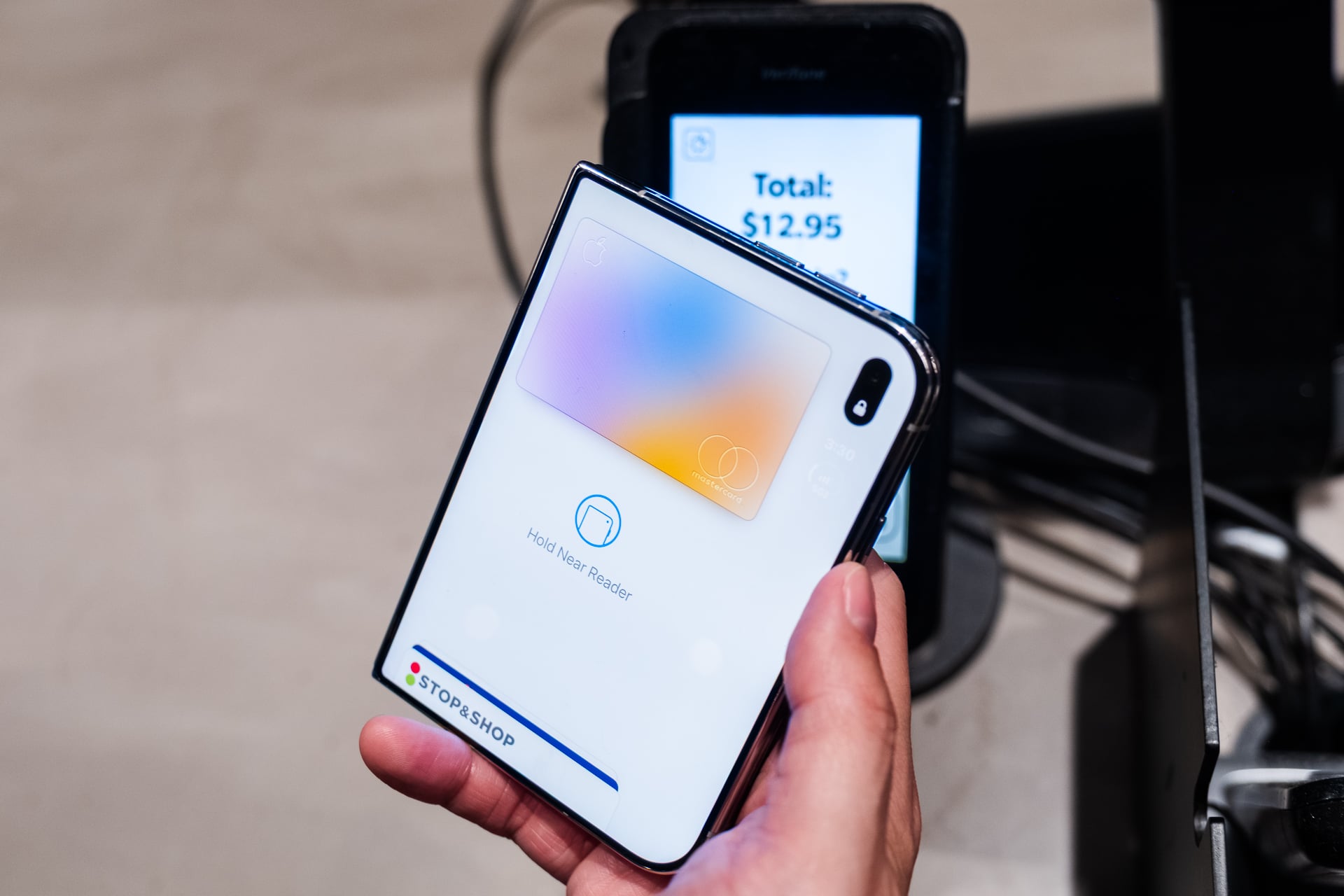
I’ve gotten so used to using Face ID since the iPhone X that going back to Touch ID required a little muscle memory retraining. If you always wear an Apple Watch, you can unlock the iPhone Duo without Touch ID, which is nice but really highlights how deep the Apple lock-in is. Touch ID is also going to be a step back in the winter when I have to remove my gloves every time I need to unlock instead of keying in my passcode.
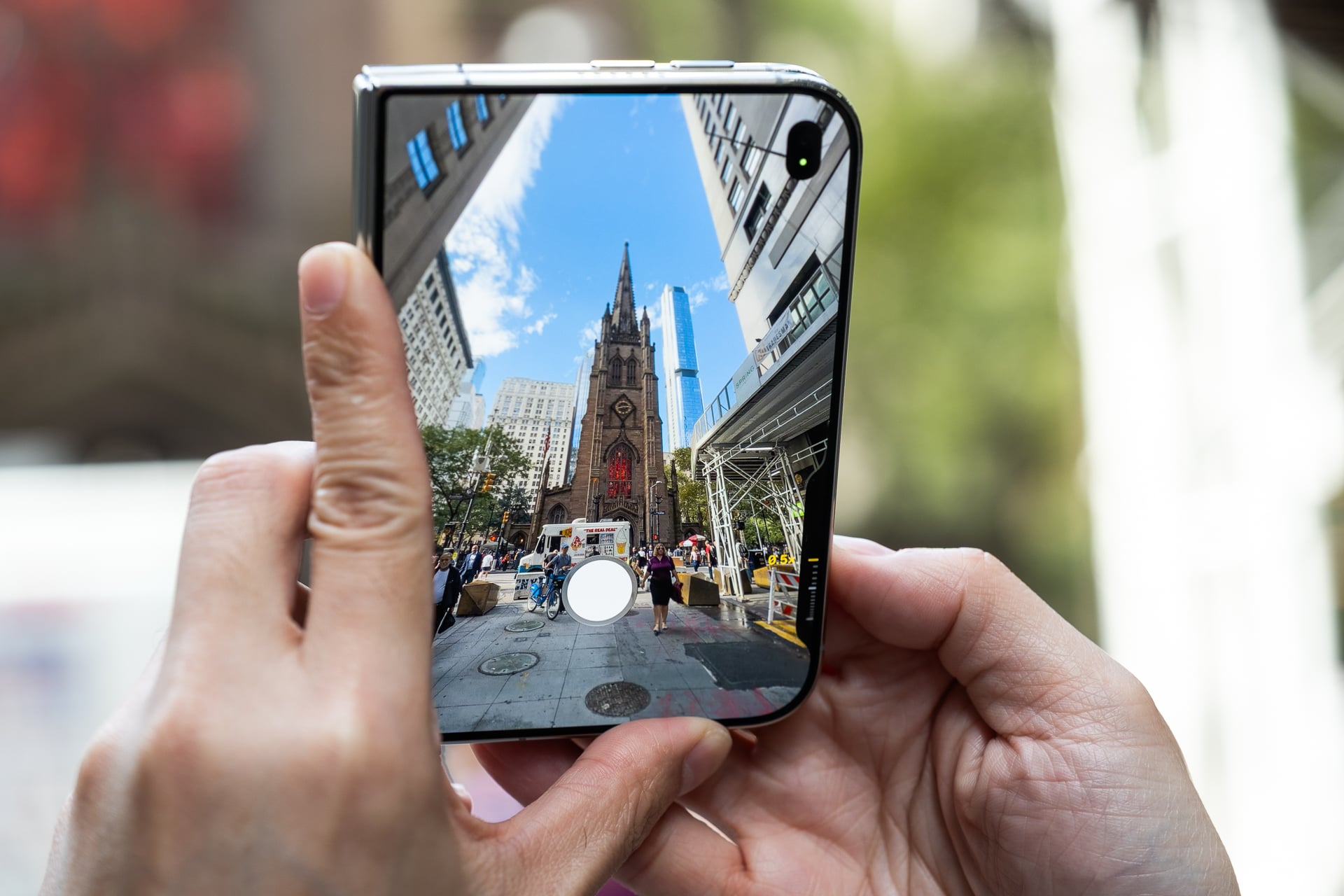
As for the more questionable design choices, I would have preferred an Action button over the Camera Control. The former is on every iPhone that Apple currently sells, including the entry-level iPhone 17e, and can be customized for myriad settings like launching an app, adjusting a setting, or activating a task shortcut. The latter can only be used with camera apps and, like I said in my iPhone 18 Pro review, Apple didn’t even bother making it more functional or customizable. I understand why the iPhone Duo doesn’t have the Action button; it can’t be put on the hinge, but it could have been relocated to where the Camera Control is. The only good thing about the Camera Control on the iPhone Duo versus other iPhones is that it’s closer to the corner when you hold it in landscape, which makes it easier to press.
Old software feels new again
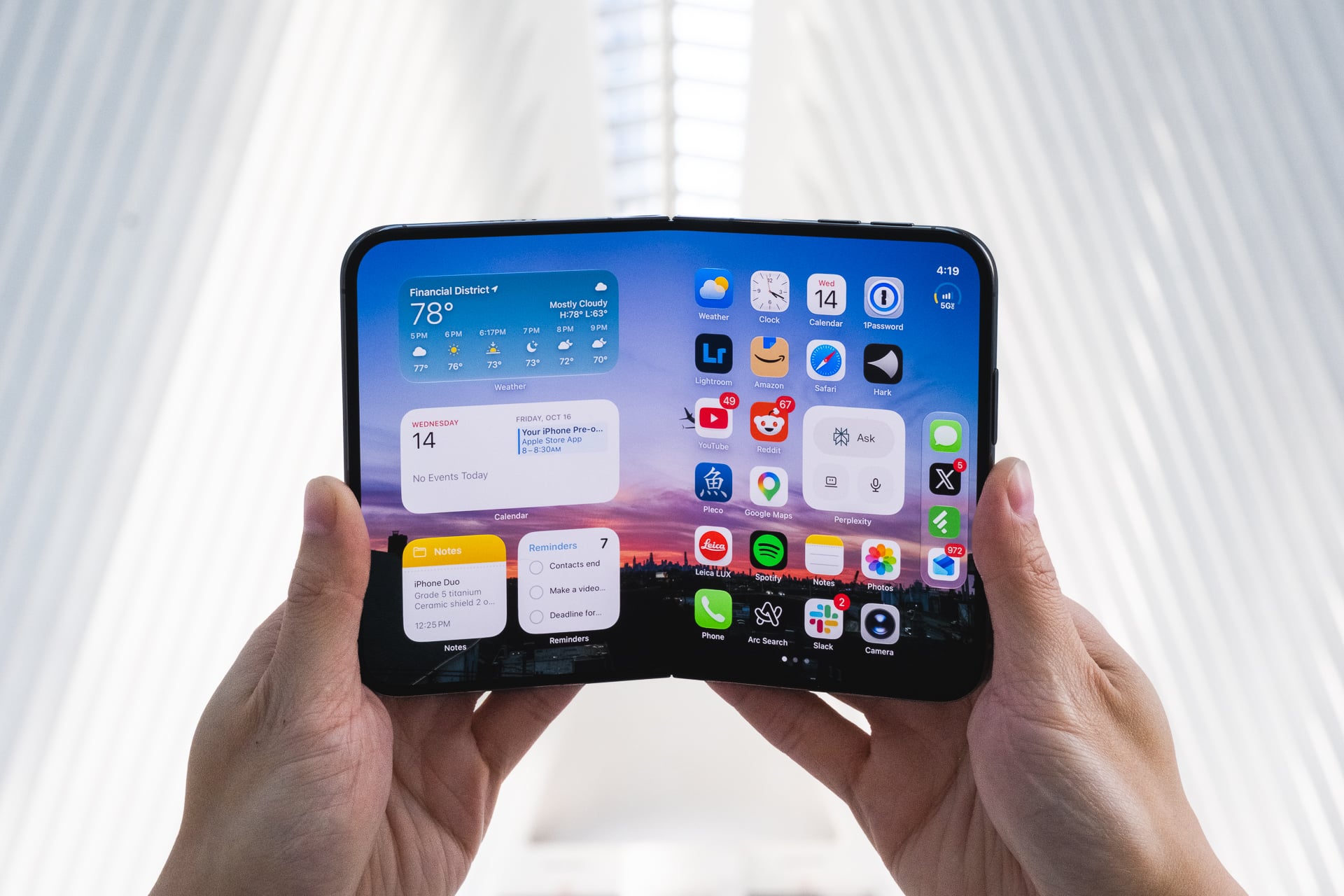
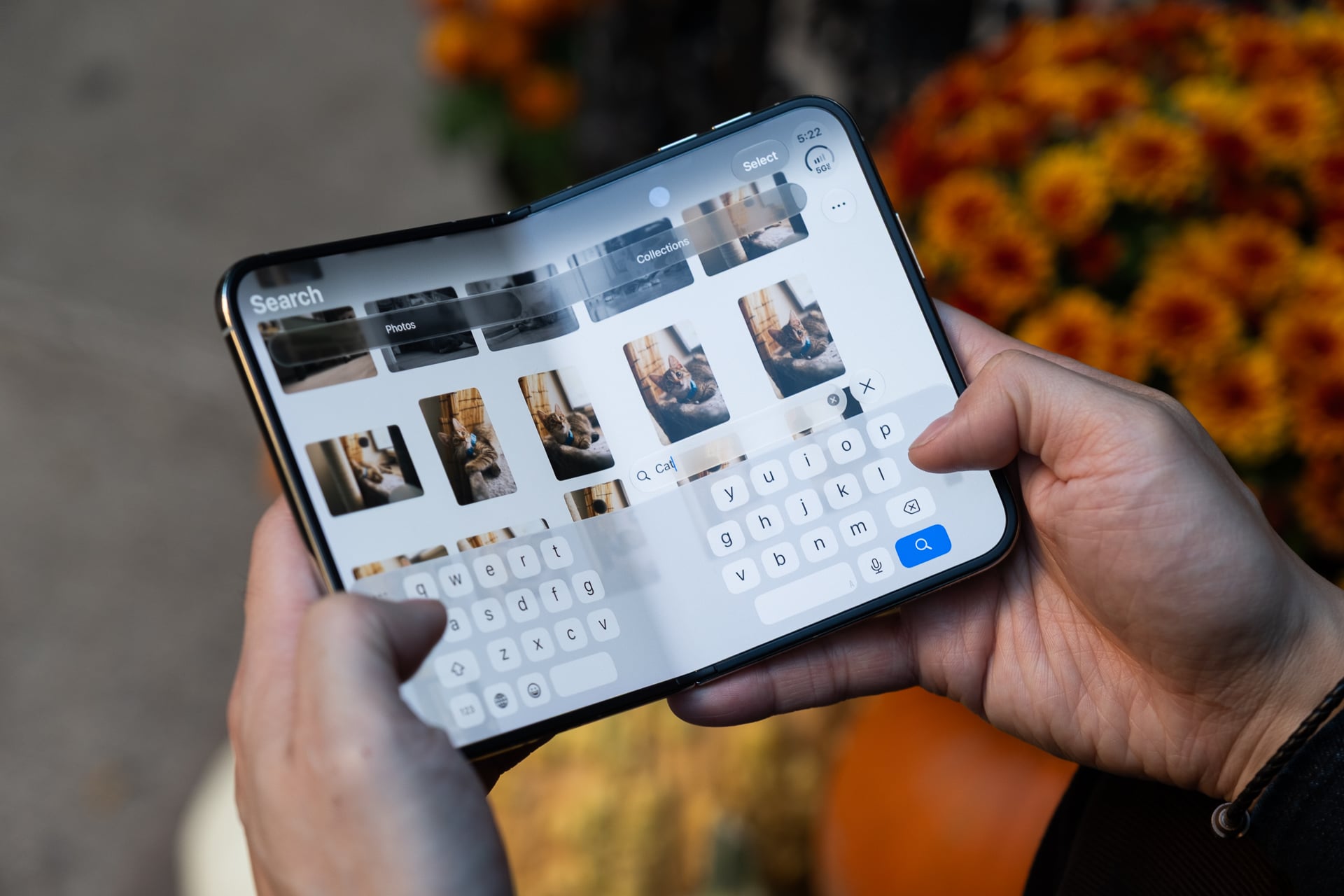
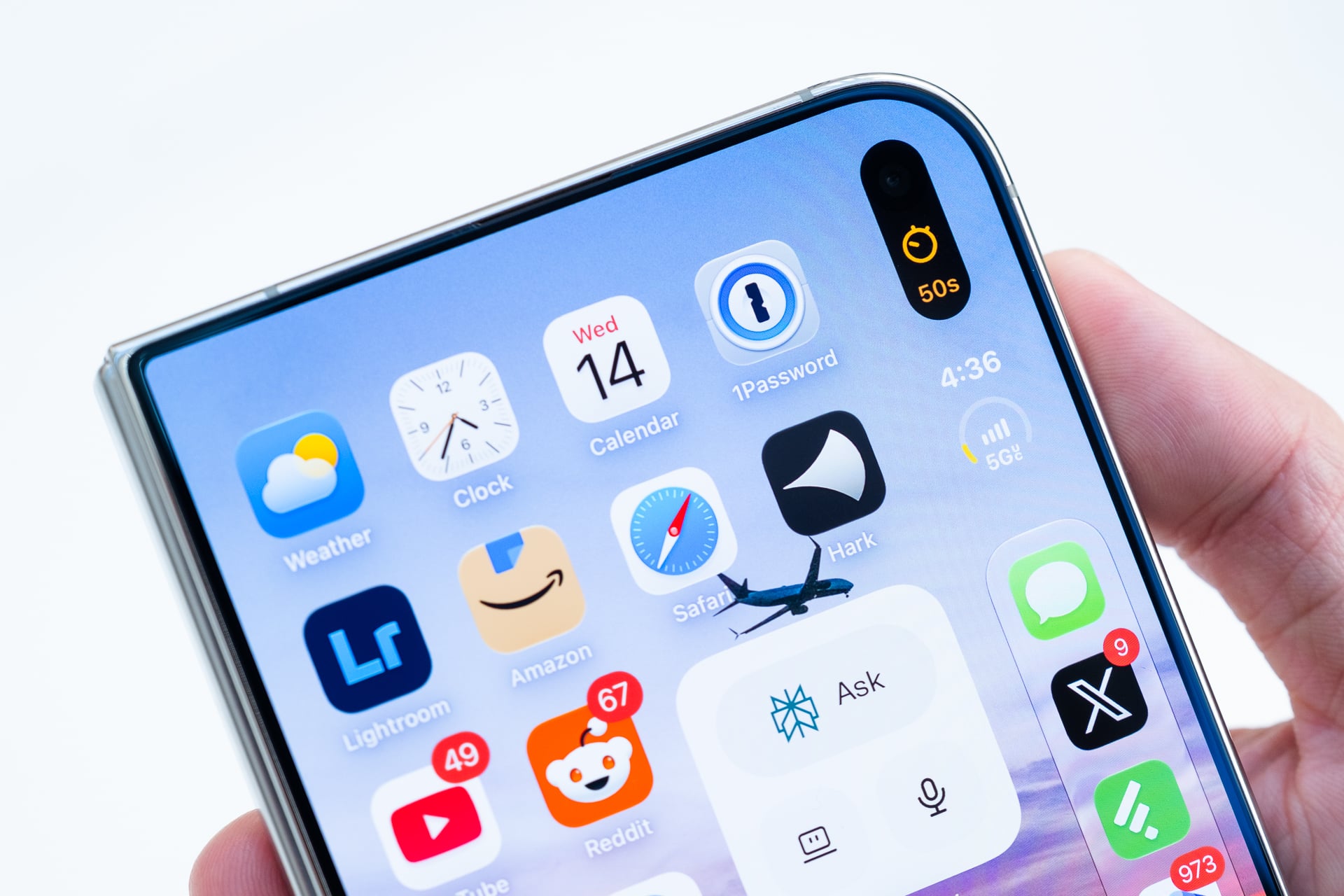
The biggest question mark I had going into this review was whether iOS 27 would scale well between the two displays, which both have a 1.4:1 aspect ratio. I’m happy to say that it does. That’s largely thanks to Apple keeping the same 4 x 6 grid of a standard iPhone home screen and shifting the dock to the extra width on the right. Having two apps open in Split View will put their respective menu bars on the left and right sides, which are easier to access with your thumbs. Little fold-centric hardware-and-software touches like bending the device like a book to split the on-screen keyboard aren’t just gimmicks; they really make it more ergonomic to use the iPhone Duo.
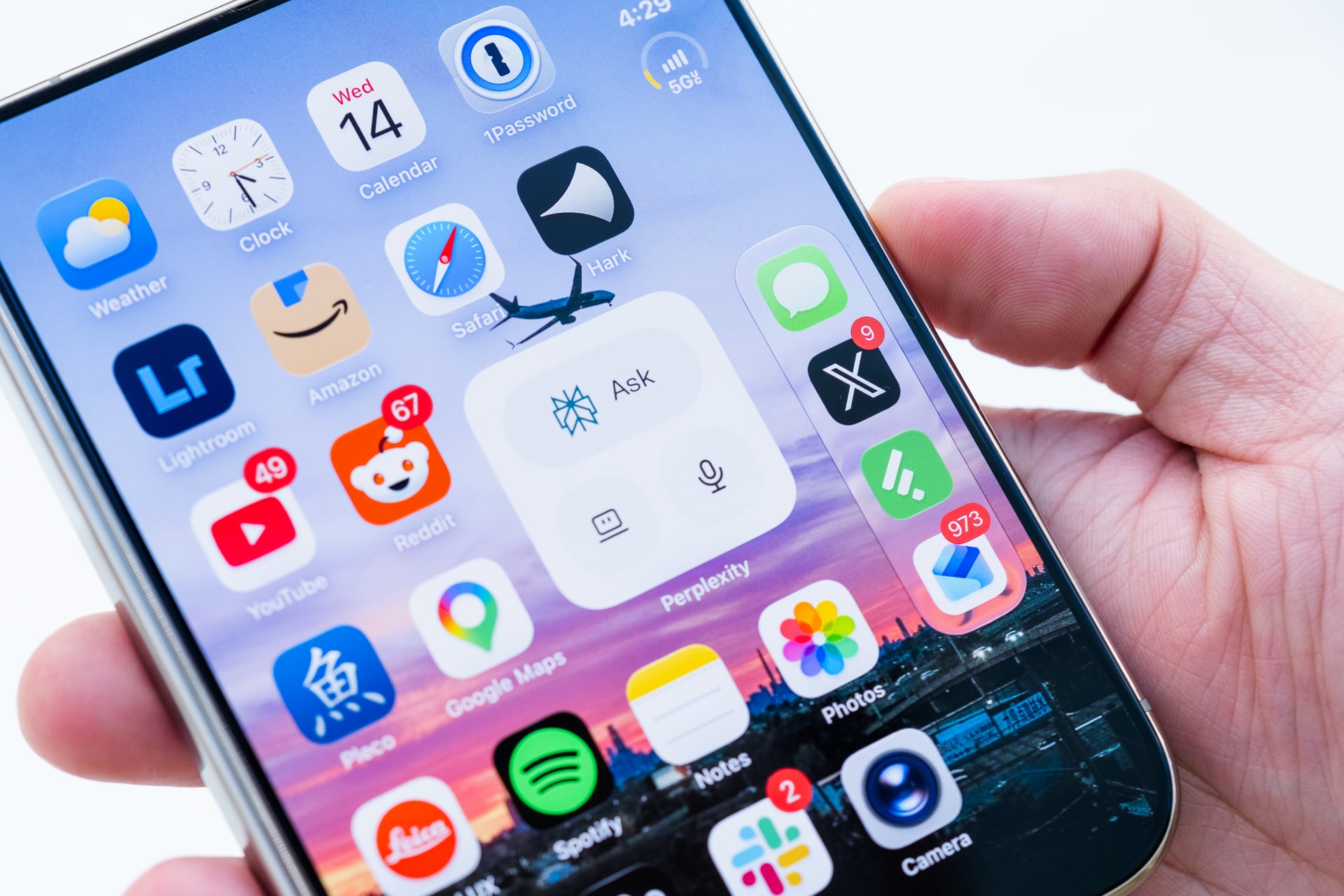
To be clear, iOS 27 on the iPhone Duo is not iPadOS 27 lifted from the iPad. Apple redesigned iOS for iPhone Duo’s special display dimensions. The status bar is now circular and elegantly consolidates the battery life, Wi-Fi, and cellular signal bars. Tapping it opens the Control Center. The Dynamic Island is also vertical, extending out from the outer display’s hole-punch camera and blobbing out of the upper right corner on the inner screen. The dock is reachable for righties, but lefties are out of luck. Alas, there’s no way to reposition the dock to the left except on the inner screen when you open an app and pin it to the right side. When you do that, the dock automatically shifts to the far left side to accommodate the home screen to its right.
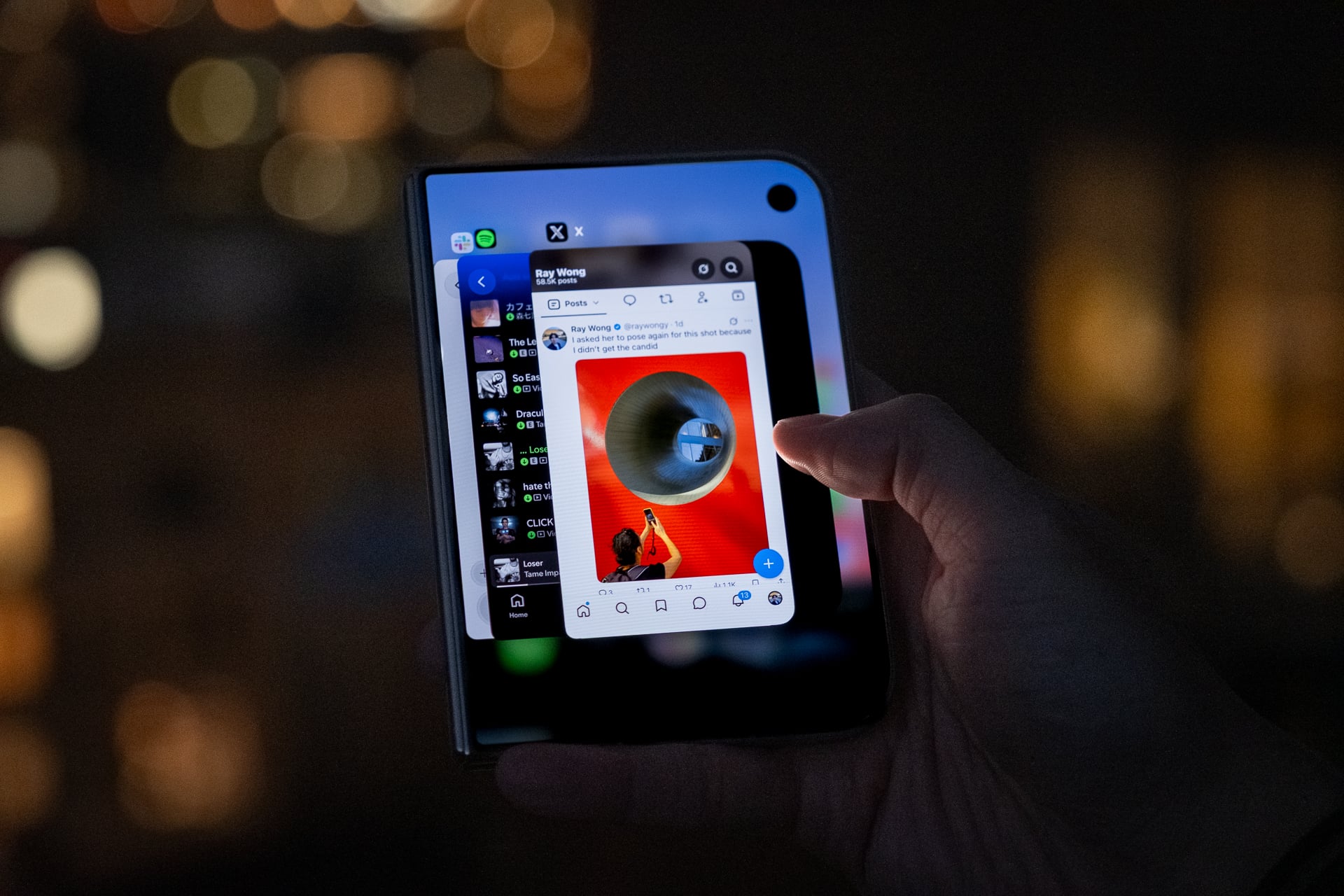
The inner screen only supports apps side by side. You can’t get a third app with “Slide Over” like you can on an iPad. There’s also no windowing with resizable apps, and—thank god—the terrible Stage Manager isn’t present. This might seem limiting compared to Android-based foldables, like the Z Fold 8, that allow three or more apps to appear on screen at once, but it keeps multitasking simple. Besides, using three or more apps simultaneously on Android foldables is rarely a good experience; the apps’ windows are usually too small to see much content, and the gestures to switch between them can be confusing to grasp.
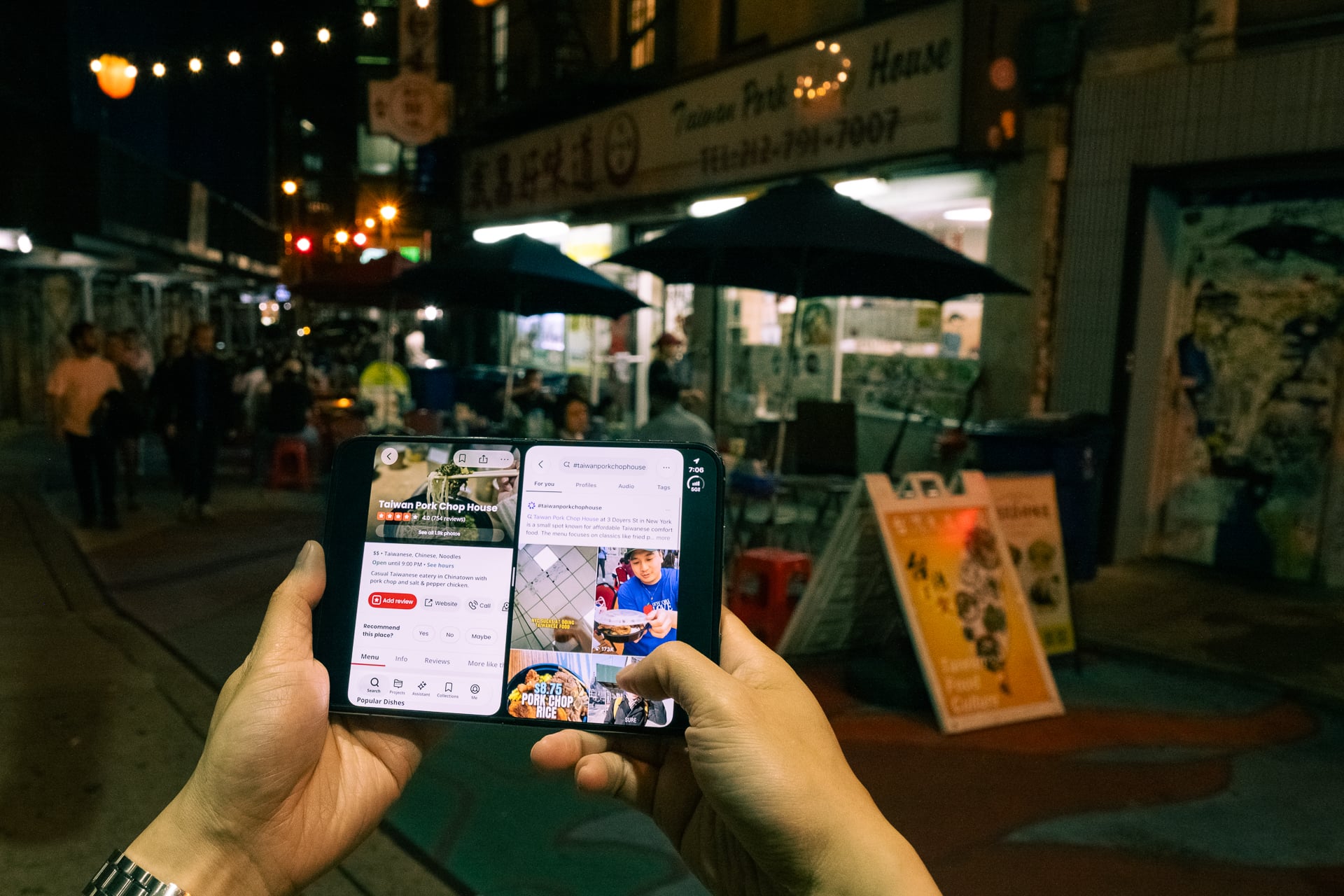
Multitasking is very intuitive, and I mastered it within minutes. To open two apps in Split View, you first launch one app, then grab the gesture bar at the bottom and drag it to either the left or right side to snap it there. Then, you open the second app and—voilà—two apps run side by side. Neither app is resizable; it’s only a 50:50 split. You can’t make one app wider and the other one narrower like you can on the Z Fold 8. Split View only works with two apps side by side, not one on the top and one on the bottom. It also only works when the iPhone Duo is in landscape orientation. Android foldables, again like on the Z Fold 8, allow multiple apps in portrait or landscape orientation and either side by side or top and bottom. The one nice thing that the iPhone Duo has that’s not on either the Z Fold 8 or Pixel 11 Pro Fold is the ability to swipe between recent apps in Split View. The same way you can swipe left and right on the gesture bar on a regular iPhone to move between recent apps, you can do so on both apps open in Split View because there are two gesture bars. This is really great and makes the two-apps-at-once multitasking more versatile. (This was actually a software feature on the ill-fated Microsoft Surface Duo, so I guess it’s true that good artists copy; great artists steal.)
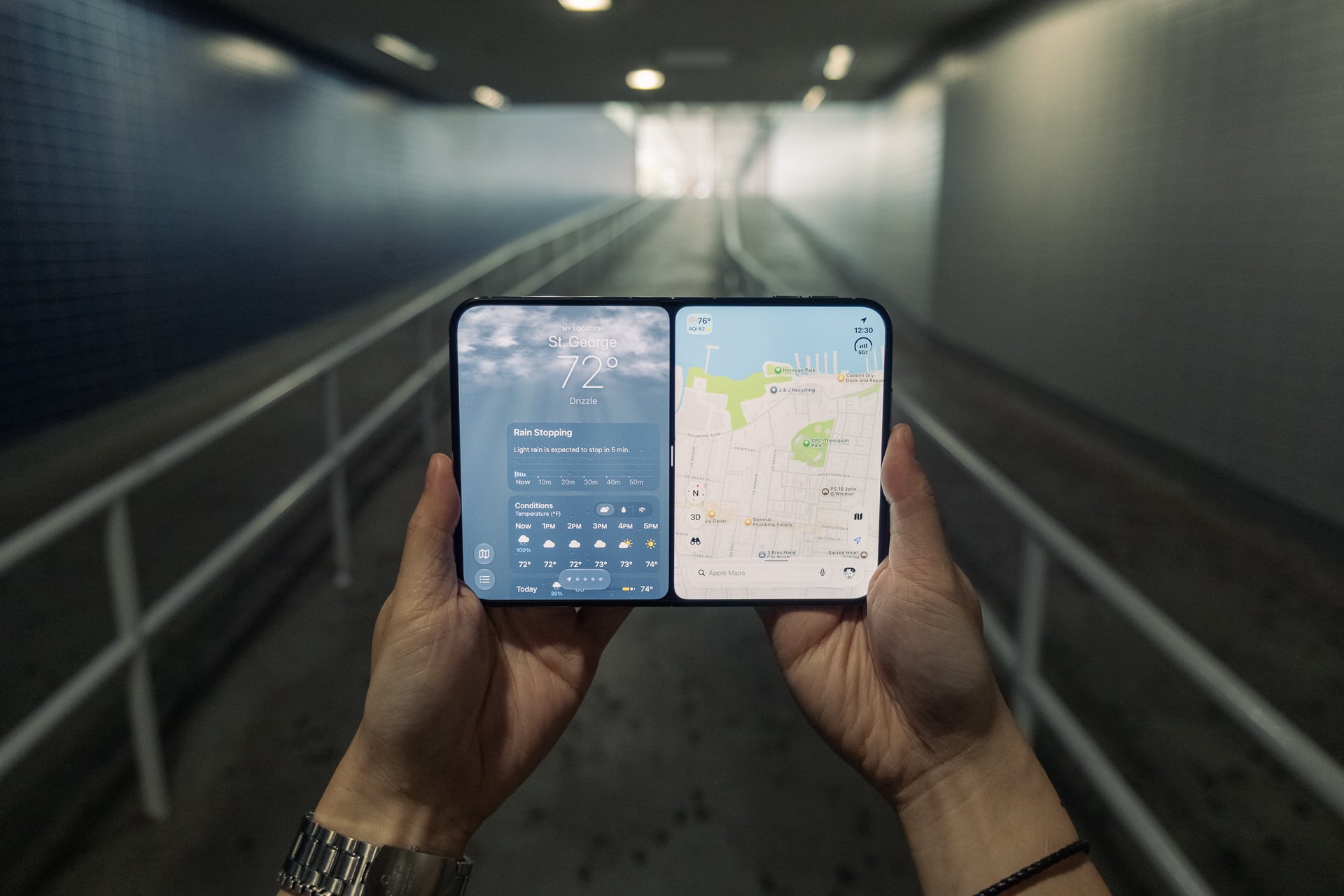
Pairing two apps so that they open together in Split View is also very simple to do. With two apps open, you just tap the bar between them. You’ll see the apps are bound together with a gray spine along the crease. The next time you open either one of the apps, they’ll launch together in Split View. You can also find the bound apps in the App Switcher view. To unbind them, just tap the bar again. And to expand one app to fullscreen, just grab the bar and swipe to the left or right to push the other app out of view. This works great, but here’s a scenario where I think it works better on Android foldables. I would have liked the option to pair more than one app pairing (i.e., X and Feedly or X and Slack) and also be able to save them as icons on the home screen, which you can do on the Z Fold 8.
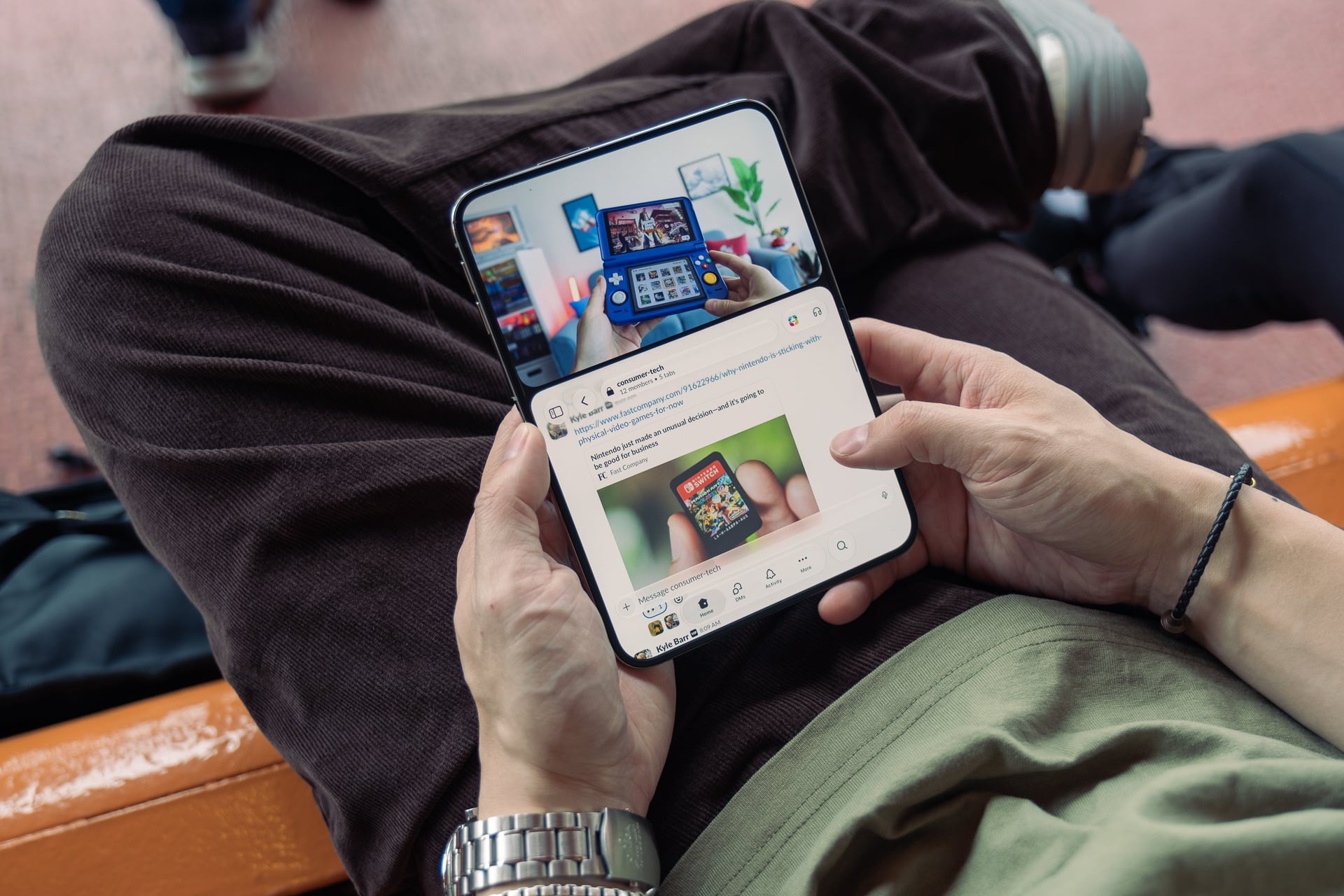
While Split View doesn’t work when the iPhone Duo is in portrait orientation, you can run two apps, one on top and one on the bottom, but only if one of those apps is a video. This is actually the most confusing of the multitasking gestures on the iPhone Duo. I’ll use YouTube as an example. First, you need to open a video, hit play, then put it into picture-in-picture mode by swiping down on it. (If you don’t hit play, the video won’t go into PiP mode.) Then, you need to swipe up from the gesture bar to exit the video app (the video will appear as a floating PiP window) and then tap on the second app you want to open. After you’ve done that, you need to tap on a new “pin video” button on the PiP to force it to play on the top of the screen while the second app fills out the rest of the bottom. You can’t move the video from the top to the bottom. I think this could have been designed better. Instead of doing all that, maybe just open both apps in Split View in landscape orientation, rotate the iPhone Duo into portrait mode, and a playing video intelligently moves to the top. Provide a button to shrink the video back into PiP, and when you rotate the device back into landscape orientation, you can restore the video back into the app from PiP. Free idea, John Ternus!
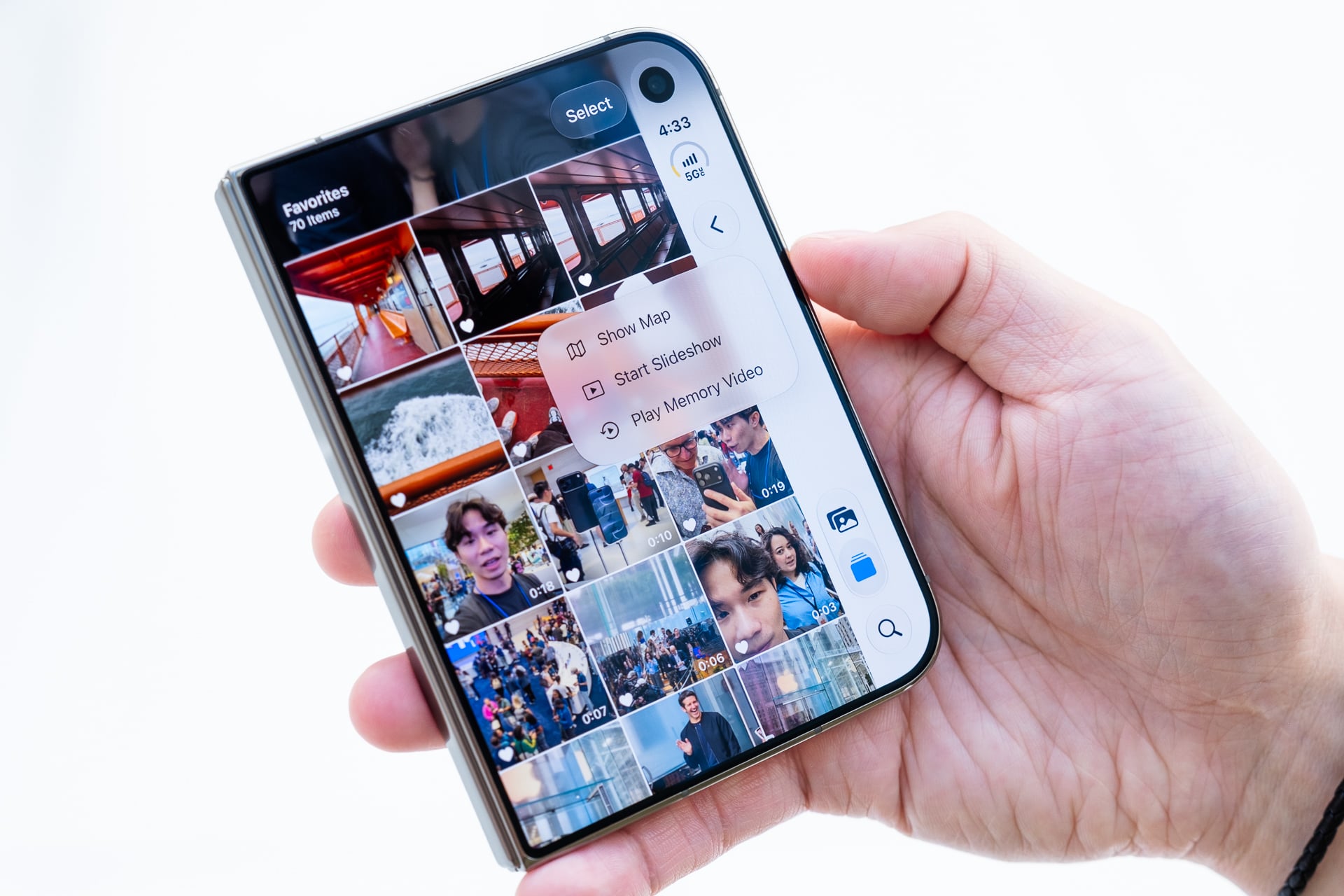
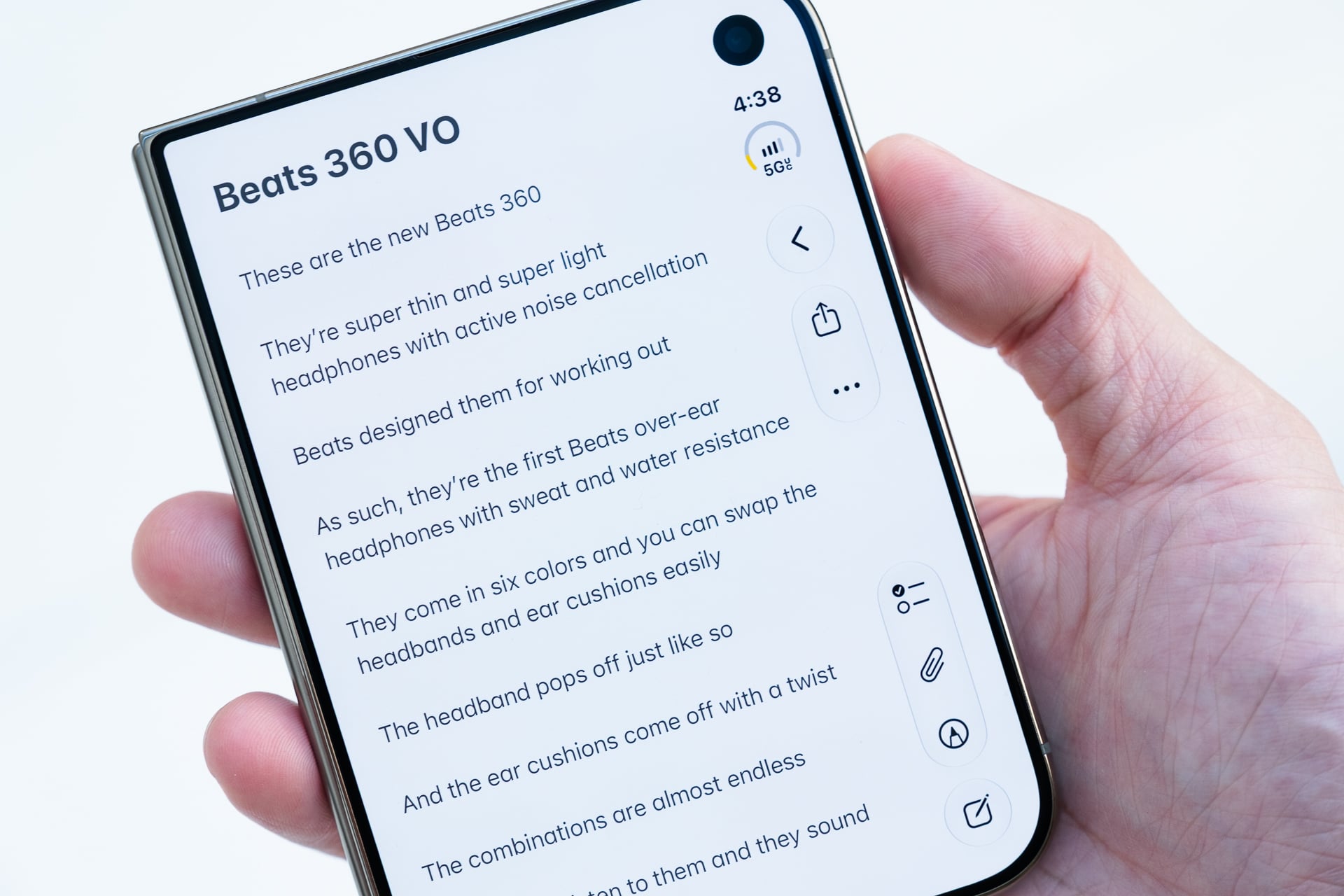
Almost all of Apple’s own apps are optimized for the iPhone Duo’s inner display. It’s not just expanding an app to fill out the mini-tablet-sized screen but tweaking apps to make good use of it. That means moving menu and tab bars that would normally be at the top or bottom to their side or adding a sidebar to split an app into two parts, like in Messages, Mail, and Calendar. Optimized iPhone Duo apps look more like iPad apps, and it’s awesome.
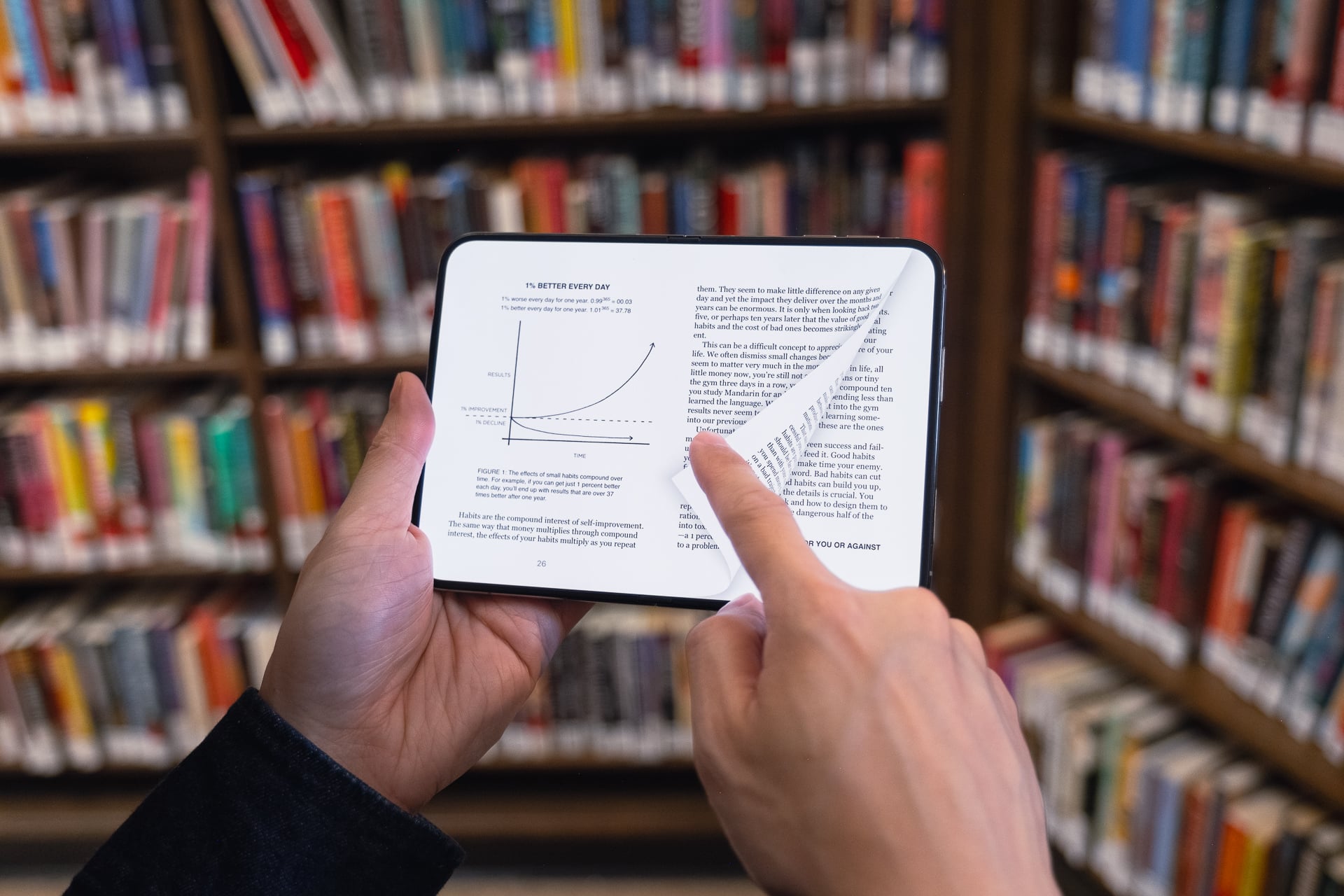
Since this isn’t my first time using a foldable phone, I already knew the benefits of having a tablet-sized inner screen. The iPhone Duo’s 7.6-inch inner screen is 50% larger than the iPhone 18 Pro Max’s 6.9-inch display and 80% larger than the 6.3-inch iPhone 18 Pro. Everything looks more sublime on a larger screen. Liquid Glass at its highest transparency looks better on the nano-texture inner screen than it does on any iPhone. Photos look so much better, videos are more immersive, reading is easier, and games are more engaging. You still get black bars when watching videos that don’t fill out the whole screen, but having an even bigger screen that folds into your pocket really does feel like you’re in the future, especially when there’s no distracting crease. I said it in my Z Fold 8 review, and I’ll repeat it because it applies just the same: the shorter and wider foldable design encourages you to open the iPhone Duo more than taller foldables that, while resembling bar-style smartphones when they’re closed, give you fewer reasons to open it up often. I have found myself reading, watching, and gaming a lot more in the last week than I have with a regular phone. That might not be great for my Screen Time moving forward, but that’s a different discussion.
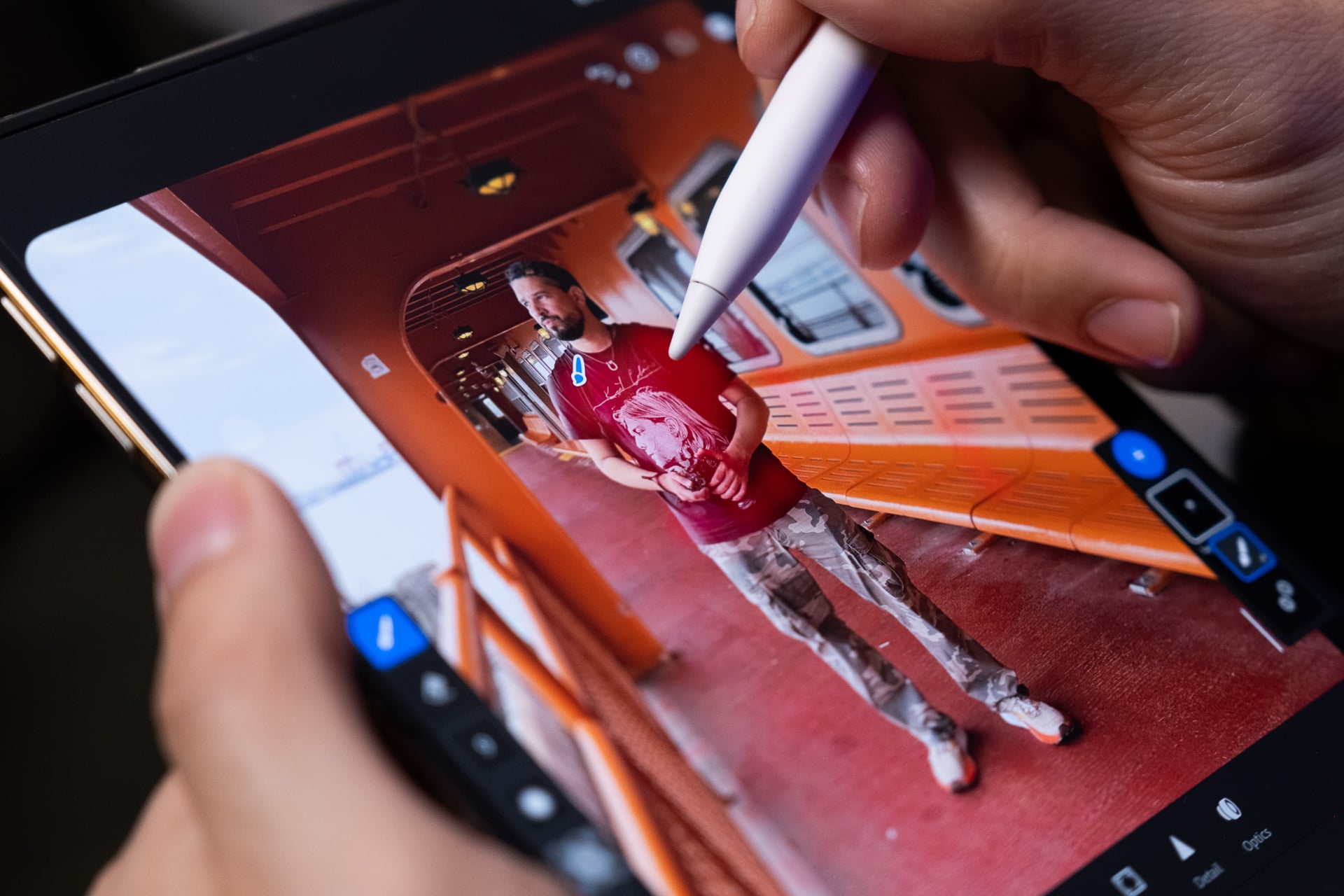
I personally love editing photos in Adobe Lightroom on the iPhone Duo. It’s easier to see adjustments without having to zoom in too much, and there’s also Apple Pencil USB-C support (not the Apple Pencil Pro or any older Apple Pencils). It works as precisely as it does on an iPad and feels like you’re writing or drawing on paper. I was able to mask out certain parts of a photo with pinpoint accuracy rather than with my fingertip.
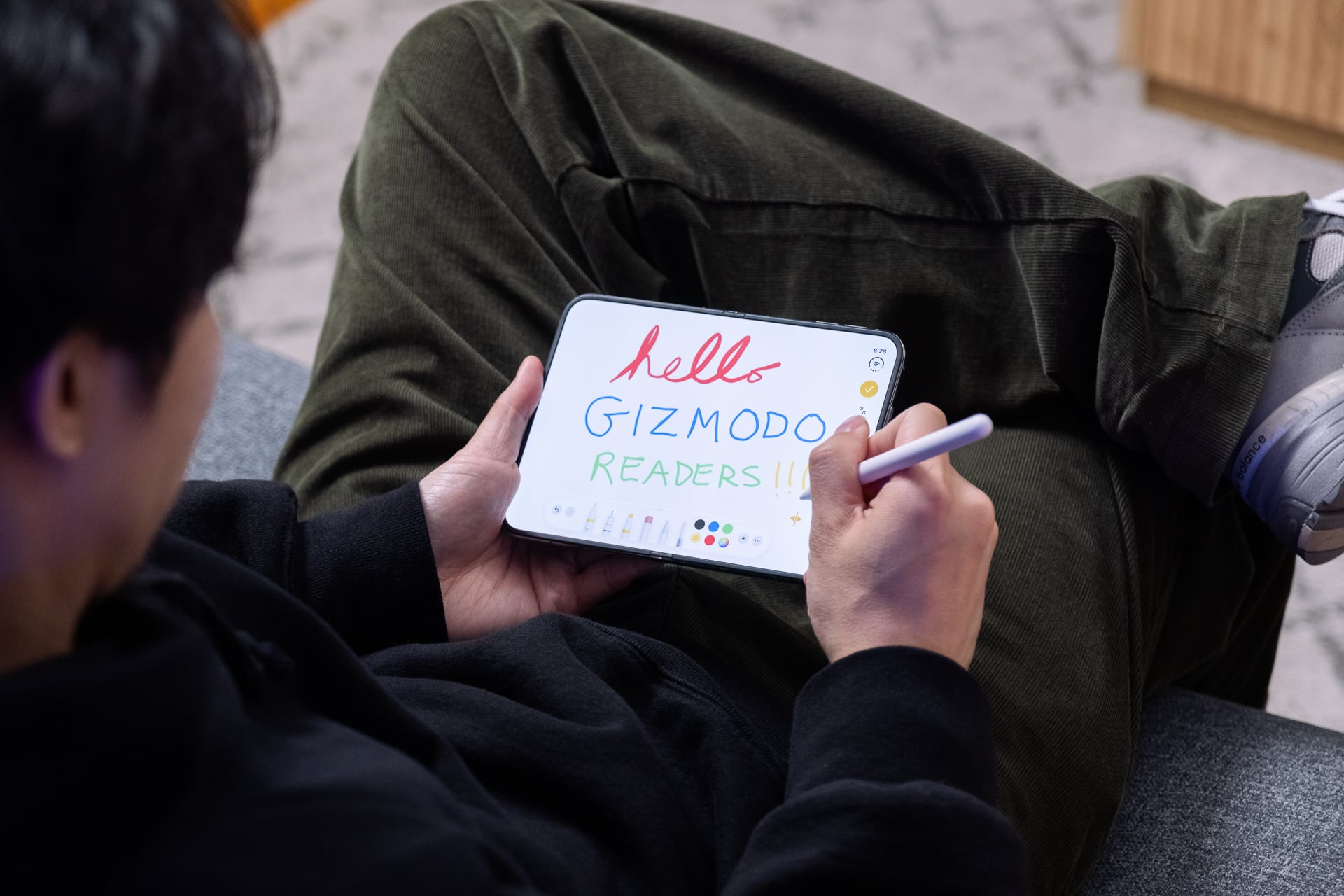
The only downside is that there’s no way to attach the Apple Pencil USB-C to the iPhone Duo. For the Surface Duo, Microsoft designed a short and flat Surface Slim Pen that attached magnetically to the back of the device. Samsung’s Z Fold used to support an S Pen and tuck into a case accessory, but support was dropped in recent versions. It was a total surprise that the iPhone Duo even supports an Apple Pencil, but I also feel like Apple could have designed a smaller version that attaches to the back or even on an official case. Maybe in a future generation?
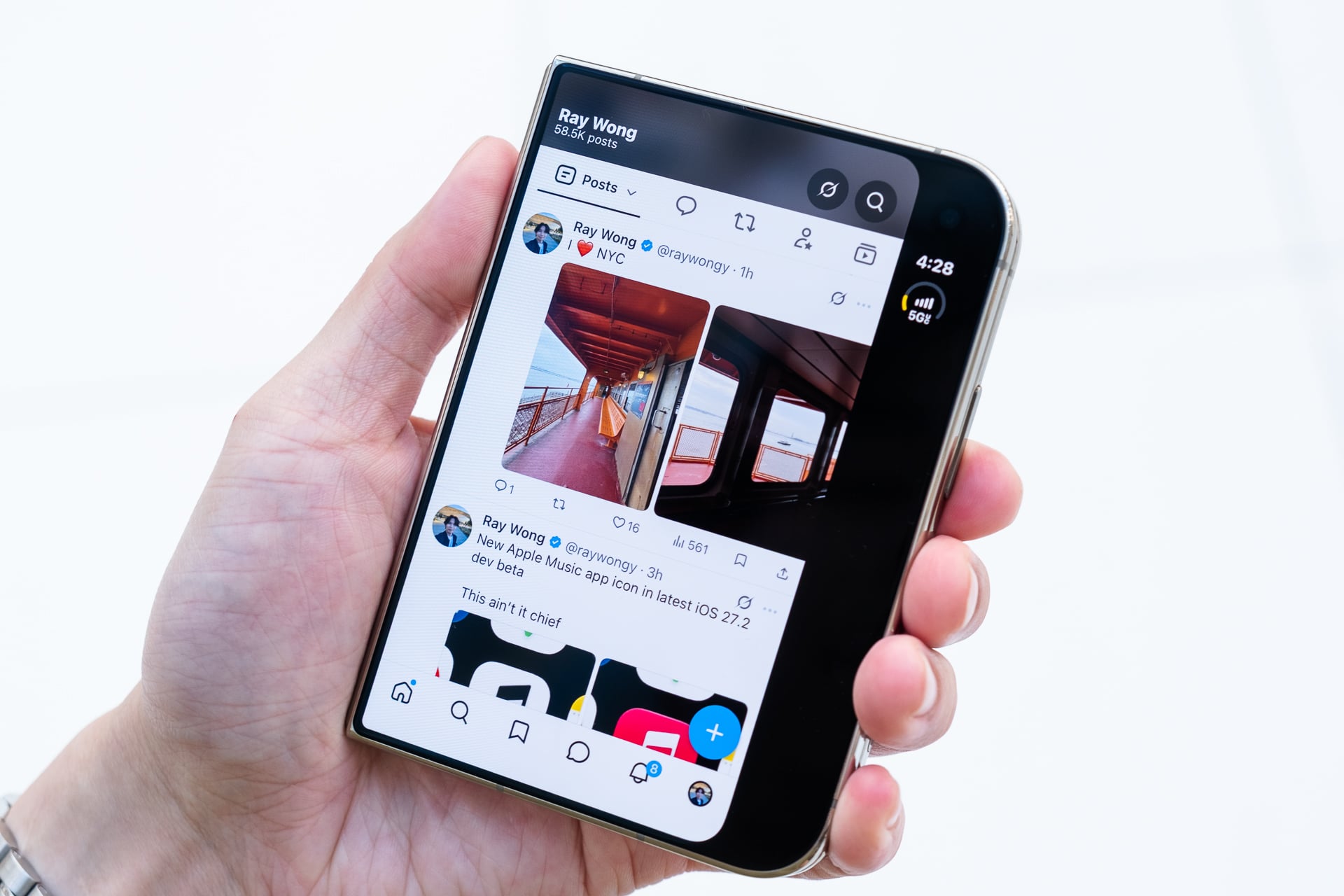
The first few days, weeks, and months are going to be a Wild West. Some third-party apps have already been updated to support the iPhone Duo’s two screens, but many may take a while or might never be updated. Unoptimized iPhone apps will still run and look fine on the outer display or in Split View on the inner display, but if you want to fill out the folding screen, they’ll just appear as enlarged versions when you tap the expand button. (This is the same on iPad.) A zoomed-in app is still better than an iPhone-sized one with black all around it, in my opinion, but obviously, massive buttons look silly. The easiest way to tell if an iPhone app has been properly optimized for the iPhone Duo is to look at the side menu bar. Usually, if it’s black—and the app isn’t just in dark mode—and there are no buttons there, it means it’s not optimized.
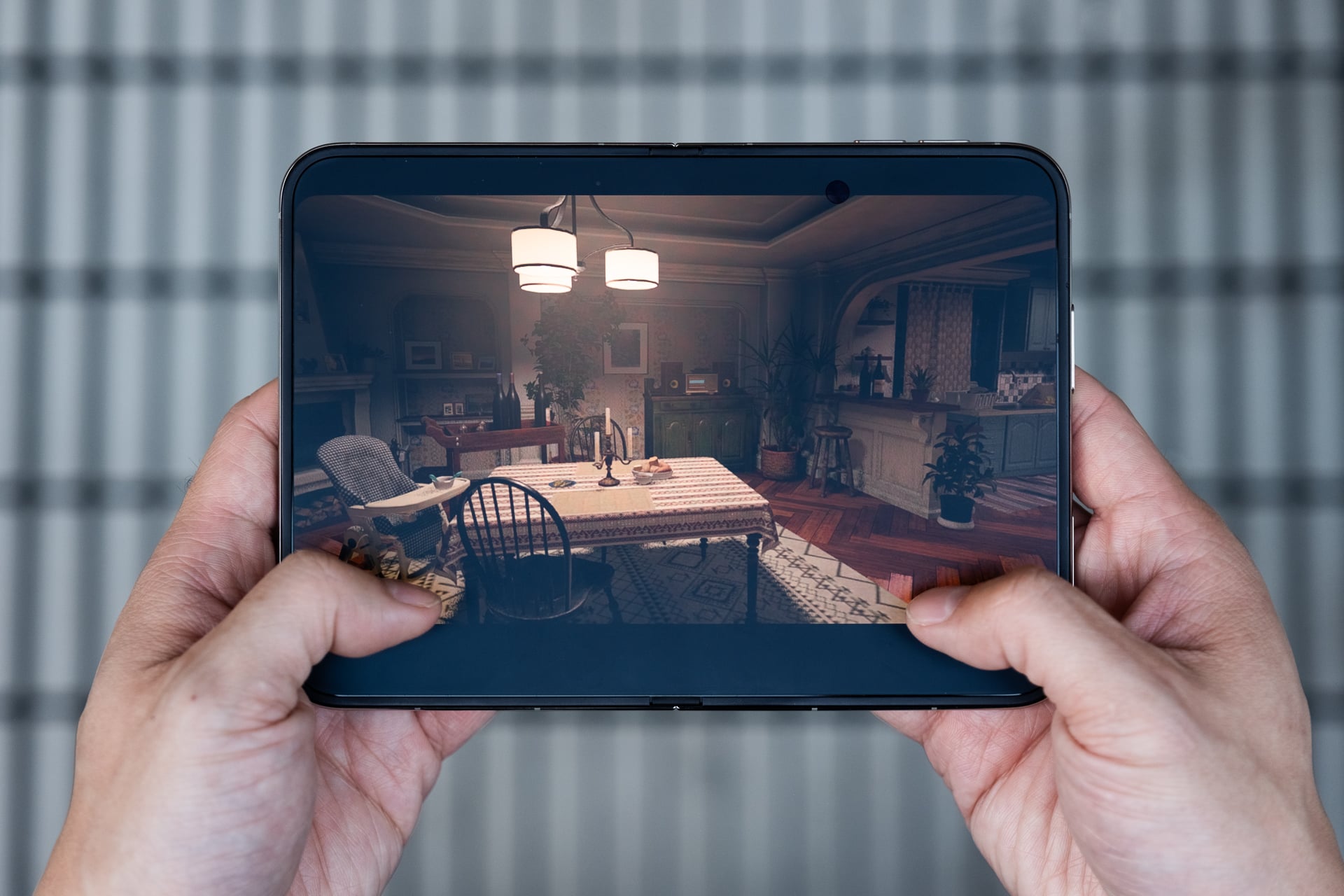
You’re going to need to be patient as apps (hopefully) get updated quickly. Since I was testing the iPhone Duo before its official release, only a handful of my most-used apps were updated, but tablet-ish versions started rolling out after a few days. For example, I thought for sure the Shonen Jump app that I use for reading graphic novels would be optimized for two-page layouts on the inner screen since it is on the Android version for the Z Fold 8, but it wasn’t. I’m sure it’ll be updated soon, though. Games like Resident Evil Village and Call of Duty Mobile could also really benefit from the mini laptop mode, with visuals on the top and controls on the bottom instead of overlaid on top.
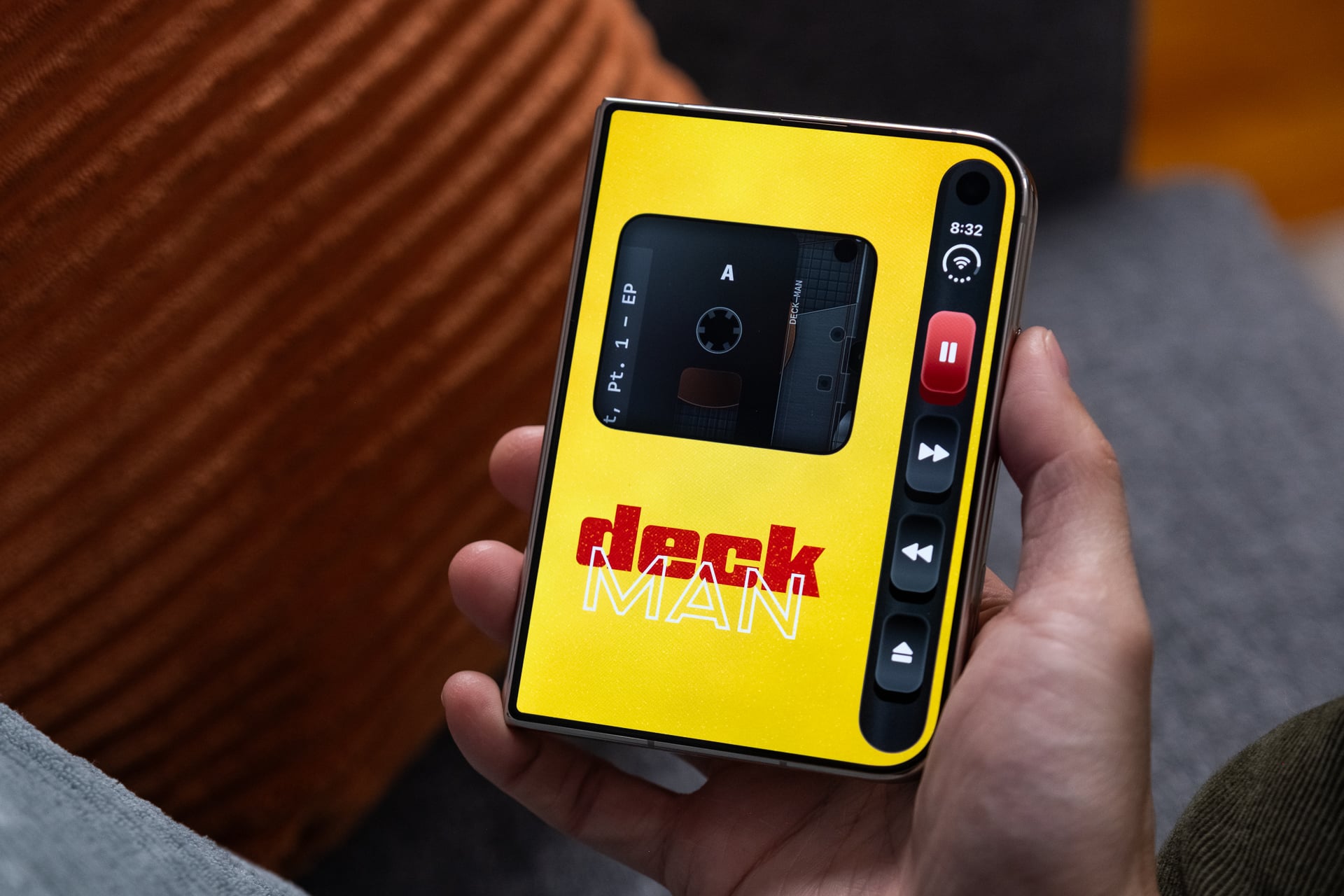
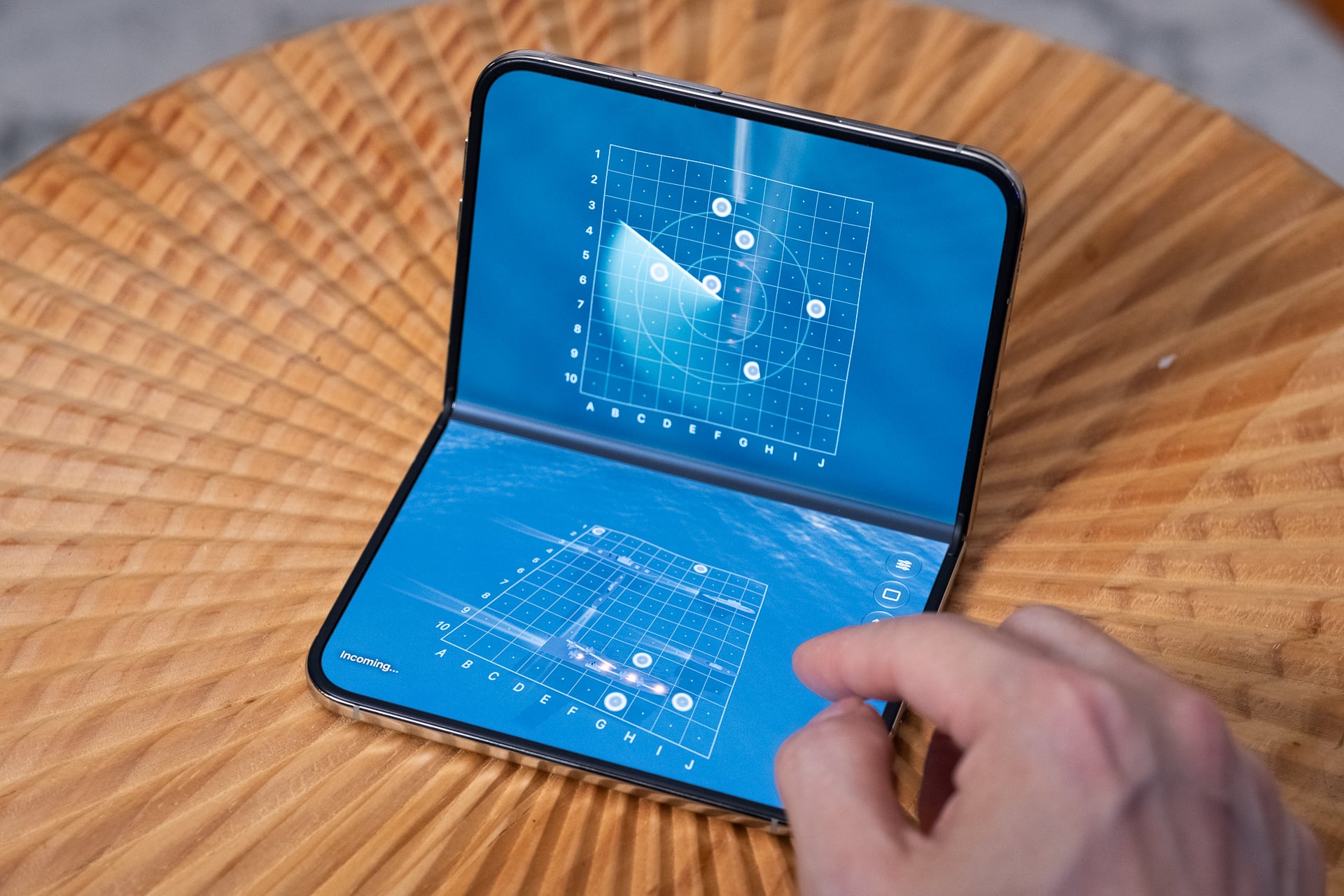
Mostly, I’m super stoked to see how developers will rework their existing apps for the iPhone Duo’s different folding modes, or “poses” as Apple officially calls them. In addition to open and closed, you can put the iPhone Duo into a laptop mode, a folded book-like mode, or a tent mode. Many of these poses already exist on other foldable phones, but they work better on the iPhone Duo. It’s not just because the hinge bends and stays put at pretty much any angle, but because iOS 27 and apps adapt to the screens well. I got to try out some really fun ones, like Deck-Man, a cassette-tape app that mimics a Walkman on the outer screen, and Battlefleet Duo, a Battleship-style game that uses the laptop pose to show your fleet on the bottom screen and a targeting grid on the top. It’s these creative app designs for the different poses that make the iPhone Duo feel refreshing to use. Every day I open X and see imaginative app designs for the iPhone Duo, like a Nintendo DS emulator for playing retro games, and it feels like we could be on the verge of app renaissance for the iPhone platform. That’s exciting in a way that it hasn’t been in more than a decade.
Coming from the iPhone 18 Pro and 18 Pro Max that I reviewed last month, I experienced no material slowdown in overall performance on the iPhone Duo. The foldable shares the same A20 Pro chip with the same 6-core CPU, 7-core GPU, and dual 16-core Neural Engine. This is not an iPhone Air vs. iPhone 17 Pros situation where the Air has one less GPU core and throttles under sustained performance because it’s too thin, overheats, and doesn’t have a vapor chamber to cool it. While not as large as the one in the iPhone 18 Pros, the iPhone Duo’s vapor chamber, which Apple says helps provide up to 35% higher sustained performance than the iPhone 17 Pro, does a solid job cooling it down to prevent lag or slowdown when apps really activate all the CPU and GPU cores.
This responsiveness is backed by the single-core and multi-core scores on Geekbench 7, the standard benchmarking app for measuring a device’s CPU and GPU’s power. The iPhone Duo and iPhone 18 Pro scored nearly identical scores (averaged out over three tests): 4,002 on single-core and 10,728 on multi-core. Similarly, the GPU test also returned nearly the same score: 60,608. I ran the same CPU and GPU tests on the iPhone Duo’s closest Android competitor, the Galaxy Z Fold 8. The CPU in its Qualcomm Snapdragon 8 Elite Gen 5 for Galaxy chip only mustered 3,112 on single-core. It fared nearly equal on multi-core with a 10,438 score. For the GPU, the Z Fold 8 scored a measly 17,331 on the GPU test. That puts the Z Fold 8 at 22% less powerful on single-core and a whopping 71% less performant for the GPU.
In real-life use, iOS 27 on the iPhone Duo is simply a smoother software experience than Android 17 (with Samsung’s One UI 9.0 customization) on the Z Fold 8. There’s no latency when two apps are open side by side and when switching between the outer and inner displays. Much of this comes down to Apple doing a better job optimizing its software for the chip. While the Z Fold 8 is generally smooth, it also doesn’t have a vapor chamber to keep the device cool under heavy load, so it can often get toasty and throttle. As a result, animations and transitions sometimes lag throughout the UI, or 3D games will drop frames when the action gets intense because the device’s even thinner 4.5mm profile (when open) can’t disperse the heat coming off the chip fast enough.
My iPhone Duo experience wasn’t 100% bug-free. During the first few days, I observed several times a bug that caused the letters T, G, and V to not register when I tapped them on a full-width keyboard on the inner screen. Lo and behold, those letters were right down the crease. Restarting the iPhone Duo corrected the problem, and I wasn’t able to reproduce the issue again. The iPhone Duo also rebooted once on its own. I thought the battery had died, but it hadn’t. The remainder of my review week remained bug-free, though.

Less exciting to talk about, but important enough to note, is that the iPhone Duo also uses the same Apple-designed C2 5G modem and N1 wireless chip found in the iPhone 18 Pro. As I said in my iPhone 18 Pro review, the C2 chip is top-notch. On my carrier, T-Mobile, in New York City, the 5G connection was stable and reliable, often connecting in certain poor-reception spots that I know can’t hold a cellular connection. Sure enough, in a totally unscientific test, I tried loading Gizmodo.com while at the 7 train’s Queens terminus, where cellular signal has deteriorated to nearly unusable levels in recent months, and the iPhone Duo was able to load our site flawlessly. The iPhone 18 Pro Max (but not the regular 18 Pro) and Z Fold 8, both of which use Qualcomm modems, could not complete the task until the train pulled out of the station onto the above-ground track.
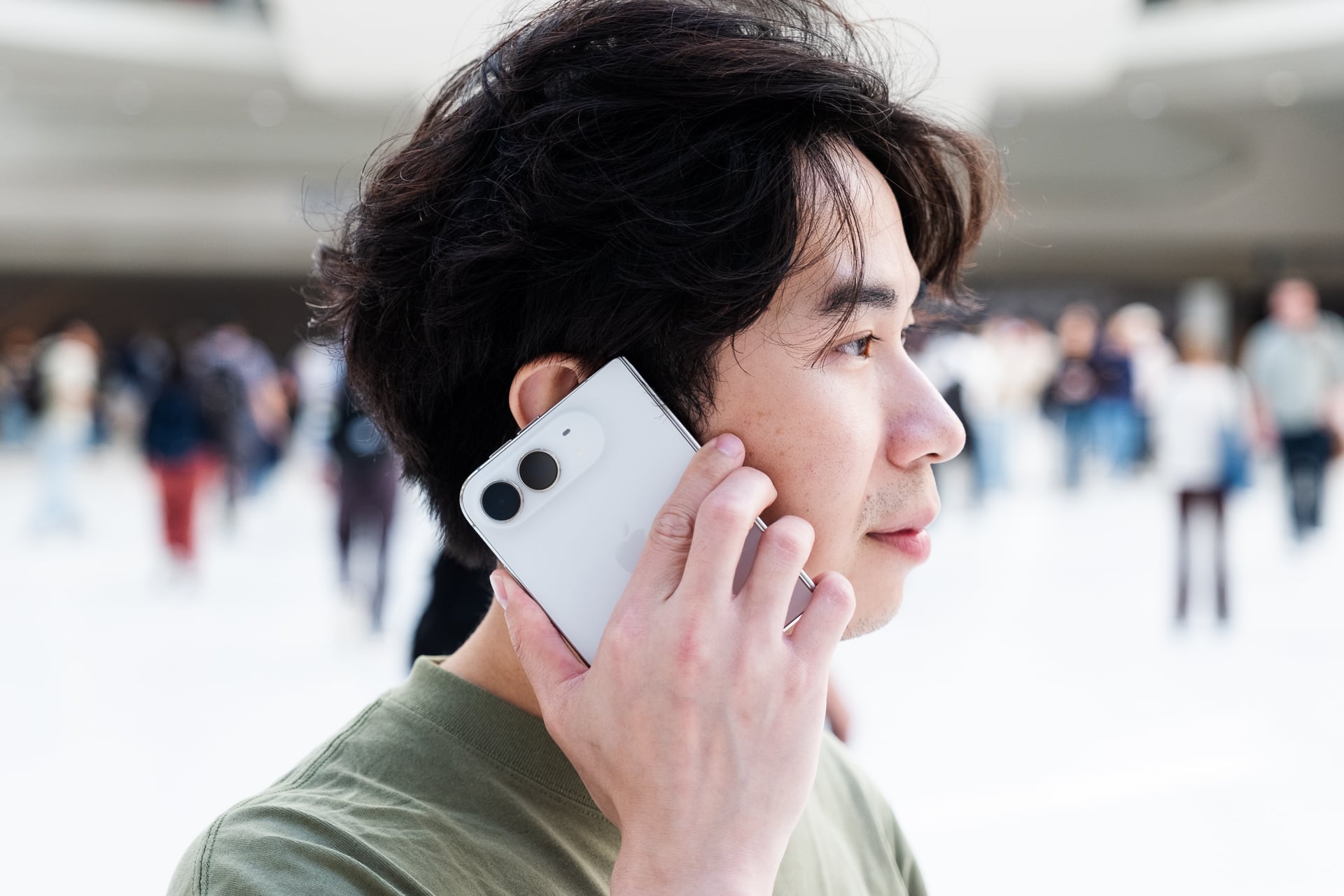
The efficiencies of the A20, C2, and N1 chips, along with the dual-cell batteries (4,883mAh if you must know), all contribute to strong battery life on the iPhone Duo. I’ve been seeing anywhere from 5.5 to 7.5 hours of screen-on time depending on usage. That almost matches what I’ve been seeing with the iPhone 18 Pro and, honestly, exceeded what I expected from Apple’s first foldable. During my seven days of testing, where I ran the iPhone Duo hard during the first three days and then settled into my usual mixed to light use during the last four days, I only ran it down to under 5% on one of those days. That was the second day when my colleague Adriano Contreras, who shot all of the incredible product photos in this review, and I took the iPhone Duo out from 11 a.m. to 9 p.m. and went hard testing mostly the cameras. Five hours in, the iPhone Duo was at low power, and I needed to top it off from a battery bank. Of course, that wasn’t a typical day, though. In a typical 8- to 10-hour work day/weekend day out, where I check lots of email, scroll and post on social media like X and Instagram, send messages on Slack and iMessage, take a handful of photos and really short videos, read news on Feedly or a web browser, make a few short calls under 10 minutes, and maybe watch an episode on Netflix or Apple TV, the iPhone Duo has been able to last without dropping under 20% most of the time. And mind you, that’s with me using the inner screen for probably half of the day.
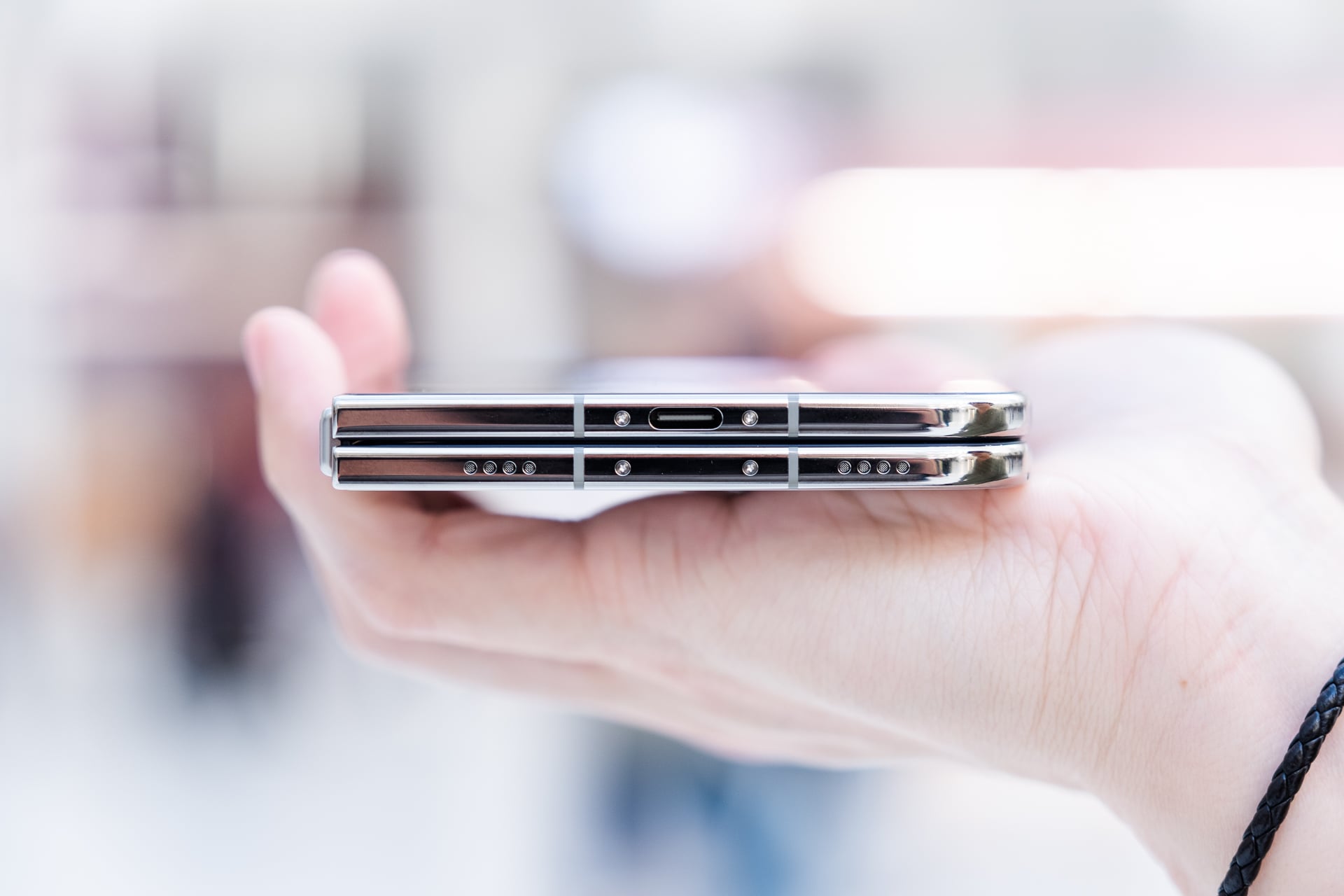
I don’t think most people will need to carry a battery pack in their bag unless they’re expecting to go on vacation or expect to run the iPhone Duo hard. I love that because I hate carrying extra gear just to charge up my main gear. The iPhone 18 Pro and 18 Pro Max still have the longer battery life, especially if you use the inner screen on the iPhone Duo more than the outer one. But I was impressed that the battery life didn’t disappoint like on many companies’ first-gen Android foldables. It wasn’t until last year that battery life on Android foldables really started to last all day, no doubt because of silicon-carbon batteries that can provide large capacities in slim cell designs.
See iPhone Duo at Apple
Fun cameras, just not pro-grade
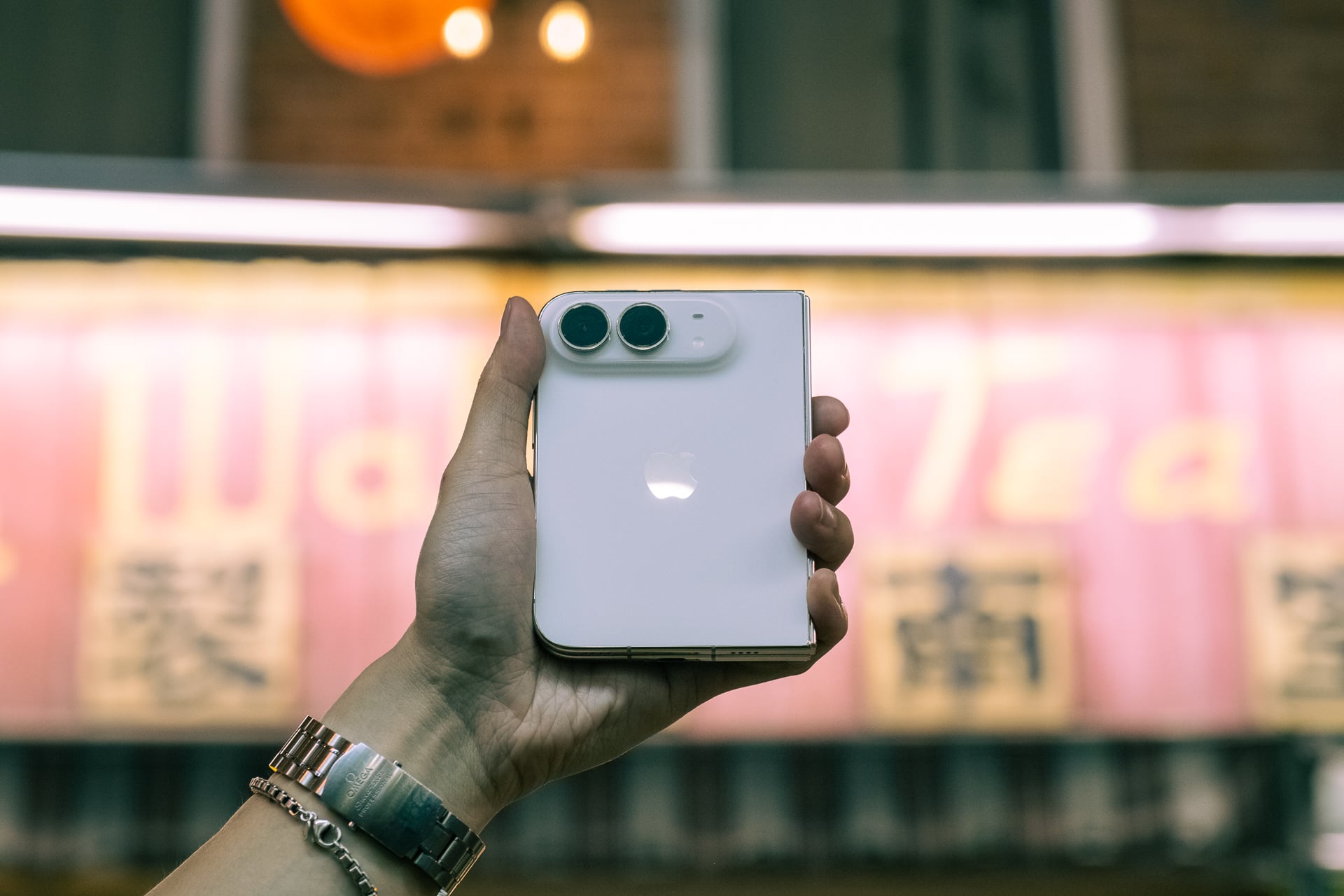
Remember at the start of this review when I listed the iPhone Duo as a camera after an iPhone and iPad? That was intentional, because although there are some Duo-specific camera modes and features, they don’t measure up to the best-in-class camera system in the iPhone 18 Pros. They’re good enough, just not the best on an iPhone when it comes to pure image quality.
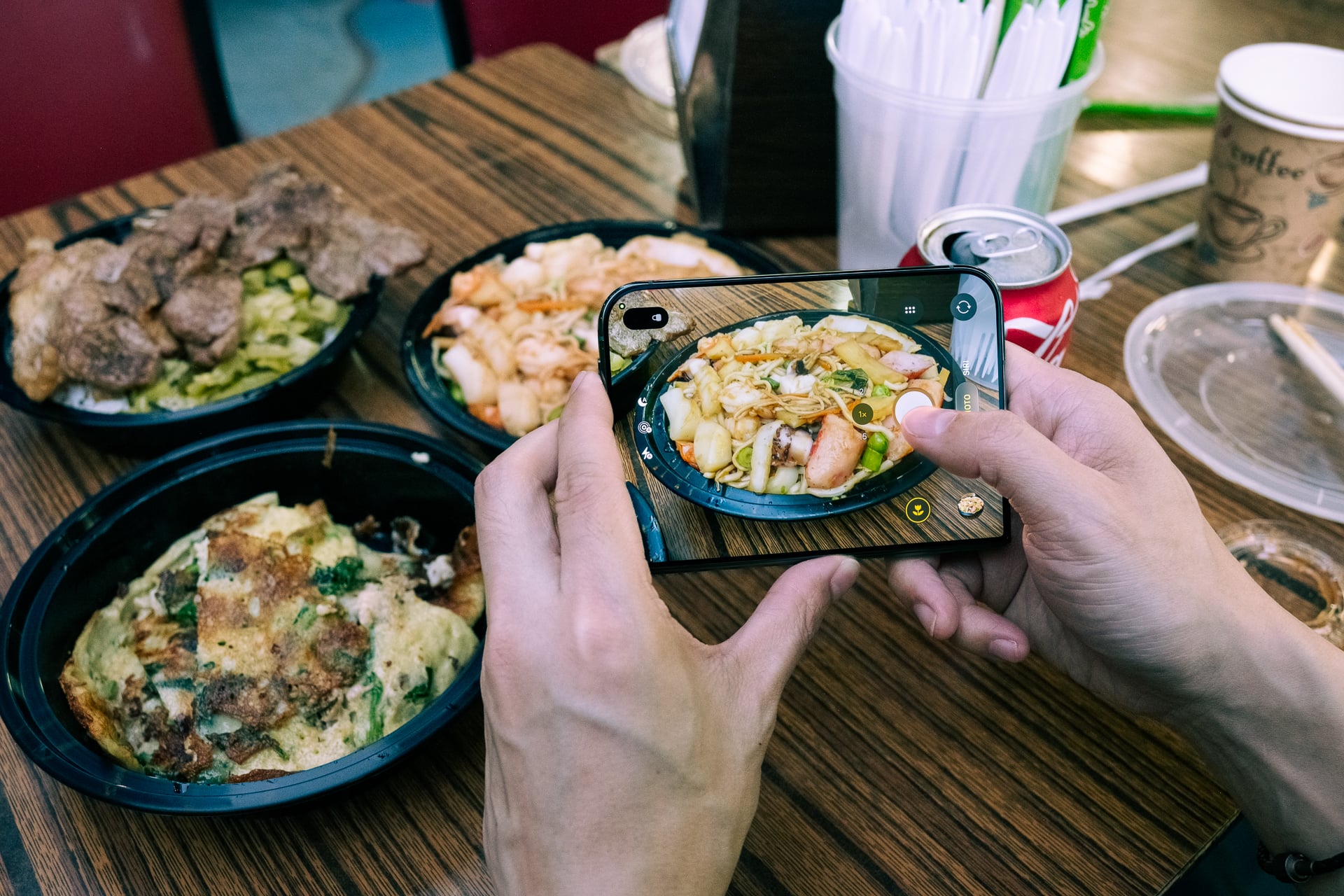
First, the iPhone Duo does not have a telephoto lens on the rear. I hear you: it feels absurd that a $2,000 phone—the most expensive iPhone ever—does not have the most versatile camera system that Apple has to offer. Second, I also completely get it that the image quality on the main, ultrawide, and front-facing cameras being less than what you get on an iPhone 18 Pro feels unacceptable. I would love to have it all, too—The Dream iPhone Duo. But putting the pro-grade cameras, including a telephoto lens, would have significantly made the device even heavier and more expensive. Also: Apple needs to have a reason to sell people iPhone Pros.
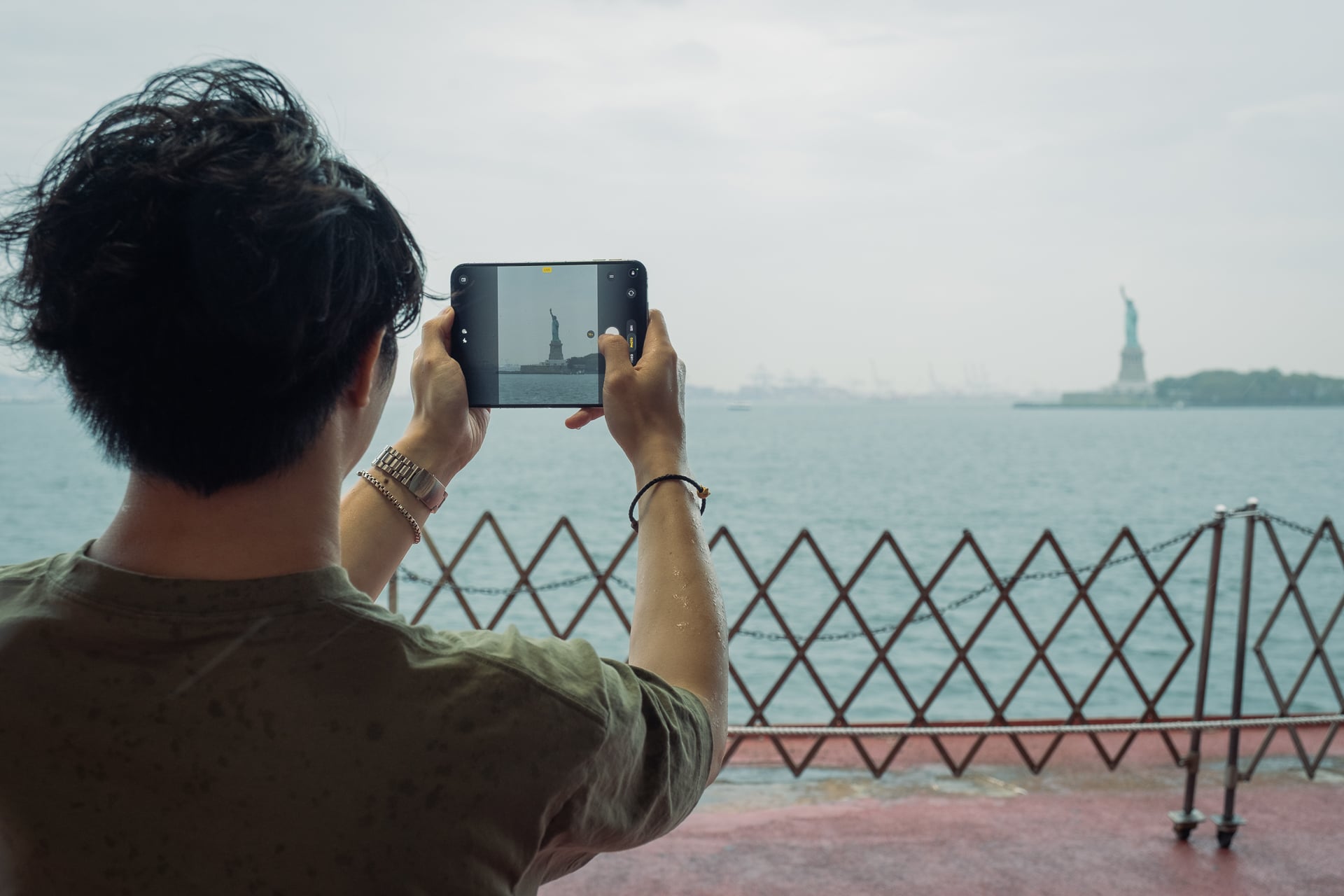
So the iPhone Duo has to settle for two rear cameras instead of three. iPhone Pro users will miss the extra zoom, but most people live. The regular, non-Pro iPhones have only had a main and ultrawide since the iPhone 11, and those have no problem selling in droves. At the very least, the main camera still has a 2x “optical-quality” digital lens for photos and video, as if you had a physical 2x telephoto, by cropping in on the image sensor. It looks fine for content you’ll only ever share in messages and on social media.
So just how good or bad are the photos and videos from the 48-megapixel main (f/1.6), 48-megapixel ultrawide (f/2.2), and front 12-megapixel “Center Stage” (f/2.2) cameras? After taking more than 1,000 photos and videos total during the past week, I’ve concluded that the rear cameras are just slightly above the image quality of the cameras on the iPhone 17 and iPhone Air, but far better than on the iPhone 17e. You’re getting somewhere between the iPhone’s last-gen and current-gen image processing found on the iPhone 18 Pros.
Below: 0.5x ultrawide (left), 1x main (middle), 2x “optical-quality telephoto” from the main (right)



I have no major complaints about these three cameras. In good, outdoor lighting photos and videos are going to look great with wide dynamic range, sharp details, and neutral colors that aren’t too punchy. The iPhone Duo’s cameras perform weaker in low-light and nighttime capture compared to the iPhone 18 Pro. I noticed more lens flares coming off streetlights and more smeared details. Sometimes, the photos came out softer than I would have liked, most noticeable in macro photos.
As expected, the iPhone Duo takes excellent video, like all other iPhones, with better stabilized footage than even flagship Android phones.
Selfies look decent from the front camera. This camera is also a square sensor, which means I can hold it in portrait orientation and take a horizontal selfie or in landscape orientation and take a vertical selfie. I do use this feature all the time, so I was glad that Apple didn’t cut it.
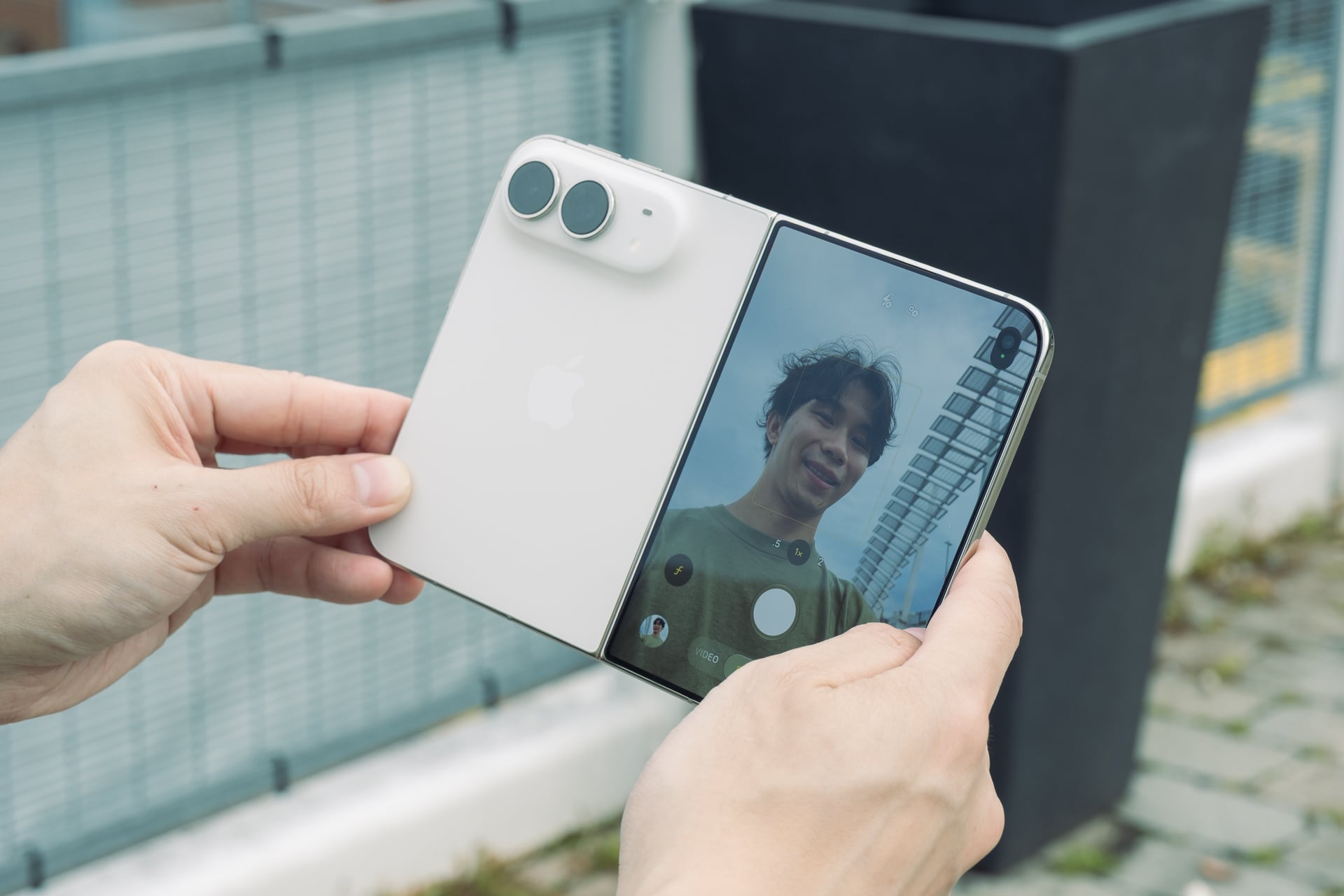
Will anybody scrutinize the iPhone Duos photos and videos on Instagram or X? Not at all, but the lower image quality is noticeable when you view captured media on the iPhone Duo’s inner screen.
The iPhone Duo also has some features from the iPhone 18 Pro, like Photographic Styles 3, which lets you add texture, like grain and glow, to your photos to make them look less processed, and the ability to customize the default Camera app with control settings for adjusting stuff like white balance, exposure, aspect ratio, etc. Apple could have gatekept these to the iPhone 18 Pros, but I’m happy it didn’t.
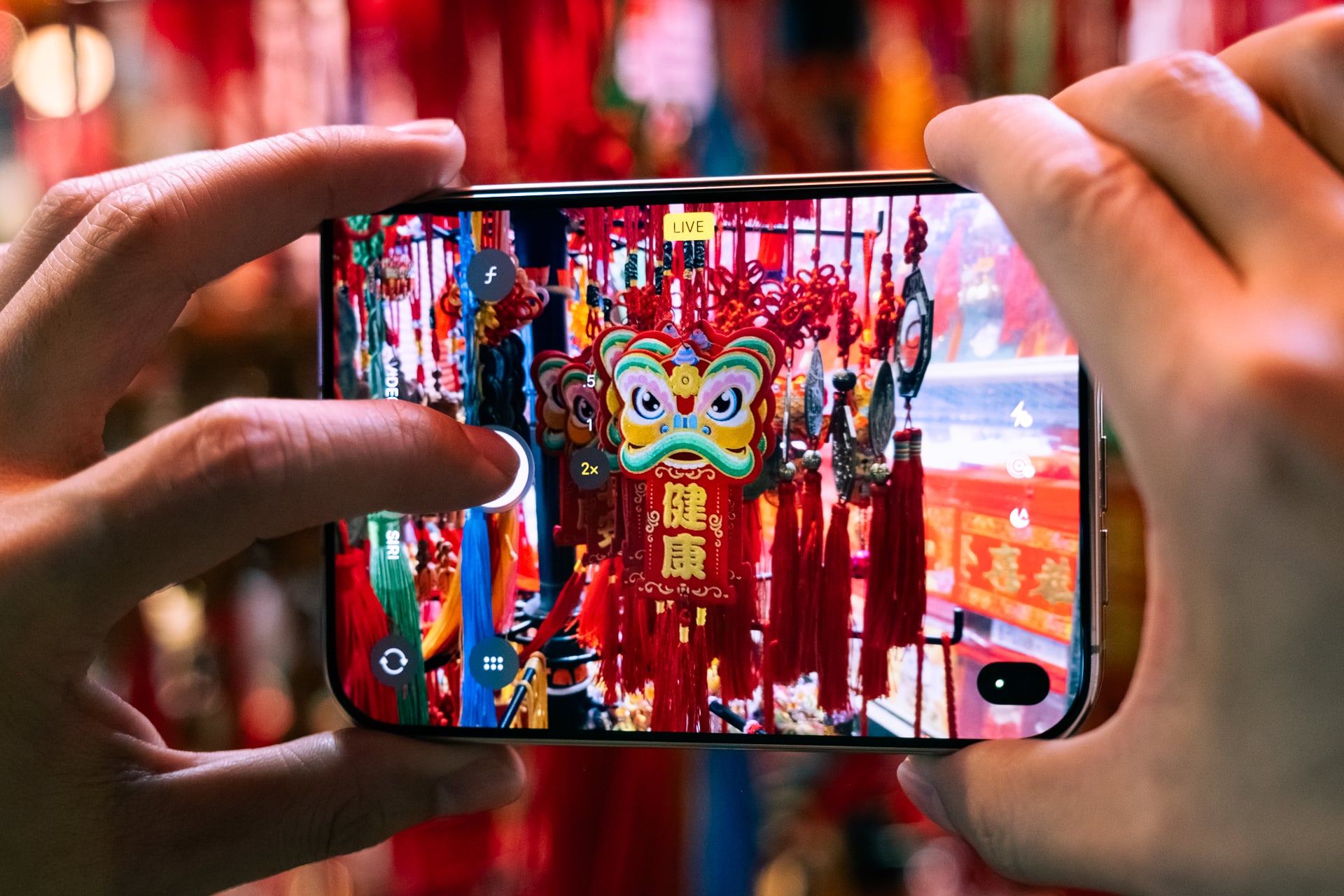
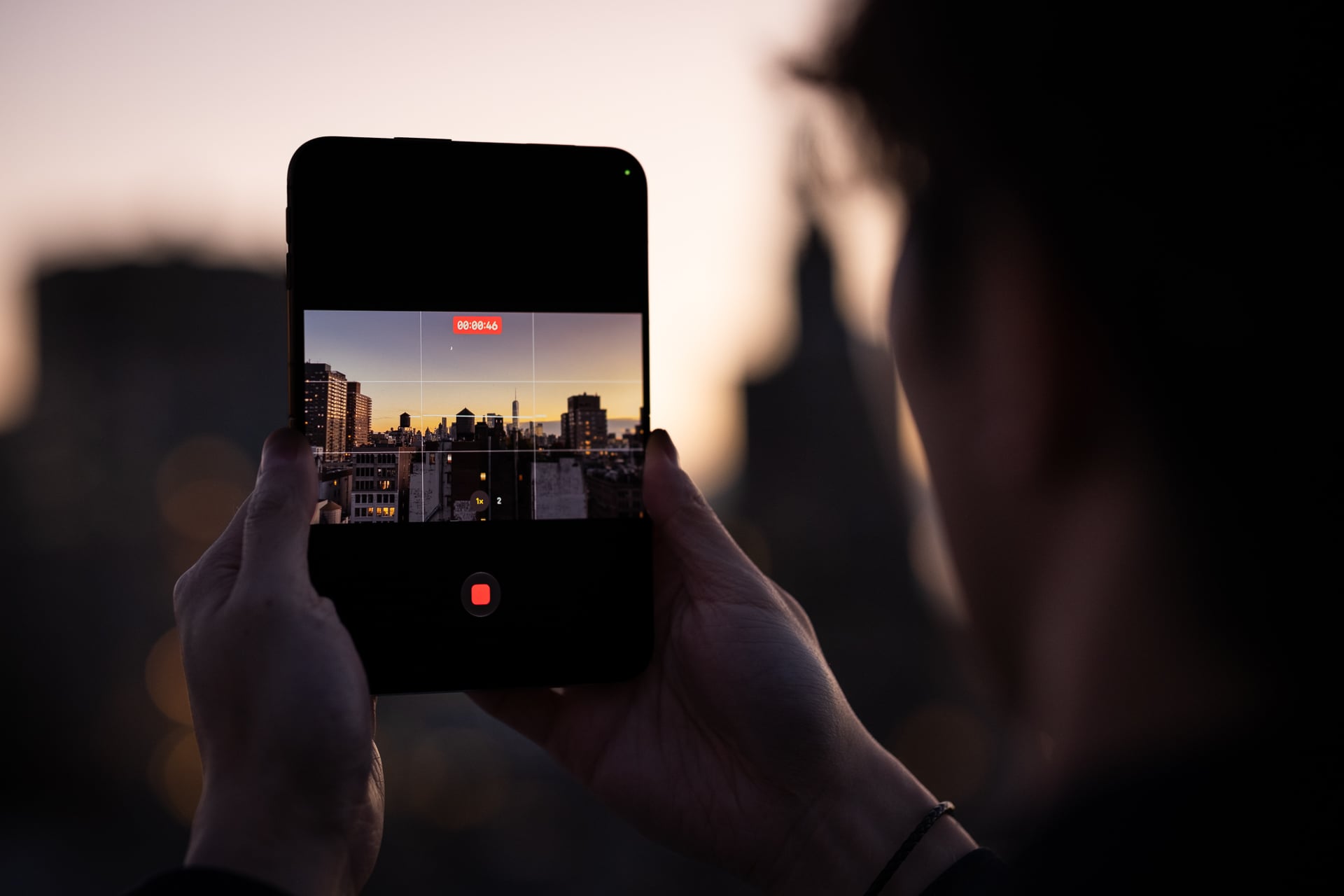
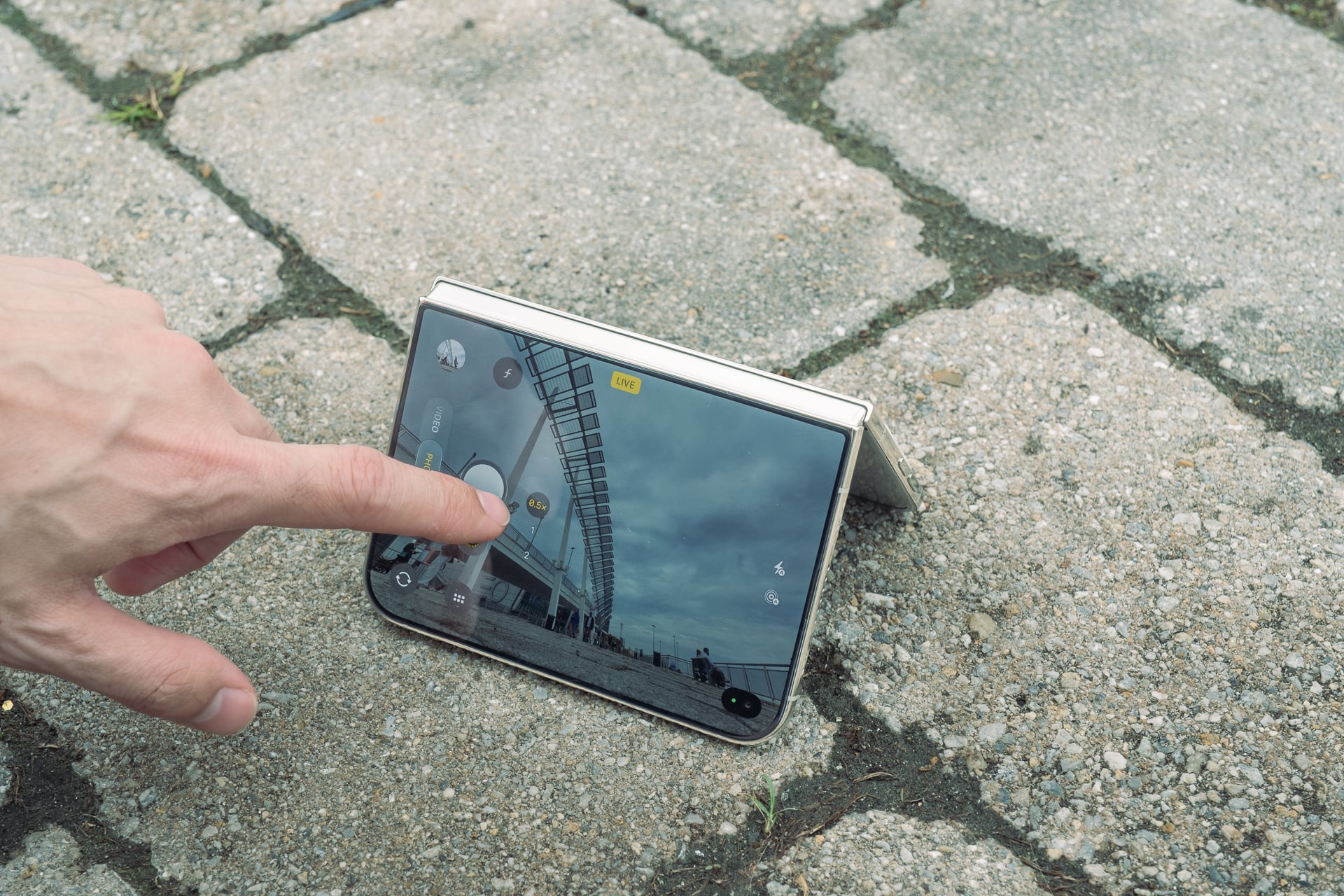
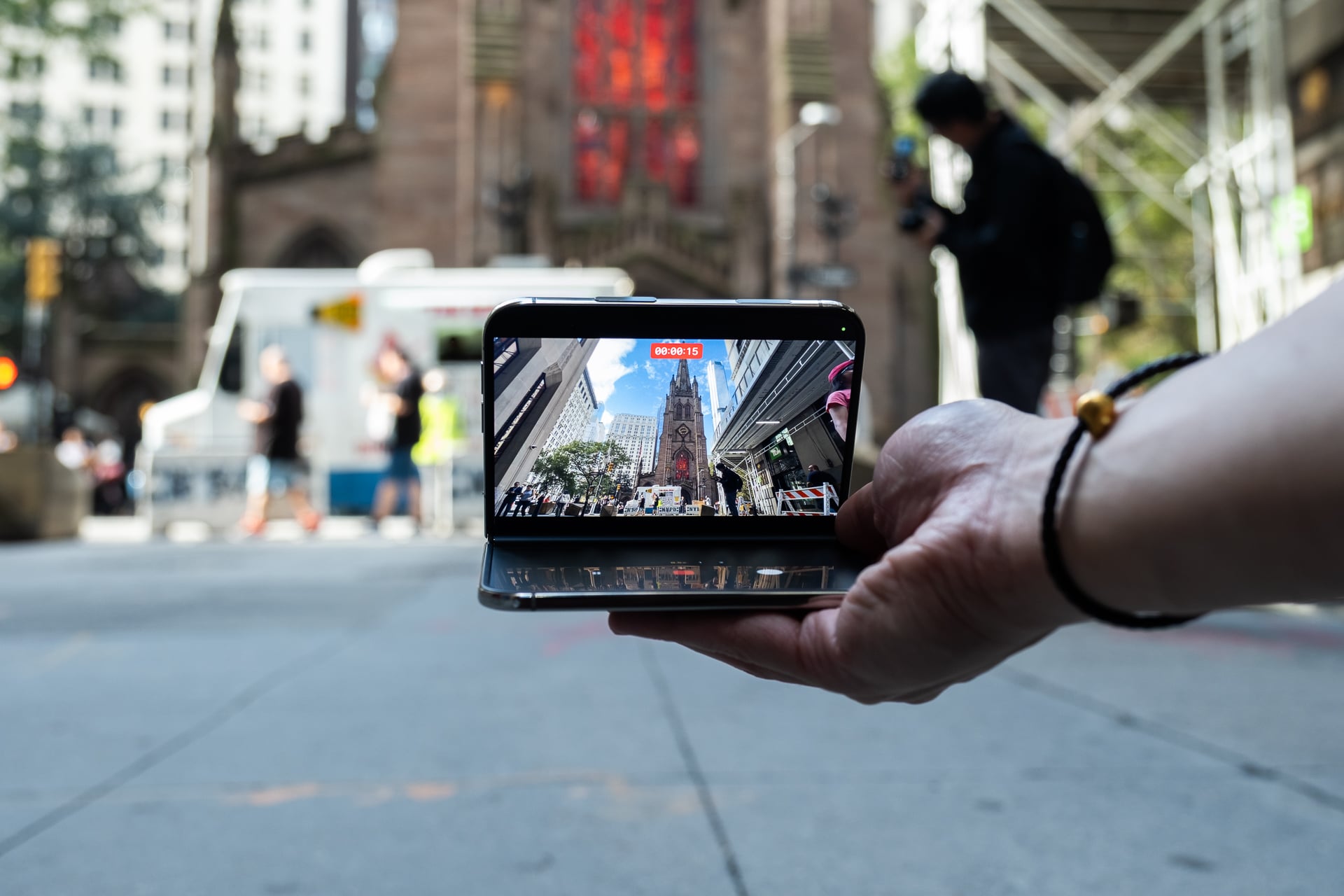
Of course, the iPhone Duo’s folding form factor means it can do things that a regular iPhone can’t. You can use it like a tripod, folded vertically, or like a mini laptop pointed at you, and prop it up on a surface. There’s a “Smart Take” feature that automatically snaps photos when it’s propped up and detects people who are still or posed or smiling. The flash will go off to let you know when it takes a photo.
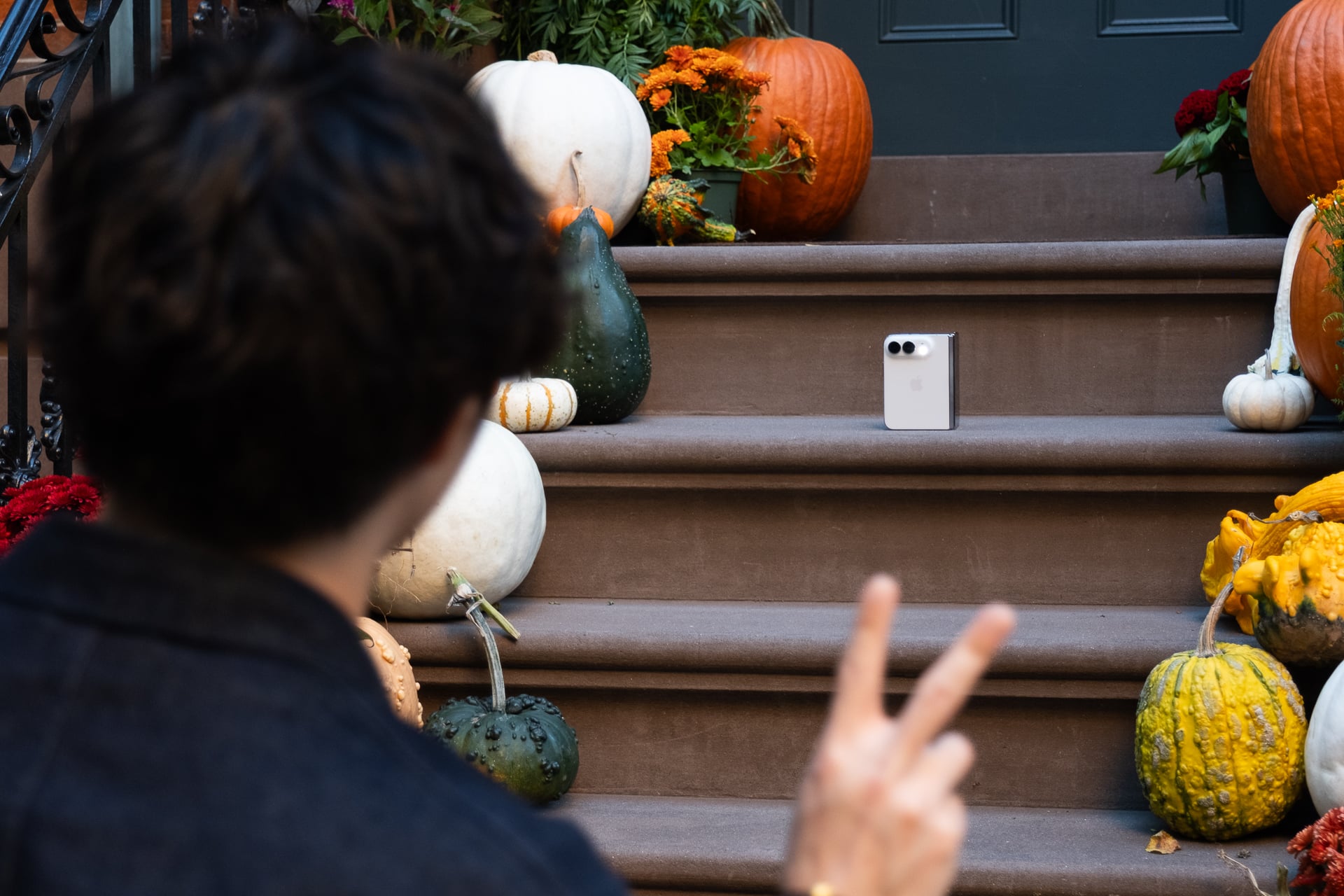
It’s a novel take on similar tripod and automatic-capture modes I’ve seen on other foldables, and the results are pretty mixed. Even after several tries, I ended up with more awkward photos where I was walking away from the iPhone Duo after starting Smart Take or towards it to review the photos. The good ol’ self-timer still works great with the different folding modes.




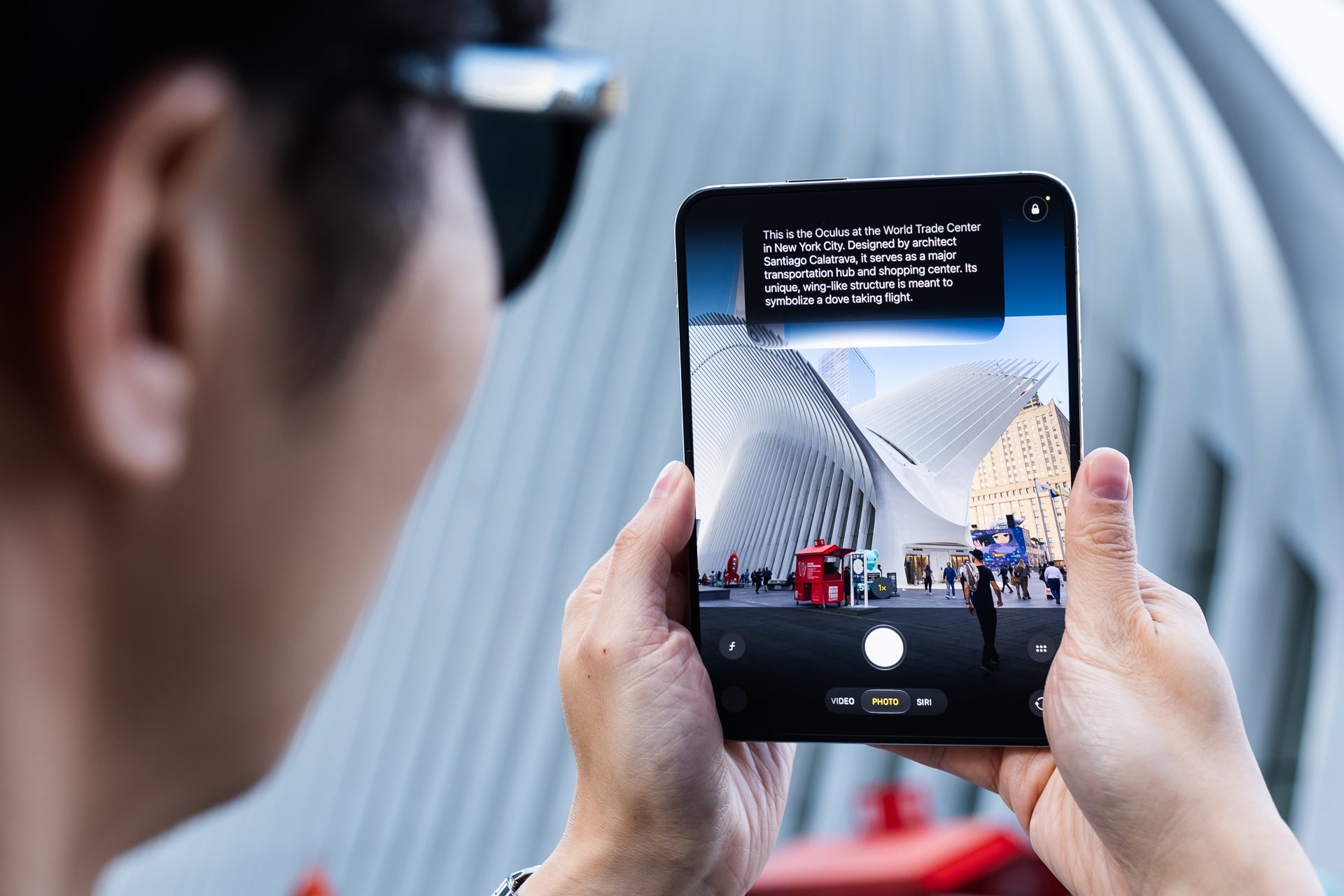
Another mode called “Duo Preview” lets the person or group of people you’re photographing see themselves on the outer display before you hit the shutter button. There’s a “Kids Cue” mode that shows Snoopy animations on the outer screen to hold a kid’s attention so you can take a photo of them. A “Duo FaceTime” feature lets you capture from the rear cameras and the under-display camera while videocalling someone. And you can also use the main and ultrawide cameras to take higher-resolution selfies.
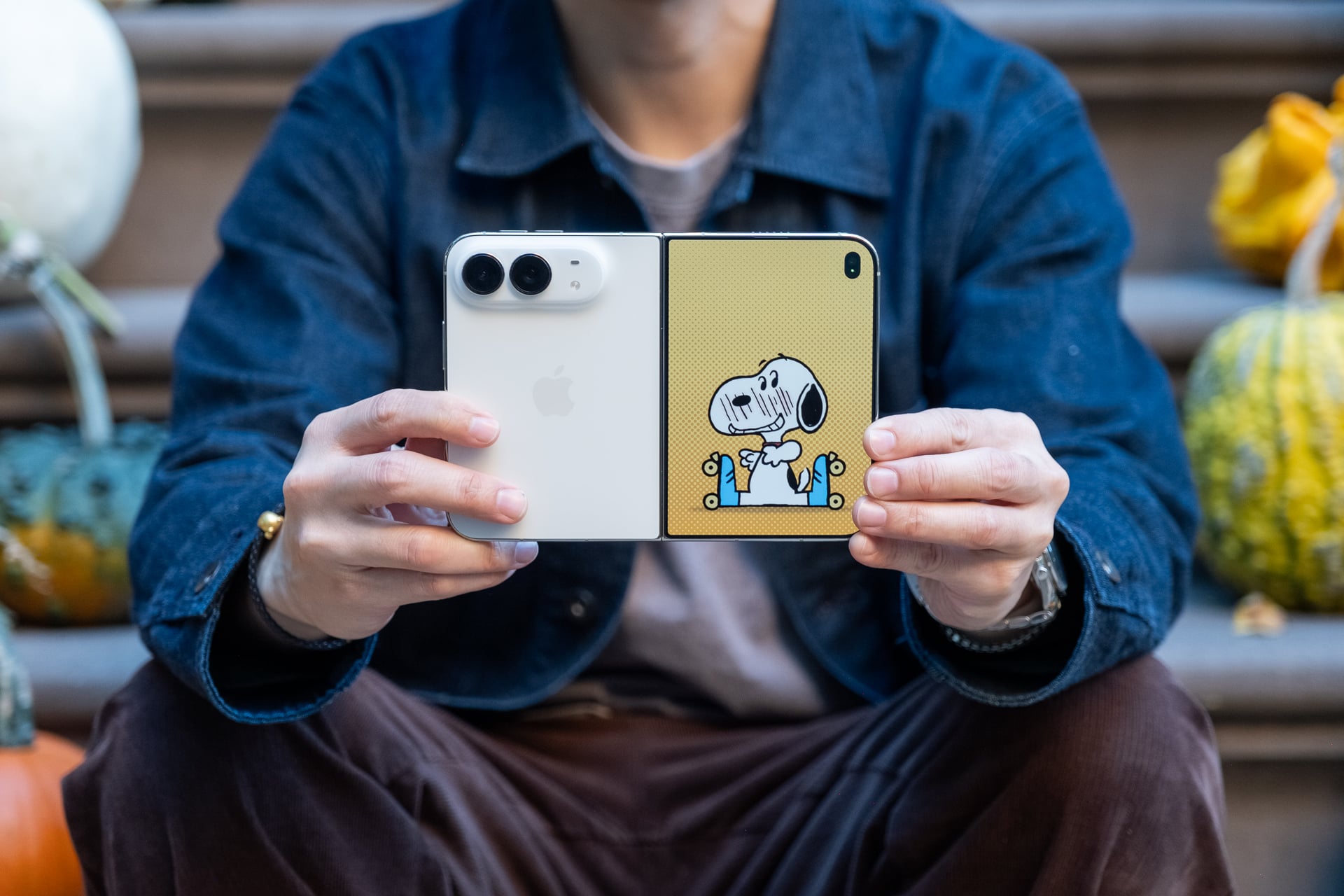
Again, these are all features, by different names, that are available on other foldable phones. They’re fine, and you don’t need to use all of them every time, but they’re nice to have if you find yourself in a situation where they might come in handy. At the same time, I was really hoping Apple would have invented some more unique camera modes for the iPhone Duo.
A return to ‘Think Different’

Whether you’re an iPhone fan, foldable evangelist, or Android user who’s just been waiting to see what Apple offers, I think we can all agree that the iPhone Duo has already achieved what competing foldables have not been able to in seven years: generate considerable buzz for foldable phones.
That is a good thing for the whole phone industry. Yes, the copy machines in China are probably already firing on all cylinders, and we’ll see clones within the next year, but the iPhone Duo is also validation of the form factor. Even at $2,000, it’ll spur more competition, which will not only offer more options and better features but hopefully also lower prices. This is what we’ve been waiting for after more than a decade of matured bar-style phones. Finally, phone hardware and software are genuinely exciting again, which is something to celebrate.
One thing you may have noticed is that I didn’t bring up AI, specifically Siri AI. The new version of Apple’s assistant, which is still available as a beta in iOS 27, is still miles more intelligent than the old version. It’s not perfect—and may never be—but it’s proven subtly useful and convenient more often than not. Even though I now find myself using Siri AI all the time for on-screen and personal intelligence and opening Google and Perplexity less, it’s not a major reason to buy the iPhone Duo or any phone.
As for whether you should get the iPhone Duo—that depends on if you can afford it, either buying it outright, paying in installments, or leasing it through the Apple Upgrade program. Do you want a foldable phone, and why? Will you use the larger screen often, and how much value will you get from it? Will the weight bother you? Do you need better cameras? There are so many personal factors to consider before you decide. The iPhone Duo isn’t the “definitive” iPhone to own. Apple’s iPhone lineup now caters to every budget and every type of user. Only you can be honest with yourself about your needs.
See iPhone Duo at Apple