Lenovo IdeaPad Slim 5x Gen 11 Review: Solid ARM at a Budget Price
Qualcomm is back with another wave of Snapdragon chips, and they don’t disappoint. Well, they mostly don’t. Before I jump into everything I like and don’t like about the Lenovo IdeaPad Slim 5x Gen 11, let’s get one thing out of the way: ARM chips, in general, are a pain.
The fact that Windows apps like Google Play, third-party antivirus software, and competitive games don’t yet run on ARM means that this Snapdragon laptop will be dead on arrival for some folks. Sure, the platform is becoming more accessible every year, but I wouldn’t count on these chips becoming interchangeable with x86 architecture anytime soon, especially when it comes to app compatibility.
That said, if you’re positive that the apps you need are covered (or you’re already on an ARM device that’s serving you well) and aren’t expecting the bells and whistles of premium lines like the ThinkPad, the IdeaPad Slim 5x could serve you well without breaking the bank. It offers the long battery life I want to see from a Qualcomm-equipped laptop, and the performance is pretty solid: it’ll do what it needs to do without complaint. The bouncy keyboard and clicky trackpad make for comfortable navigation, and, to boot, the thin, light chassis is easy to carry around.
Outside of app compatibility, the only issues I ran into were with the webcam and display—both of which you can fix if you throw a little more cash on top.
Lenovo IdeaPad Slim 5x Gen 11
The Lenovo IdeaPad Slim 5x is a strong budget laptop with long battery life and an affordable OLED upgrade—but you’ll need to work around the ARM architecture.
- Thin and light
- Comfortable keyboard and touchpad
- OLED is relatively affordable
- Decent overall performance
- Long battery life
- Poor viewing angles on IPS
- Grainy webcam
- ARM still brings compatibility issues
Lenovo sent over the $850 IdeaPad Slim 5x, which features a Snapdragon X2-42 Plus CPU and 16GB of RAM. I put the chip up against chunkier CPUs like the Snapdragon X2 Elite Extreme and the Intel Core Ultra X7 358H to give you a good idea of the price-to-performance ratio. But here’s the tl;dr: this system is a good option for folks already in the ARM-compatible ecosystem or who know what they’ll be getting into if they take the leap. If you’re jumping from an x86 chip from Intel or AMD, then you’ll want to do your research before you buy.
A safe and comfortable feel
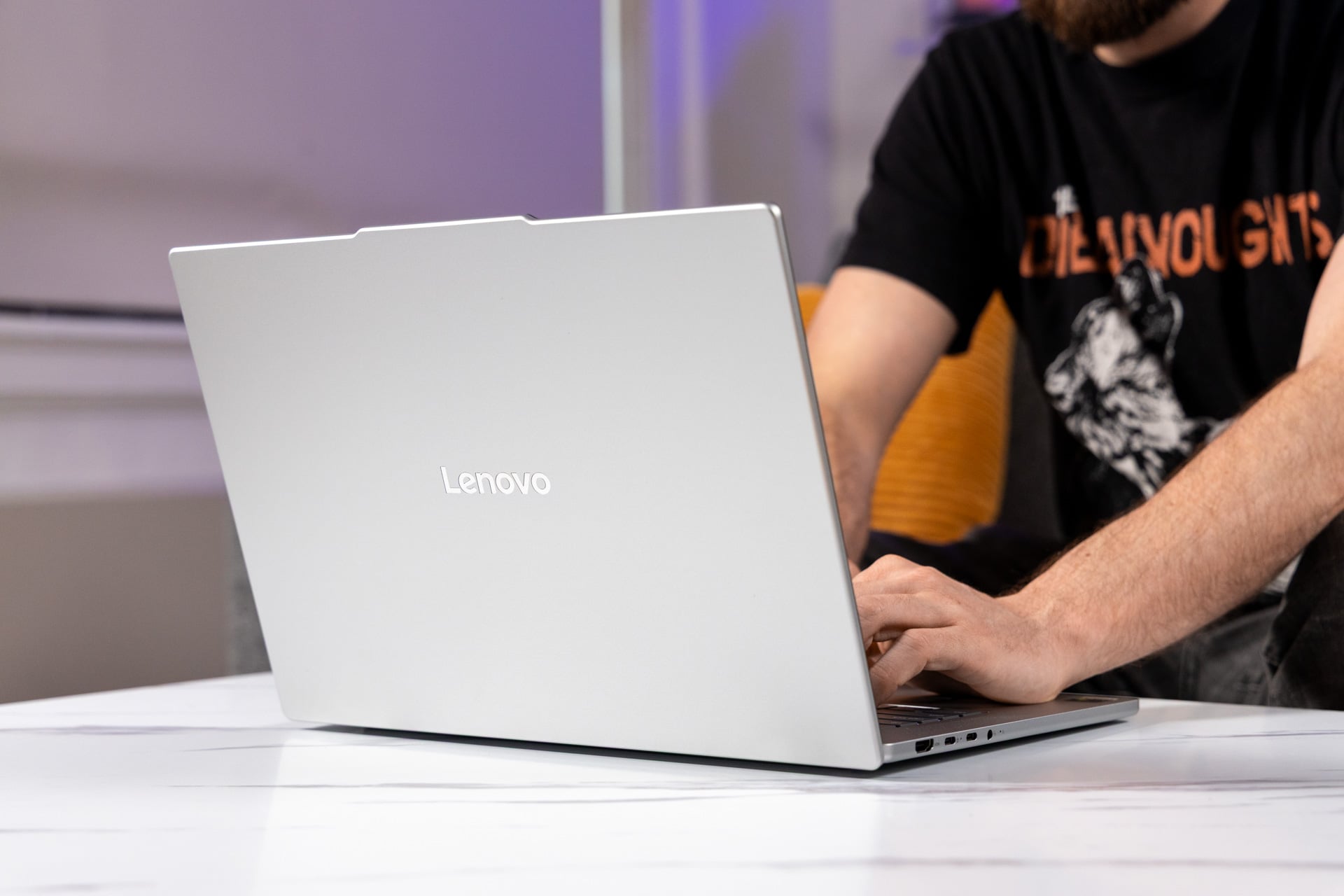
At an $850 price point, I don’t expect anything particularly flashy. And the 5X is a silver slab, homogenous against the row of laptops you’d see at a Best Buy. Like most competitors in the budget space, it’s decently thin—0.61 inches—and light, weighing in at 3.1 pounds. It can fit easily in a 15-inch laptop bag, and it’s light enough that carrying it won’t be cumbersome.
Two features make this thing stand out from at least some of the crowd: the silver Lenovo logo on the lid and the front lip, which many IdeaPads have. I’m a fan of this lip, which offers not only space for a better webcam but also easier lifting.
Open the laptop up, and things get even better. Lenovo maintains a consistent keyboard design across most of its laptops, and the IdeaPad’s looks and feels good. Maybe it’s my fantasy-coded brain, but I feel like the keycaps are shaped like little shields, and the space between them is wide enough that they each feel distinct. The keys aren’t as clicky as I’d like, but they are bouncy, which kept me moving seamlessly across the board. That’s all super important when I’m blazing through my creative writing and trying to meet a certain word count; not every keyboard enables you to barrel through 83 words per minute with very few flubs. (Don’t go in expecting an experience as luxurious as the legendary ThinkPad keyboard, though; that will cost you at least $1,000 more.)

Attempts to add haptic trackpads to premium Windows laptops are increasingly successful these days, with the Dell XPS 16 as a recent example. But the IdeaPad Slim 5x sticks to the classic clicker, and I like that. It’s sharp, and I only needed to apply pressure for a satisfying click. Despite belonging to a budget-friendly laptop, the trackpad doesn’t feel cheap (it’s made of Mylar instead of plastic), and my fingers glided across it with very little resistance.

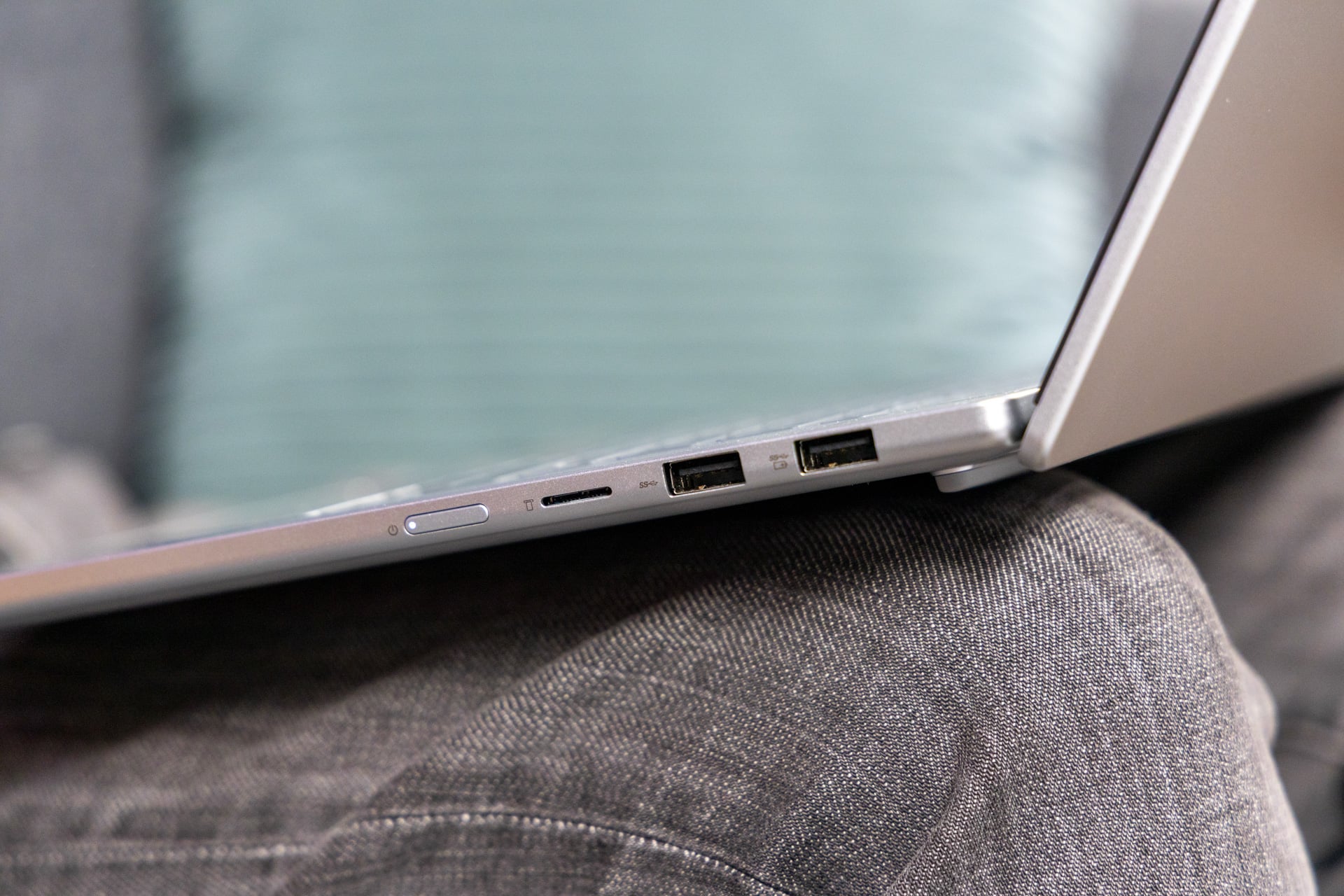
As far as the ports go, you have quite a few options. There are two USB Type-C and two USB Type-A ports, which should cover you for both modern and legacy peripherals. (You’ll need one USB-C for charging, of course.) You also get an HDMI 2.1 slot, a headphone jack, and a microSD card reader. For some reason, the power button is on the side of the laptop (something of an oddity on a clamshell device, with which you always have access to the keyboard deck).
See IdeaPad Slim 5X at Amazon
See IdeaPad Slim 5X at Lenovo.com
Poor display—with a cheap upgrade

If you’re looking for a solid multimedia device, the IdeaPad Slim 5x will serve you well—with a slight modification.
The IdeaPad Slim 5x I reviewed is outfitted with a 15.3-inch IPS panel with 1,920 x 1,200 resolution and a 120Hz refresh rate. That doesn’t make for the greatest viewing experience, regardless of price point. The anti-glare material, while well-intentioned, creates a visible fuzz. Viewing angles are also terrible, so much so that even when I’m looking dead center at the screen, the sides appear a tad darker. The screen is bright overall, with a 400-nit rating and 100% of the sRGB color gamut, but it can’t quite capture the vivid scenery of Frieren: Beyond Journey’s End as well as an OLED screen, which offers darker blacks and bolder colors. Fortunately, upgrading to a 165Hz, 2,560 x 1,600 OLED panel will cost you only $30 (and a bit more glare).
The two top-firing 2W speakers are a nice bonus, and their audio is surprisingly decent. The premium, top-firing Razer Blade Studio sounded worse than this $850 IdeaPad. At full volume, the speakers filled my bedroom with the melancholic piano in Twenty One Pilots’ “The Line.” The bass was lacking, and the strings were slightly sharp, but Tyler Joseph’s voice sounded crisp, and the instruments were clearly distinguishable from each other. It’s a step up from the muddy audio budget laptops typically deliver.
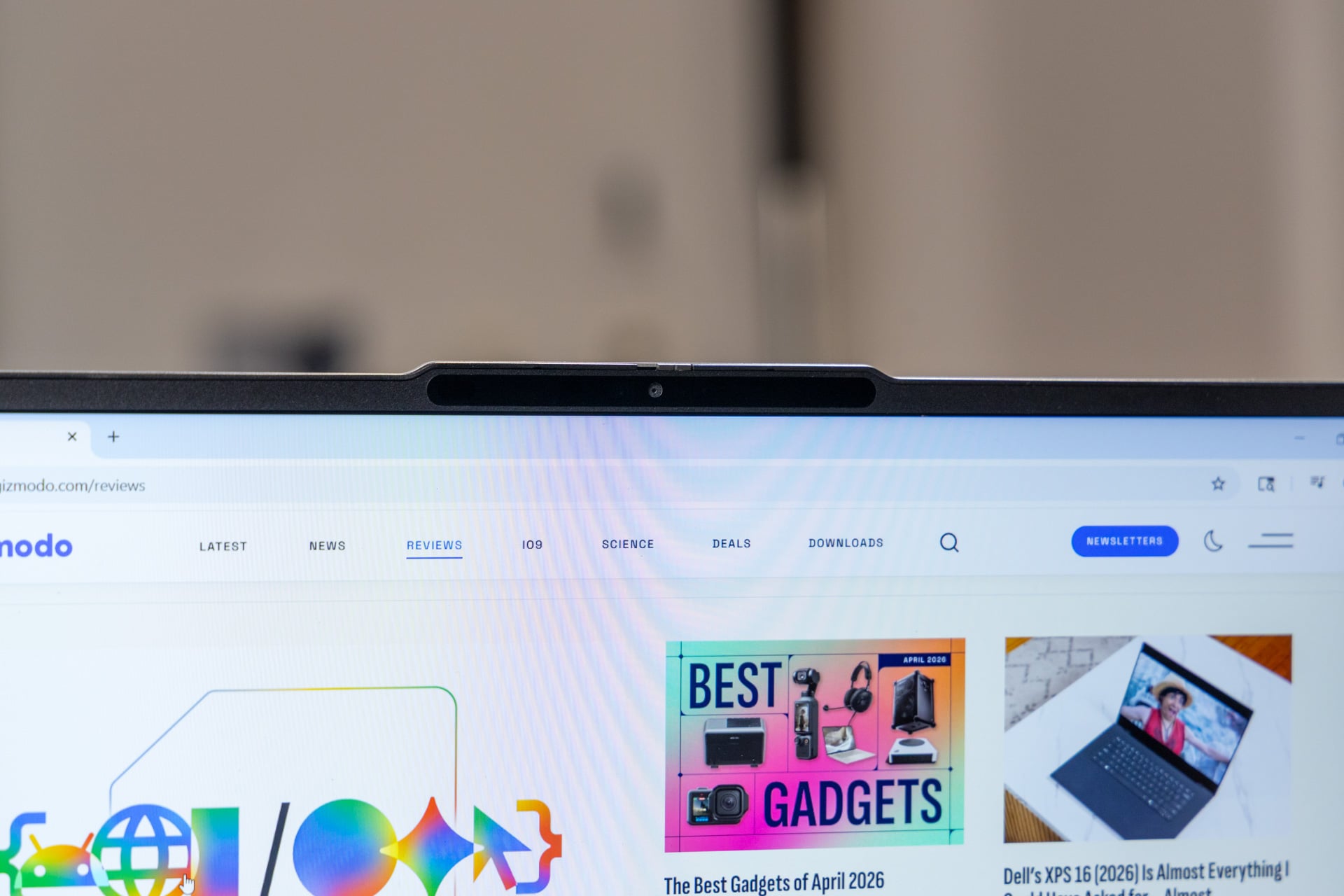
On the other hand, the only positive thing I can say about the IdeaPad’s 1080p webcam is that it features a privacy shutter. The images it produces are grainy, overexposed, and washed out. Have an important interview coming up? Get an external webcam. If you do that and shell out for the display upgrade, I’ll have no further complaints.
Small but mighty
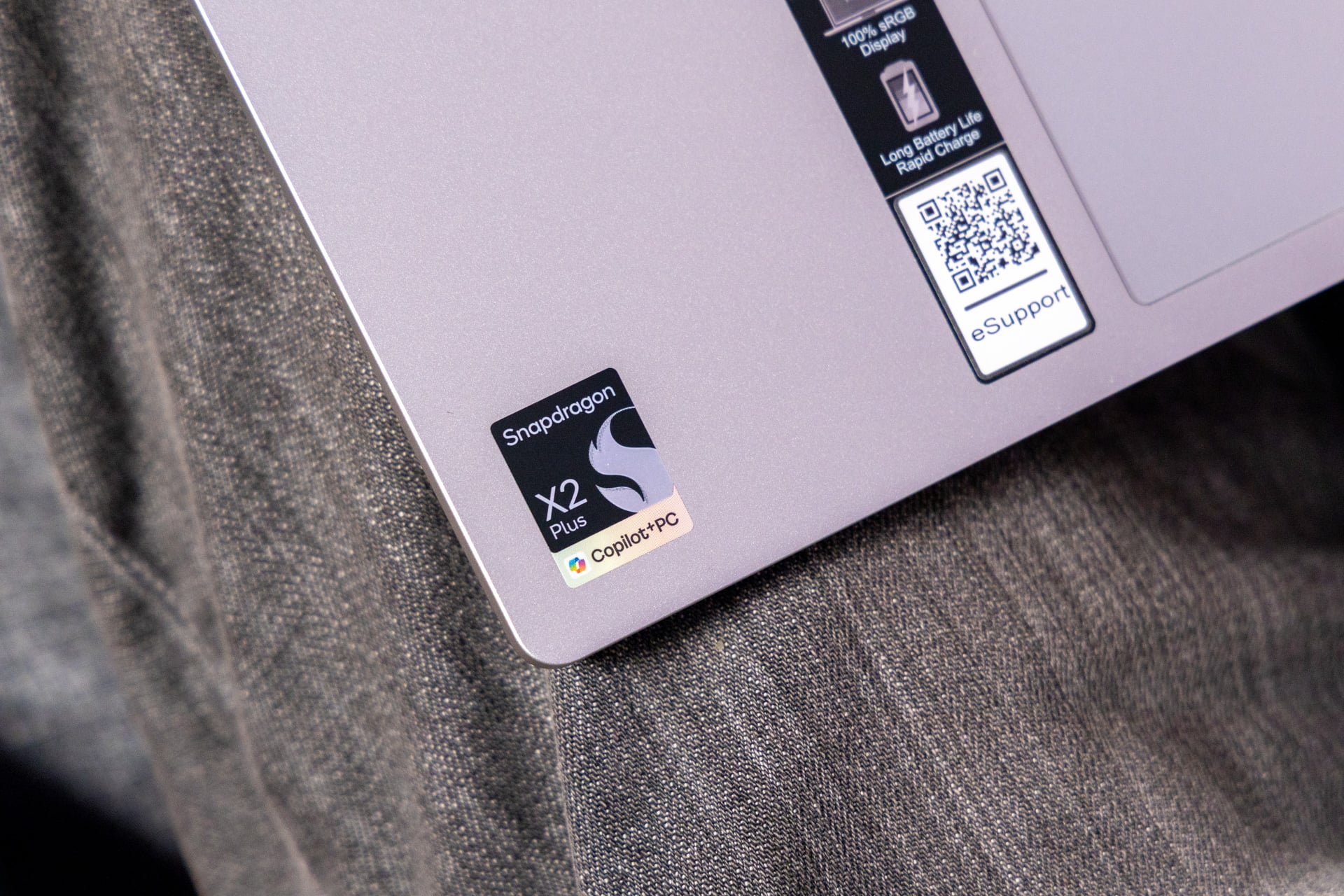
Powered by a Qualcomm Snapdragon X2-42 Plus chipset, the IdeaPad Slim 5x is a low-end rig on paper. It doesn’t have many super-close competitors, however, so the best I can do, benchmark-wise, is compare its price-to-performance ratio with those of beefier machines.
On Geekbench 6, the Snapdragon X2-42 Plus is 86% weaker in multicore performance and 14% weaker in single-core performance than its more powerful sibling, the Snapdragon X2 Elite Extreme (running in an Asus Zenbook A16). That multicore delta isn’t unexpected given that the X2-42 Plus has six cores and the Elite Extreme has 18 (and, of course, the Zenbook A16 is double the price of the IdeaPad), but that’s just a snapshot of the performance differential we’re talking about.
Compared to the 16-core Intel Core Ultra X7 358H (which powers the Acer Swift 16 AI), the Snapdragon X2-42 Plus unsurprisingly scored 22% worse on the multicore benchmark but, more surprisingly, 16% better on the single-core one. The Swift is also 88% more expensive, so on performance alone, the X2-42 Plus offers much better bang for your buck.
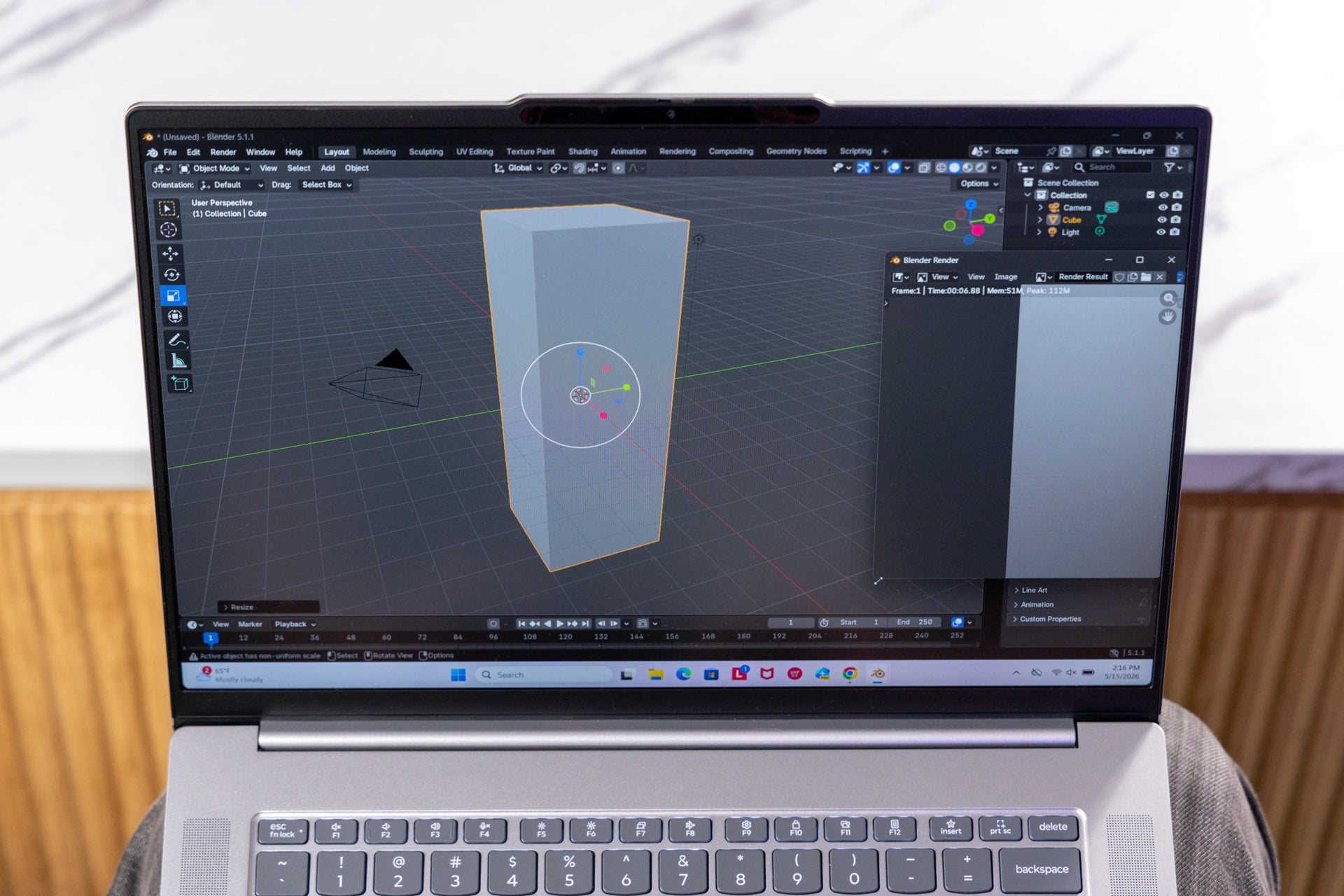
When transcoding a 4K video to 1080p in HandBrake, the Snapdragon X2-42 Plus was nearly two minutes behind the X2 Elite and Ultra X7; both completed the same task in a little more than four minutes. There was roughly a 42% difference. In terms of overall price, that’s not a bad deal—again, if you’re considering performance alone and ignoring other bells and whistles.
That said, mathematics aside, most $850 systems can handle a standard workload like a champ, and the IdeaPad Slim 5x is no exception. I spent my time writing with dozens of tabs of research open, Spotify blaring in the background, and Discord open to chat in between. I only noticed a slowdown when I was downloading a bunch of software.
Battery life is also perfectly respectable. I ran the IdeaPad Slim 5x on and off for a couple of days, doing everything from writing this review and planning D&D sessions to managing emails and chatting with friends over Discord. The screen was set to 50% brightness, and I’d disabled energy saver but set the battery profile to “Best Power Efficiency.” The laptop lasted just over 16 hours on a single charge. If you’re a standard office user who doesn’t require unusually heavy graphics or compute power, you can certainly get a few days out of this without reaching for a charger, and even more time in energy-saver mode. Overall, if you just need something reliable and dependable, the Snapdragon X2-42 Plus is still a great choice.
It did run Cyberpunk 2077
I would call the IdeaPad’s Qualcomm Adreno X2-45 iGPU decent for a budget laptop, though it’s by no means a graphics workhorse. While the price-to-performance argument remains compelling here, the gap in raw performance is brutal. On 3DMark’s “Steel Nomad Light” test, which measures the rendering capability of GPUs in lightweight PCs, the Adreno X2-45 was lapped by the Adreno X2-90 and Intel ARC B390, which beat its numbers by 184% and 219%, respectively.
That’s all to say that the Adreno X2-45 wouldn’t be my pick for any professional graphic work, even when judging on price-to-performance ratios. But it’s still a capable GPU. Lenovo’s system ran Cyberpunk 2077, which, for those who don’t know, is quite demanding. I did need to crank the title down to low settings and set AMD’s Super Resolution to Performance, but I was able to eke out 33 fps, just over the 30-fps playability threshold for that title. And with frame generation enabled, the IdeaPad produced a solid 43 fps. (Of course, for perspective, the Adreno X2-90 ran the same game at 31 fps on Ultra settings.)
Though playing Cyberpunk on its lowest settings may not represent a highly coveted gaming experience, those who want to play less intensive titles may fare just fine. Hollow Knight ran at 300+ fps on its highest settings. This verdict is highly title-dependent, though. Helldivers 2, for example, still isn’t supported on ARM-based systems. You can find out if your favorite apps are compatible here. Overall, I wouldn’t buy the IdeaPad with AAA gaming in mind, but it can handle a selection of light-to-medium titles.
Effective, and that’s what matters

There are technically cheaper systems out there than Lenovo’s IdeaPad Slim 5x Gen 11. If you look hard enough, you can find things for half the price—but most of them will be Chromebooks. The reality is that laptop prices have risen to the point at which $850, which would’ve been solidly midrange in the early 2020s, is now a relatively affordable option. And this IdeaPad makes for a solid package, considering that market placement.
The Snapdragon X2-42 Plus provides the decent performance and long battery life we’ve come to expect from Qualcomm’s chips. For $30, you can bump the poor 15-inch IPS display to a quality OLED panel you’d see on premium laptops like the Dell XPS 16 (which costs more than $2,000 right now). It’s also thin and light and offers a comfortable keyboard to boot.
There are two reasons why you might not want the IdeaPad Slim 5x. The first one is simple: you’re not going to get all the bells and whistles you’d find in a premium laptop. This is a budget machine. The second issue, which is a dealbreaker for me, is that its ARM architecture isn’t supported by many Windows apps. Take a close look at this compatibility website before you consider buying this IdeaPad. If it all checks out, I’d say it’s worth it.
On a broader scale, unless developers start investing in ARM architecture (and quickly), I imagine broad compatibility will remain the primary issue for both budget and premium laptops for quite a while. The budget category is designed to be accessible, but the ARM of it all is killing that ideal. So until the industry’s gotten its ducks in a row, make sure you do your research before you invest.
See IdeaPad Slim 5X at Amazon
See IdeaPad Slim 5X at Lenovo.com