Samsung Odyssey G80HS Monitor Review: 6K Isn’t the Future of Gaming
Let’s get the main thing out of the way: You do not need a 6K monitor for gaming.
I spent so many hours with the recently released Samsung Odyssey G80HS 6K monitor with the few games available that actually support this resolution. For every minute I spent staring at every detail, every strand of hair, and every pore and blemish on characters’ skin on this $1,600 monitor, I could barely determine the difference between any title running at 4K versus 6K. If you’re a gamer determined to spend well over $1,000 on a monitor, get yourself a high-end, fast, 4K QD-OLED model with all the fixings. There are a ton of good ones available now, including from Samsung.
Samsung Odyssey G80HS
It's a high-resolution hybrid work/gaming laptop that may be too dull for either task.
- Strong build quality
- Just enough ports
- High refresh rate at both 6K and 3K
- Good amount of screen tilt/pivot
- Full 90-degree rotation
- Games don't look much better in 6K
- Relatively few games support max resolution
- Reflective screen
- Low brightness spec
- No speakers
But there are other reasons to consider this screen. Samsung bills its costly $1,600 Odyssey G80HS 6K monitor as a semi-gaming, semi-professional screen for the kind of 3D modelers or video editors who legitimately need a high-resolution display for spotting every pixel out of place thanks to the screen’s peak 224 PPI. It’s a 32-inch display that’s tall enough you may not need a secondary display.
After you’re done with the daily grind, Samsung imagines you’ll use the same screen for gaming. It has a 165Hz refresh rate for playing PC titles at a fast clip as well as features like Nvidia G-Sync and AMD FreeSync to reduce the chance of screen tearing as you desperately try to push in-game framerates.
But in that vein, an OLED monitor will offer better contrast than you can get with the Odyssey G80HS’ “Fast LCD” panel. A high-end professional monitor, especially expensive ones like the $3,300 Studio Display XDR, will have a better brightness spec and a glossy panel built for creative work. Samsung’s 6K display is not the best of both worlds, and it still costs $1,600.
When this monitor is on sale for less than its MSRP, it may be one of the cheaper 6K screens available, whether or not you care about a high refresh rate. Is it the prettiest? Nah. The brightest? Hell no. Is it more glare-resistant? Definitely not. But if you want to be on the cutting edge of high-end gaming, this is your one (re: only) choice, at least for now.
Remember when 8K was a thing?
We should run through the history of how and why we’re now talking about 6K for gaming. Five years ago, the PlayStation 5 thought it could make a point against Xbox by promising it wasn’t just a 4K console but an 8K gaming beast. From the start, the promise was outlandish, if not downright false. Only a paltry few games ever offered an 8K resolution option, including Gran Turismo 7, F124, and No Man’s Sky. Sony eventually tore the “8K” logo from its packaging.
Samsung had been one of the champions of 8K resolution on some of its older QLED televisions until recently, when the company said it was “taking a comprehensive view” of its higher resolution display plans.
And so we come to the new Odyssey G80HS. The 6K monitor nominally has better game support than 8K ever had. Samsung told Gizmodo that, currently, Cyberpunk 2077, Red Dead Redemption 2, Alan Wake 2, Horizon Forbidden West, and Ghost of Tsushima all support 6K resolution. In my testing, I discovered that the recent Halo: Campaign Evolved could also push all the way to the touted 6.144 x 3,456 pixel resolution.
However, that’s still a bare number of games that can maximize the monitor’s resolution. The Odyssey G80HS’ whole raison d’être is to offer those with deep pockets the chance to be one of the first few who can test what may be the next evolution in absolute peak gaming. Hey, you bought that $5,000+ PC (thanks to current memory prices) with an Nvidia GeForce RTX 5090, an expensive gaming CPU, and you want the absolute peak experience, right?
You certainly can proclaim you’re pushing the edge of what gaming can possibly offer. But here’s the thing: I can’t confirm whether you’d be able to tell the difference between 6K and 4K resolutions. When in motion, you may hardly tell the difference.
Pixel hunting at its worst
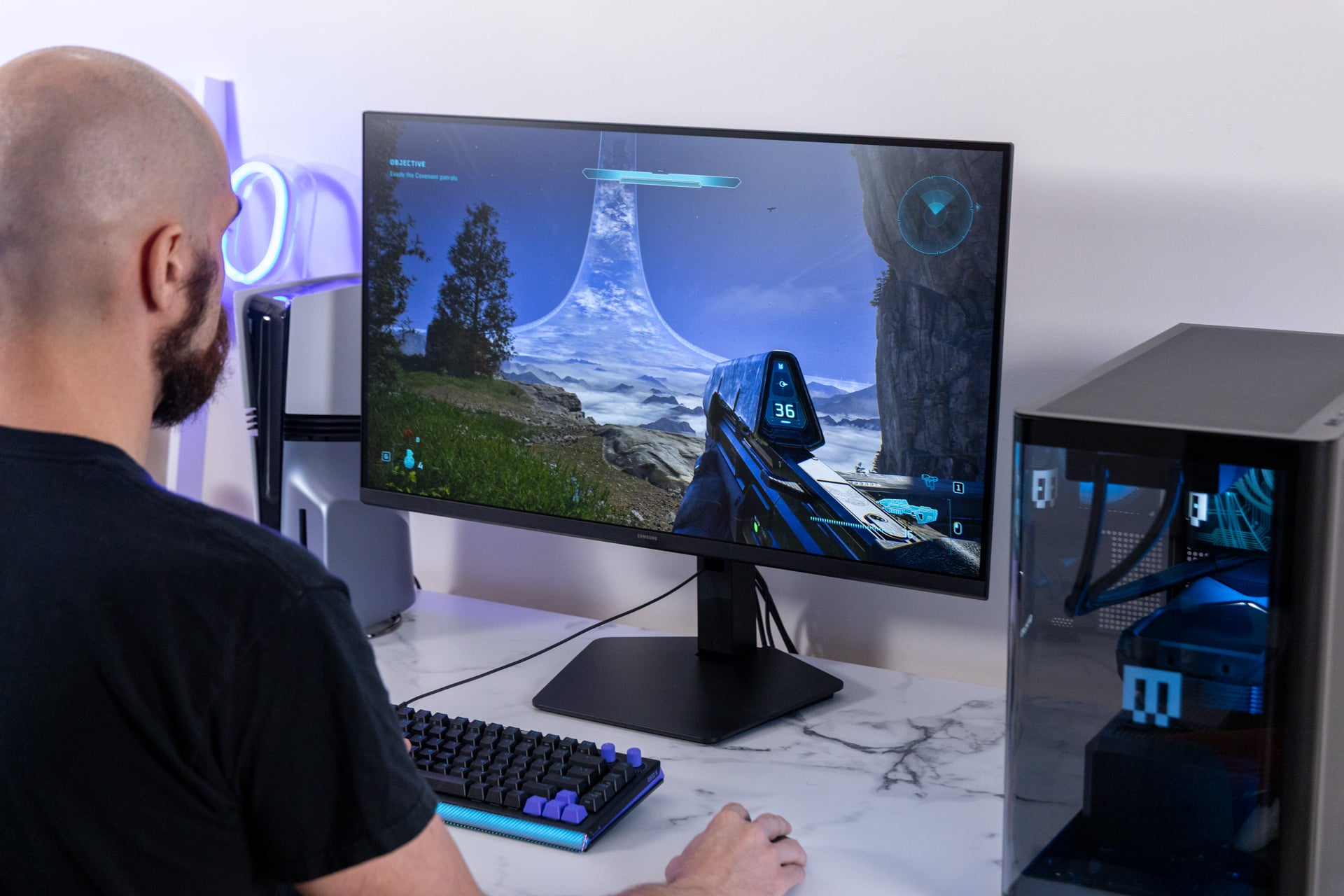
I ran all six of these 6K-supported games on both a high-end Razer Blade 16 gaming laptop and a Maingear Zero pre-configured desktop PC packed with an RTX 5090 and AMD’s best gaming CPU, the Ryzen 7 9850X3D. I pushed each game as hard as it would go, ray tracing and all (at least in the few games that actually fully support the real-time lighting effects). I tried, desperately, to find out if I could identify 6K content. I couldn’t.
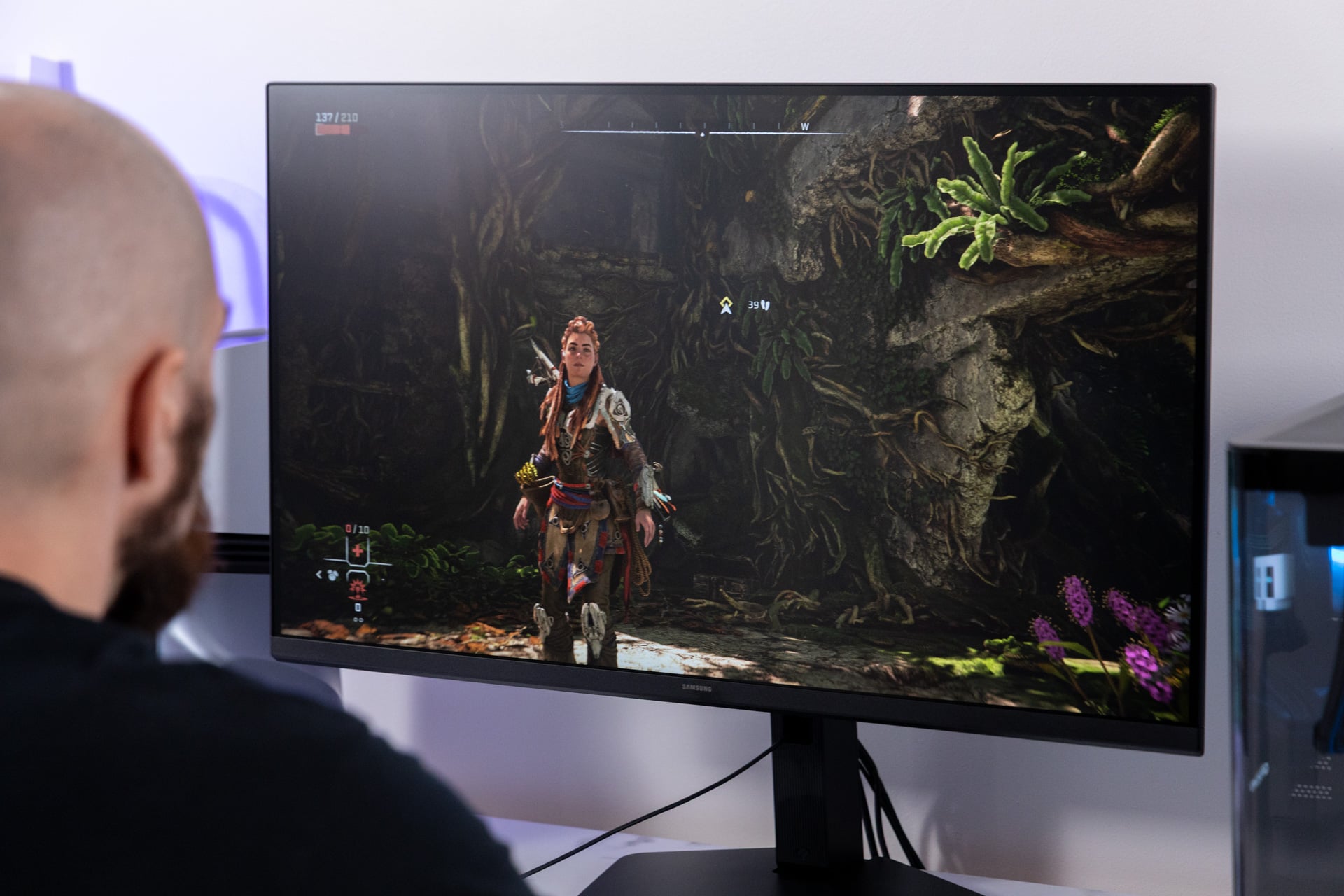
Horizon Forbidden West is an incredibly detailed game, from the character models to the verdant flora of the game’s post-apocalyptic world. If there’s any game that would benefit from more pixels, it would be this one. I sat in front of the screen for 10, 20, 30 minutes, dancing my eyes across every inch of the 32-inch display. To my eyes, it looked the same as when I set the title to 4K.
I asked one of my colleagues at Kotaku (Gizmodo’s sister site) if they could spot the difference. I showed them how Hoizon looked at its peak resolution, then gave them a blind test, asking whether a scene in Horizon was 4K or 6K. They got it wrong. I did the same blind test to myself in Cyberpunk 2077, randomly swapping between 4K and 6K. I somehow convinced myself the lower resolution was effectively the same as the higher one.
That was the game running at a static scene, with not even a blade of grass moving. In motion, it’s even more difficult to tell. There were moments when playing Red Dead Redemption 2 where I could convince myself the edges of Arthur Morgan’s jacket looked sharper. After enough time swapping between the two, I could reliably tell the two resolutions apart, but only by the absolute minimal differences in sharpness.
You must also consider the age of the games that support 6K. The Red Dead sequel came out in 2018 during the PlayStation 4 era. The textures may not have the absolute level of detail you’re used to with the most recent AAA titles (which, if that actually matters to you, maybe you need to lower your expectations going forward). More pixels on screen won’t necessarily make the game look any better than it already does. Will that change when Rockstar’s next title, Grand Theft Auto VI, inevitably arrives on PC? I doubt it.
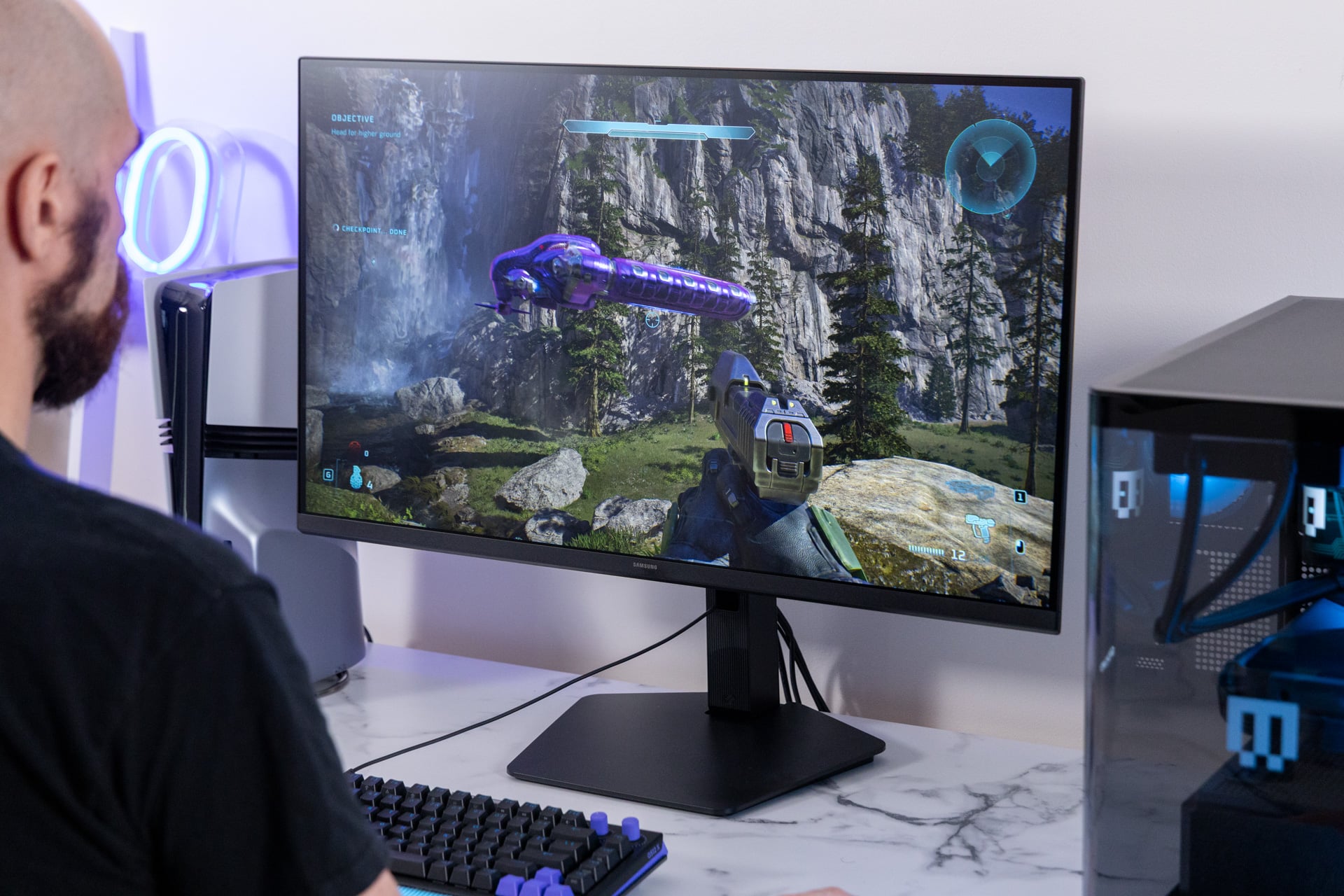
The most recent titles that support this resolution, Alan Wake II and Halo: Campaign Evolved, don’t add anything with 2.3 times the number of pixels on display. Each game looks beautiful with or without the higher resolution. The main thing that changes is performance. On a near-$5,000 Razer Blade 16 with the laptop version of the RTX 5090, I could easily play the game at Ultra graphics settings at 4K. At 6K, I needed to rely on DLSS upscaling to get a playable frame rate. That may disrupt your dreams of a pure, native, high-resolution experience.
The high-end desktop—the Maingear Zero, a $6,800 PC with its top-end specs—could net a playable frame rate for Cyberpunk 2077 at its demanding Ray Tracing Overdrive graphics preset at 4K with relative ease. At 6K, the game topped off at about 15 fps during gameplay. With DLSS set to “Quality” mode, I was managing around 30 frames per second.
If you really want to play at 6K and still attain peak graphics quality, you need the beefiest PC you can get your hands on. Even then, gaming at this peak will mean you’ll have to rely on upscaling, if not frame generation. That being said, there’s nothing that stops you from playing games at 4K or maybe even 5K, where the monitor supports a 180Hz refresh rate. Dropping down to 3K (3,072 x 1,728) will allow you to hit 330Hz. Just be sure that when you’re done with a day of drudgery, this is the display you actually want to stare at for hours more.
A serious glare problem
The Odyssey G80HS is a fast “Fast IPS” monitor, which is to say it’s a high-refresh-rate LCD. It won’t have the near instantaneous pixel-to-pixel response time of OLED, though it’s not bad at 1ms for each pixel to change color. This monitor also has a surprisingly wide viewing angle. The screen appears slightly darker at about 120 degrees from the screen, but you won’t lose actual image quality until you’re standing nearly perpendicular with the monitor.
It would be a solid LCD panel if it weren’t for the obnoxious reflectivity of the screen. My office normally gets plenty of natural light, but even with the blinds down, the Odyssey G80HS picked up enough ambient light to lose clarity around the edges of the screen.
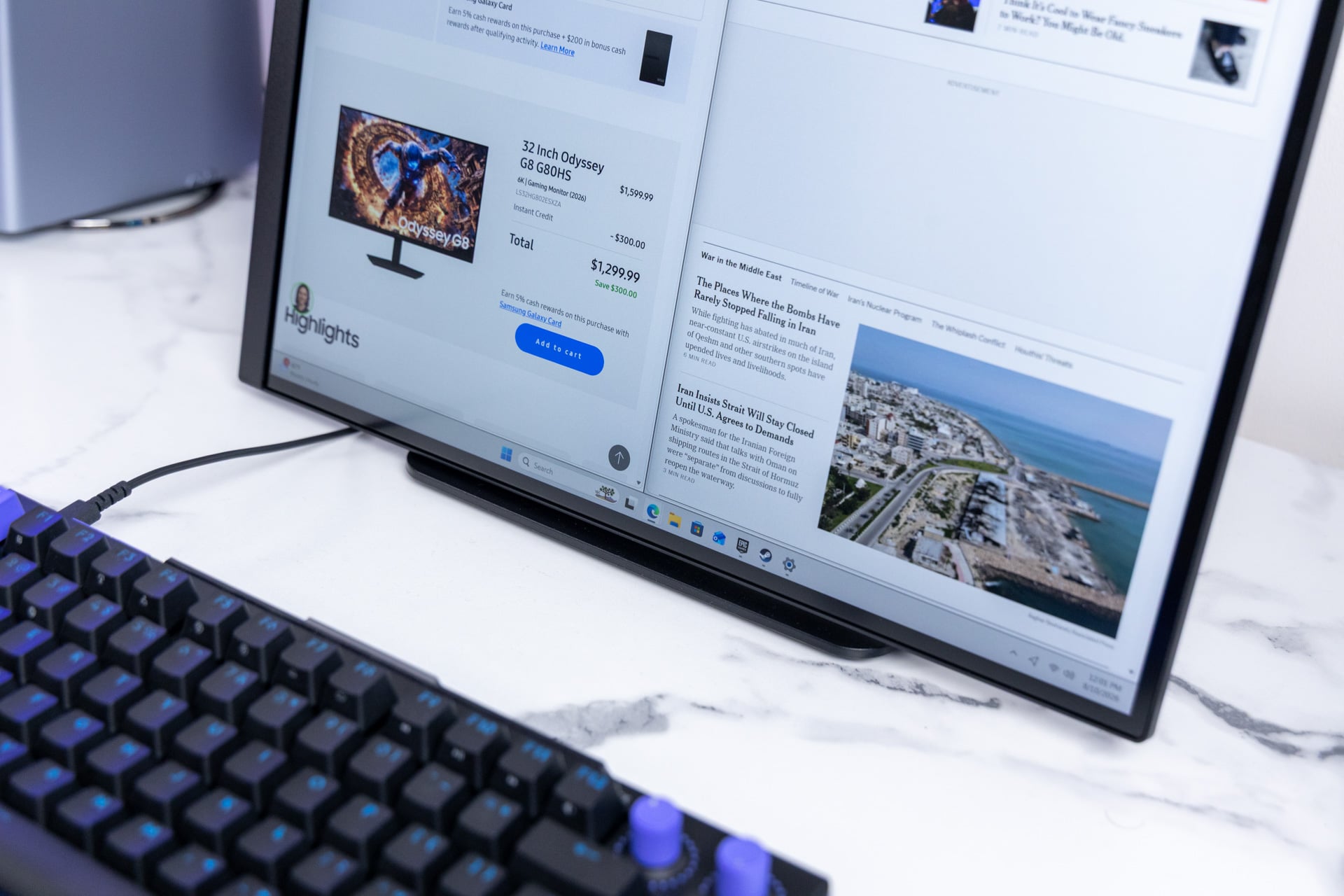
That’s an annoying problem for a monitor that’s supposed to be for both work and pleasure. The problem may be brightness. For over $1,000, this Odyssey monitor only hits a typical brightness of 350 nits. At peak brightness in HDR, it’s maxing out at a paltry 400 nits. This can make some games look dull, forcing you to raise in-game brightness and potentially obscuring detail—defeating the whole point of why you went for 6K in the first place.
If you were looking for a monitor that could make regular streaming look good, this may not be it. The Odyssey G80HS supports Samsung’s own HDR10+ for high-dynamic range content but not Dolby Vision. That’s typical of every Samsung TV or monitor you can buy today.
6K Goes Vertical
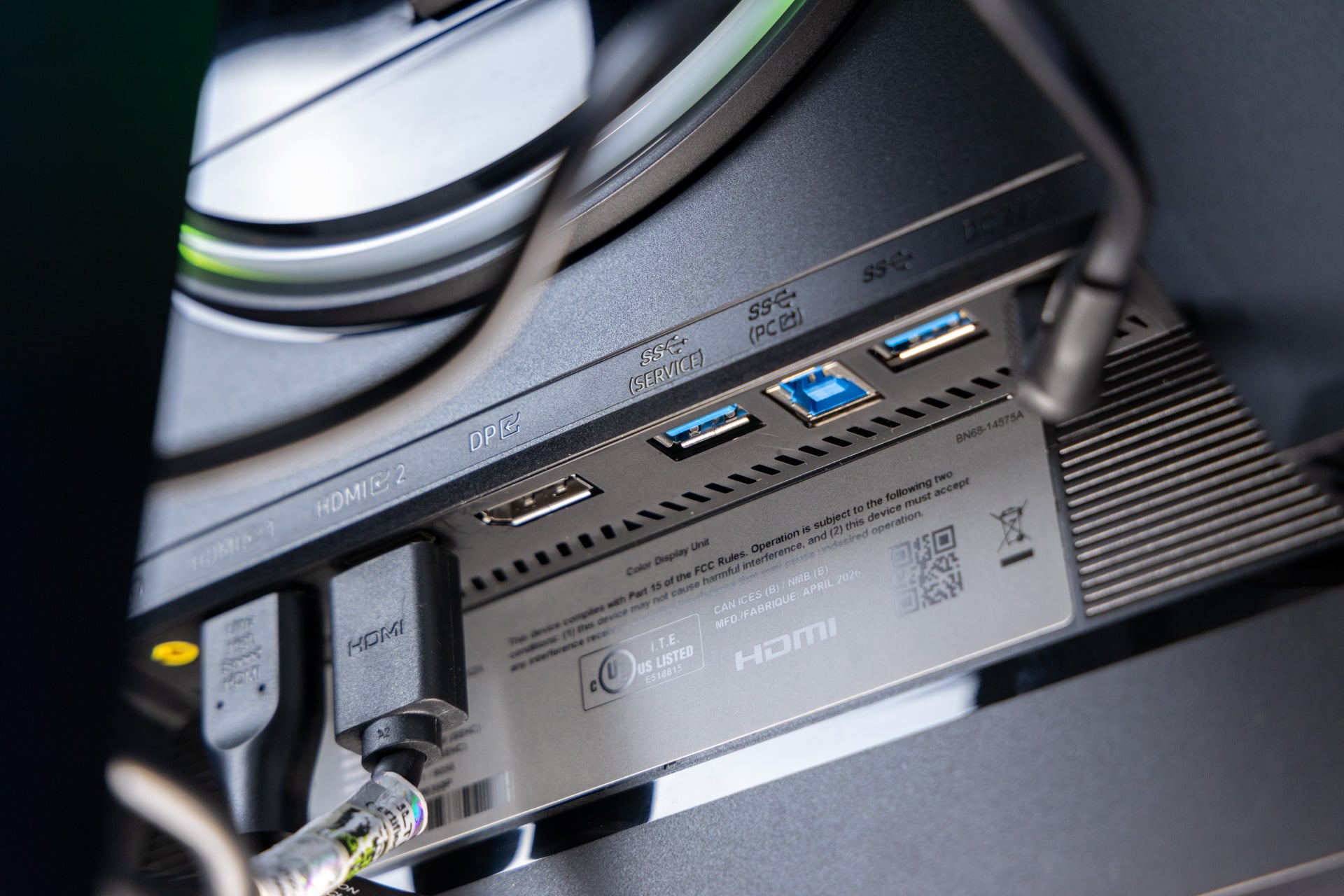
For all its brightness woes, at least Samsung’s 6K feels has a premium body, even if it lacks any backup speakers. The monitor packs two HDMI 2.1 and a singular DisplayPort 2.1 slot, but that’s just scratching the surface of I/O. It has a handy headphone jack, an Ethernet port, and two USB-A ports for pass-through charging.
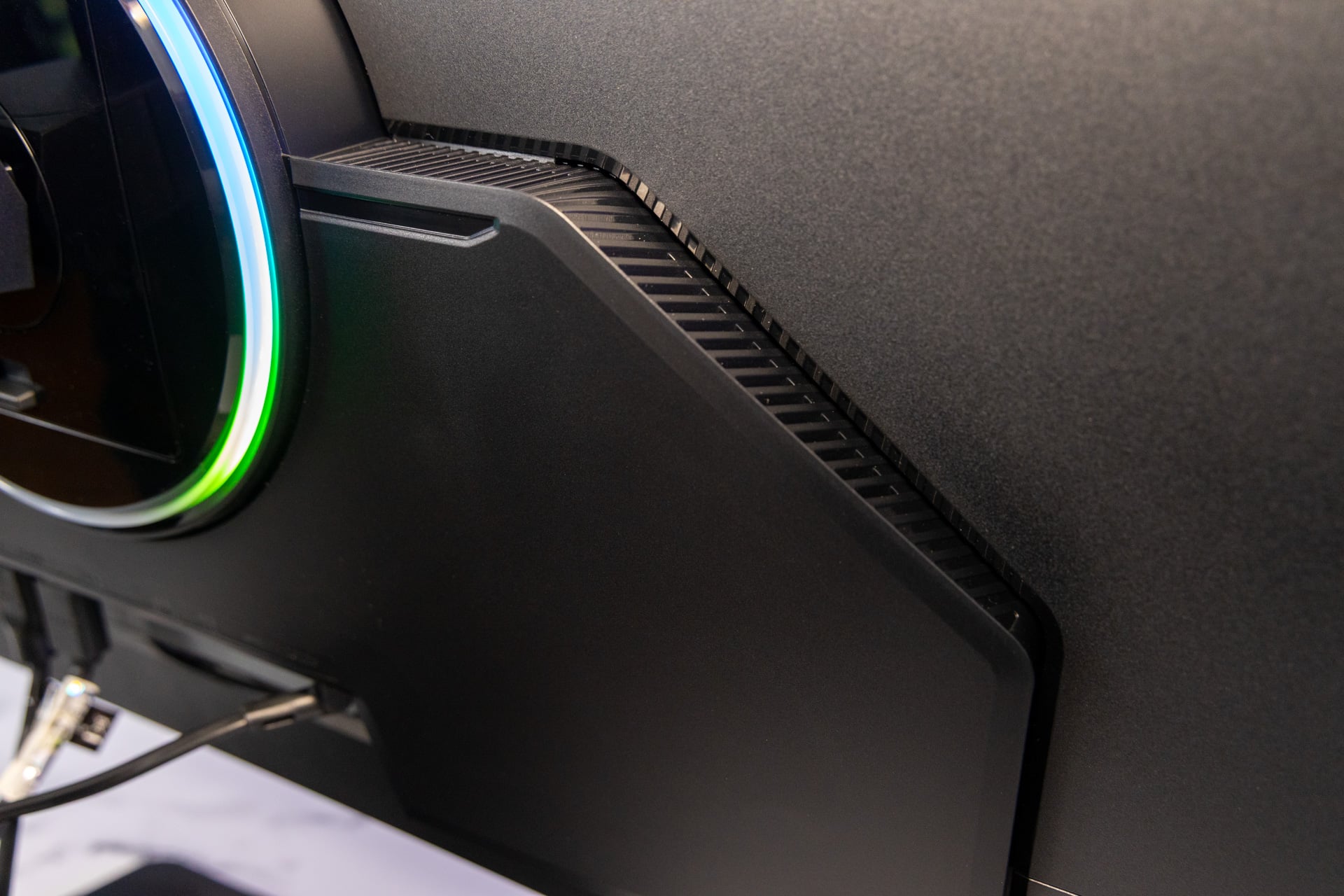
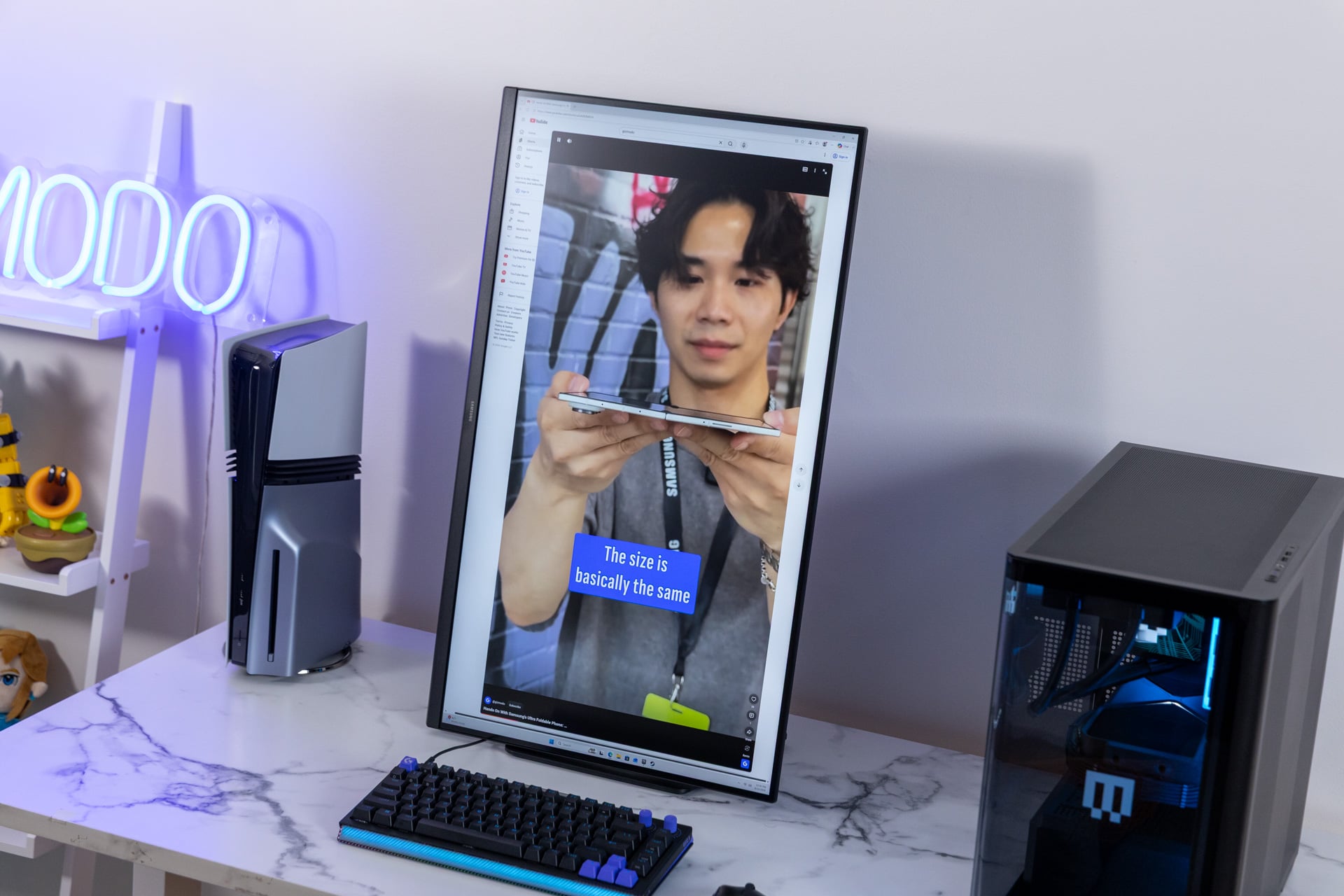
This Odyssey monitor may look rather dull, with its corrugated plastic center stand, but it’s a functional monitor with a bit of flair thrown in thanks to the rear circular light that may add a bit of glow to your work-at-home desk.
I was also surprised by the degree the Samsung Odyssey G80HS could spin. It features a -30-to-30-degree swivel and more than a 90-degree pivot in either direction. It has the maneuverability for many kinds of desk setups, despite its size. The only downside is that the monitor doesn’t raise and lower more than five inches.
And that becomes a problem once you spin the screen vertical. The monitor stand doesn’t rise high enough to give the monitor the clearance it needs to stand perpendicular to the desk. Instead, it will have to sit at a slight angle. It’s a strange oversight considering Samsung built this screen as a part-time productivity monitor.
Do I dream in 6K?
What you really want to ask yourself is if you imagine you want to be the guinea pig for Samsung’s big resolution experiment. The reason the Korean tech monolith can call this a gaming monitor is because of features like its touted 165Hz refresh rate at the top-end resolution (plus a dual mode of 3K at 330Hz). You can find 5K creativity monitors available in a variety of LCD and OLED models. There are also more 5K QD-OLED gaming displays on the horizon, like Alienware’s mammoth 39-inch AW3926QW ultrawide monitor.
If I could claim this was as good as any other LCD monitor out there, I would simply leave the Odyssey G8 G80HS as an expensive proof of concept (though maybe you can get it on sale for less than $1,600). But then you have to manage those obvious glare issues and dull brightness. So what are you actually paying for? In this case, it’s to say you’ve gamed at 6K, even though it didn’t change how, when, and why you game one iota.
And that leaves me with a lingering thought: Is 4K really the max that we can expect from resolutions? After enough time with this monitor, you may be able to pick out the minute differences at 6K versus a lower resolution. That’s only if you’re an enthusiast who stares at their monitor for hours to judge insignificant differences in characters’ hair detail. The average consumer does not and cannot care. The only other way forward is to enhance the picture quality of 4K.